


Overview of AI Summarization of Incidents
AI summarization of incident content has matured fast. First, it promises to reduce time to insight and to accelerate decision making. Next, teams can quickly understand what matters. For control rooms and SOC teams, speed and clarity matter for incident response in Slack and for human responders. An important overview shows why speed helps. Yet research shows real risks. For example, a BBC review found that 51% of AI outputs about news incidents had “significant issues,” including factual distortion and omission AI-chatbots kunnen nieuws niet nauwkeurig samenvatten, BBC ontdekt. Similarly, a major study found about 20% of assistant outputs contained fabricated or outdated facts AI geeft routinematig onjuiste feiten bij gebruik voor nieuws: rapport. Therefore teams must balance speed with verification.
Accuracy limits often stem from training data quality. For complex legal or technical incidents, hallucinations can reach very high rates. One report noted hallucinations between 58% and 82% in legal queries AI on Trial: Legal Models Hallucinate in 1 out of 6 (or More). Thus, human review matters. Also, organizations should treat AI outputs as aids, not final incident records. Visionplatform.ai applies agents and a Vision Language Model on-prem to keep video and analysis inside the environment while improving verifiability. That design helps teams to extract context from camera feeds and to reduce false positives. Moreover, public trust is fragile. A Reuters Institute survey found only 36% of people were comfortable with news made by humans with AI help Publieke houding ten opzichte van het gebruik van AI in de journalistiek – Reuters Institute. So teams must show provenance and source links in every summary. In short, AI brings promise, and research shows clear pitfalls. Therefore you must design a safe workflow for incident management that pairs AI with human verification and clear provenance.
Key Features of AI-Driven Incident Summaries
AI-driven tools focus on core tasks. They extract facts, build a timeline, and tag priority. These key features speed triage. For example, fact extraction turns alert data into readable sentences. Then timeline construction shows what happened and when. Finally priority tagging flags customer impact and escalates responders. Vendors differ in precision, update frequency, and available custom fields. Some platforms push continuous updates. Others refresh only on status change. Also, integrations matter: Slack, PagerDuty, and ServiceNow connectors shape workflow and escalation.
Vendors vary in how they let you configure a summary template and how they present an ai summary. One system may offer a single click to generate comprehensive notes, while another requires manual edits. For camera-driven incidents, visionplatform.ai enriches video detections with natural language descriptions and reasoning. This lets operators search video history with plain speech and to analyze incidents fast. Use cases include forensics, where VP Agent Search aids recall, and false alarm reduction, where VP Agent Reasoning verifies detections. If you want more context, read about forensic search for airports which explains search by description forensisch onderzoek op luchthavens. Also, connect intrusion detections to incident records and to downstream systems like ServiceNow. Integrations with intrusion detection pages show how video events map to incident workflows inbraakdetectie op luchthavens.
Precision differences affect trust. AI models can hallucinate or omit contributors to root cause. For that reason, teams should log source links. In addition, you should compare vendors on three axes: recall, precision, and update cadence. Then test vendor outputs against real incident data. For observability tools such as Datadog, run parallel streams to compare alert data and ai-generated summaries. That practice helps you to enhance model outputs and to leverage human corrections.
AI vision within minutes?
With our no-code platform you can just focus on your data, we’ll do the rest
Configure Template to Automate Incident Summaries
Start with a reusable template that captures what responders need. First, define the fields you will always include. For example, timestamps, affected services, customer impact, and a short remediation suggestion make a crisp digest. Next, add optional fields such as confidence scores and root cause guesses. Use one clear template file labeled template so every responder knows where to look. Then configure your incident tool to populate the slots automatically when an alert triggers.
When you configure an incident pipeline, keep variable names simple. Use variables for timestamp, affected_service, and ticket_id. Also include an explicit field for the initial root cause guess. That field should clearly state it is provisional. You should also include links to incident records and to past similar incidents. For video-driven events, visionplatform.ai can extract captions from the Vision Language Model and pre-fill the description. This reduces manual typing and helps analysts to analyze the scene faster.
Automation helps, but you must preserve quality. Therefore add a mandatory human approval step before creating a new summary in ServiceNow or before posting in a public incident channel. Make the Slack notification concise and actionable. For example, post the incident title, severity, brief timeline, and a link to the new summary. Also include a call to action for the on-call responder. Use structured blocks so readers can quickly skim key details. When a responder clicks a single click button they should join an incident channel for deeper discussion and incident resolution. Finally, run drills to verify the template meets SLAs and that the new summary contains key information that helps remediation.
Best Practices for AI Summarization and Incident Resolution
Always pair AI output with human review. Human oversight catches hallucinations and fixes outdated context. For example, the Stanford benchmark showed legal queries often hallucinate; human checks mitigated the risk AI on Trial: Legal Models Hallucinate in 1 out of 6 (or More). Therefore require an analyst to confirm facts before you publish an ai-generated summary to a broad audience. Also, keep logs of who approved each change.
Retrain and validate models regularly. Data drift erodes accuracy. So schedule model updates and run validation sets against recent incident data. Use annotated incident records to improve the model. Visionplatform.ai supports on-prem model updates so you can keep data in your environment and comply with rules. In addition, verify sources used by the model. Always link back to alert data, video clips, and to primary logs. If you use external LLMs, keep a provenance column that tracks the source for each claim.
Create a feedback loop. Analysts should correct summaries and tag errors, and the system should ingest these corrections to improve future outputs. That loop creates continuous improvement over time. Also set metrics to monitor summary accuracy rate, time-to-first-alert, and adoption. For example, track how often analysts regenerate a new summary after the first draft and why they regenerate it. Finally, teach your responders how to read AI outputs. Offer short guides on tone and on how to add key details. This yields faster incident resolution and higher trust overall.
AI vision within minutes?
With our no-code platform you can just focus on your data, we’ll do the rest
Stakeholder Insight: Customizing Summary Templates
Different groups need different views. Engineers want logs and traces. Managers want impact statements and next steps. External partners want a clear timeline and contact points. Tailor templates for each stakeholder. For engineers, include trace links, error codes, and any preliminary root cause notes. For managers, show customer impact and SLAs. For external partners, keep the tone formal and concise.
Work with stakeholders to identify the key information they need. Ask what metrics drive decisions. Then embed those metrics in the template. For example, include customer impact, affected regions, and projected remediation timelines. Also add a short actionable checklist that teams can use to coordinate remediation. Use the word insight when you describe why a change matters. That helps stakeholders to see cause and effect. Visionplatform.ai’s VP Agent Actions can pre-fill remediation suggestions. This gives actionable prompts to the responder and reduces decision friction.
Tone and length matter. Keep engineer-facing summaries longer with technical key details. Keep manager-facing versions short and concise. Also include links back to the full incident record for anyone who needs more context. If your incident tool supports role-based views, automatically switch the template based on the user’s role. For collaborative work, post the manager summary to the slack channel while posting the engineer summary to the incident channel. That way everyone sees tailored content and can act fast.
Incident AI: Automate and Summarize Incidents in Slack
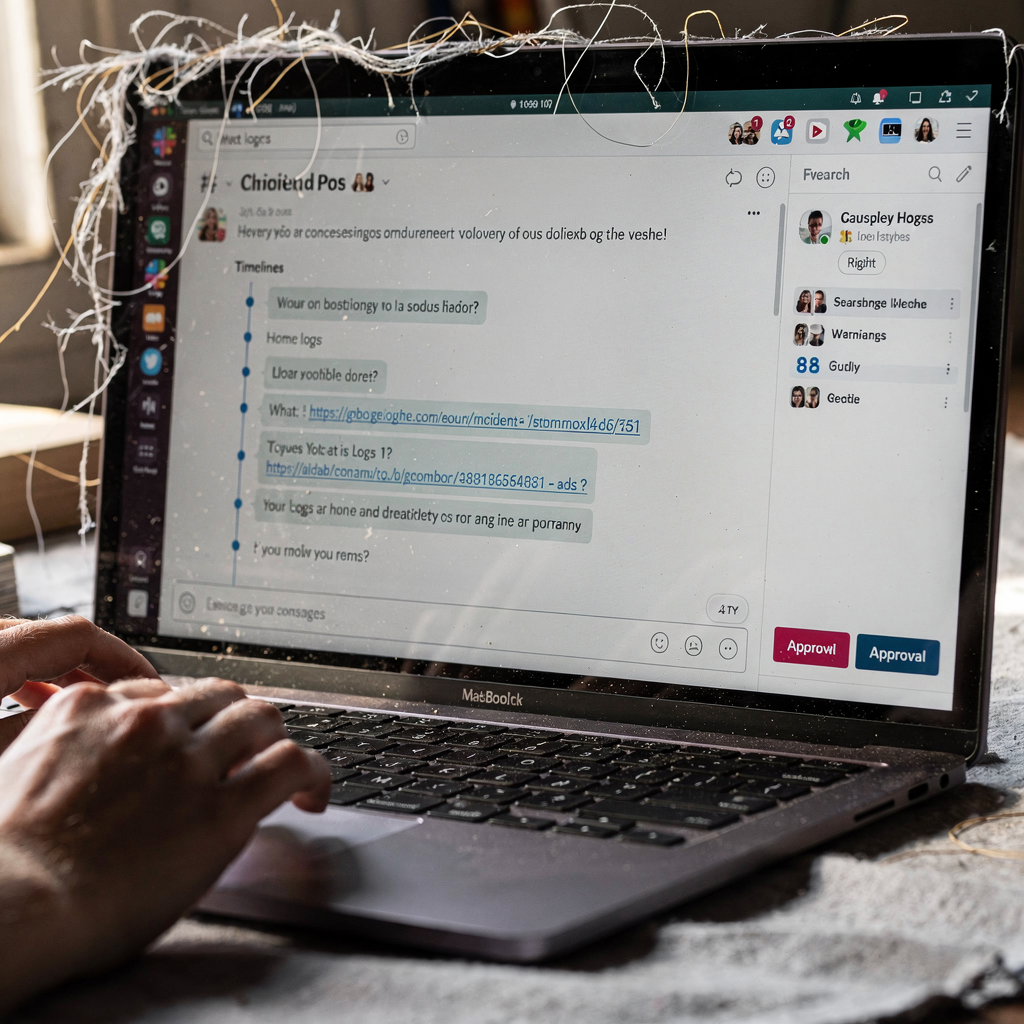
Connecting your incident tool API to Slack creates a fast feedback loop. First, detect an event. Next, trigger a summary generation step. Then post the result to a configured slack workspace or to a specific slack channel. A step-by-step flow looks like this: trigger detection → extract alert data → generate a concise ai summary → post to Slack → assign a responder. Make the Slack post actionable. Include severity, timeline, links to logs, and a clear next step. Also include a button to join an incident channel for live collaboration.
To build a reliable flow, use webhooks and authenticated API calls. If you integrate with PagerDuty or ServiceNow, create a mapping that sends ticket IDs with the Slack message. Monitor metrics such as time-to-first-alert and summary accuracy rate. Use manual reviews to measure how often teams accept the AI draft without edits. Also instrument adoption. If engineers ignore messages, revise the message format. For video-driven events, visionplatform.ai exposes on-prem language model outputs that convert camera detections into natural language. That helps teams quickly understand what the camera saw and to decide whether to escalate. Finally, test the end-to-end pipeline with drills. Run simulations that mirror recurring issues so the system learns patterns and accelerates real response.
FAQ
What is AI summarization of incidents?
AI summarization turns incident data into readable summaries. It pulls key details from alerts, logs, and video and then composes a concise report for responders.
How accurate are AI-generated summaries?
Accuracy varies by model and data quality. Studies found major error rates, including a BBC review that flagged 51% of outputs for problems and a benchmark showing high hallucination rates in legal contexts AI-chatbots kunnen nieuws niet nauwkeurig samenvatten, BBC ontdekt AI on Trial: Legal Models Hallucinate in 1 out of 6 (or More).
Should teams automate incident summaries?
Yes, but with guardrails. Automate draft generation, and then require human review before external publication. That balances speed with reliability.
How do I configure a reusable template?
Define required fields like timestamps and affected services. Then add provisional fields such as a root cause guess. Use a single template for consistency and to streamline handoffs.
Can I post summaries to Slack automatically?
Yes. Connect your incident tool via webhooks or an app. Post a short summary with links and an action button to join an incident channel.
How do I prevent hallucinations?
Track provenance, require human approval, and retrain models on verified incident records. Also validate outputs against source alert data and video clips.
What metrics should I monitor?
Measure summary accuracy rate, time-to-first-alert, and adoption. Also monitor how often analysts regenerate a new summary after the first draft.
How can visionplatform.ai help?
Visionplatform.ai turns camera detections into searchable descriptions and agent-ready inputs. That helps teams verify events on-prem and to reduce false alarms.
How do I tailor summaries for different stakeholders?
Create role-specific views. Provide technical traces for engineers and concise impact statements for managers. Include links to full records for anyone who needs detail.
What are quick wins when adopting incident AI?
Start with a single template, connect Slack, and require a human approval step. Then iterate based on feedback and continuous improvement metrics.
