


Cómo encontrar recursos en línea para soporte y ayuda de Axis Camera Station Pro
Primero, comience con el sitio oficial de Axis Communications para la documentación y las guías del producto. A continuación, utilice la sección de Axis Camera Station Pro del portal para leer manuales y notas de la versión. Además, la base de conocimientos en línea indexa guías de instalación rápida, manuales de usuario y páginas de preguntas frecuentes. Para declaraciones autorizadas y contexto de la industria, consulte el estudio de IPVM que informa la adopción y la efectividad de las funciones de chat integradas, que señala que más del 65% de las operaciones de gran tamaño han adoptado herramientas de chat 65% de adopción. Los primeros pasos, por tanto, están claros. Descargue el instalador actual y el firmware más reciente desde el área de descargas de Axis. A continuación, archive las notas de la versión antes de cualquier actualización. Además, registre su sistema para recibir avisos de producto y así obtener alertas sobre parches y avisos de seguridad.
Luego, complemente la documentación oficial con foros de la comunidad y artículos de terceros. Por ejemplo, los equipos de seguridad suelen compartir buenas prácticas y consejos de resolución de problemas en sitios independientes del proveedor. Además, los blogs de desarrolladores pueden mostrar integraciones y API que amplían Camera Station Pro. Si desea capacidades de búsqueda forense dentro de una sala de control, vea nuestras capacidades VP Agent Search que se integran con plataformas VMS; para características operativas relacionadas con la búsqueda, consulte el recurso de búsqueda forense búsqueda forense en aeropuertos. Asimismo, cuando necesite ejemplos visuales, Axis ofrece tutoriales en vídeo e imágenes paso a paso en el portal de soporte.
Por último, cuando lea el estudio de campo verá que el chat con imágenes en vivo redujo los tiempos de respuesta en aproximadamente un 30% 30% de respuesta más rápida. Por lo tanto, mantenga los enlaces a ese estudio a mano para las presentaciones a las partes interesadas. Nuestro equipo en visionplatform.ai a menudo empareja Camera Station Pro con agentes de IA on‑premise para que el chat, la búsqueda y la verificación sean más útiles para los operadores. En resumen, siga la documentación oficial, complemente con el conocimiento de la comunidad y pruebe las actualizaciones en un laboratorio antes de desplegarlas en producción.
axis support for secure network setup in Camera Station Pro
First, plan your topology and bandwidth. Then, map camera streams, retention, and storage to projected throughput. Axis support offers guidance on VLAN segmentation and QoS for video traffic. For example, segregate critical camera streams on their own virtual LAN and tag them with higher priority. In practice, isolate management interfaces from stream paths to limit attack surface and reduce lateral movement. Also, schedule firmware updates during maintenance windows and test rollback procedures.
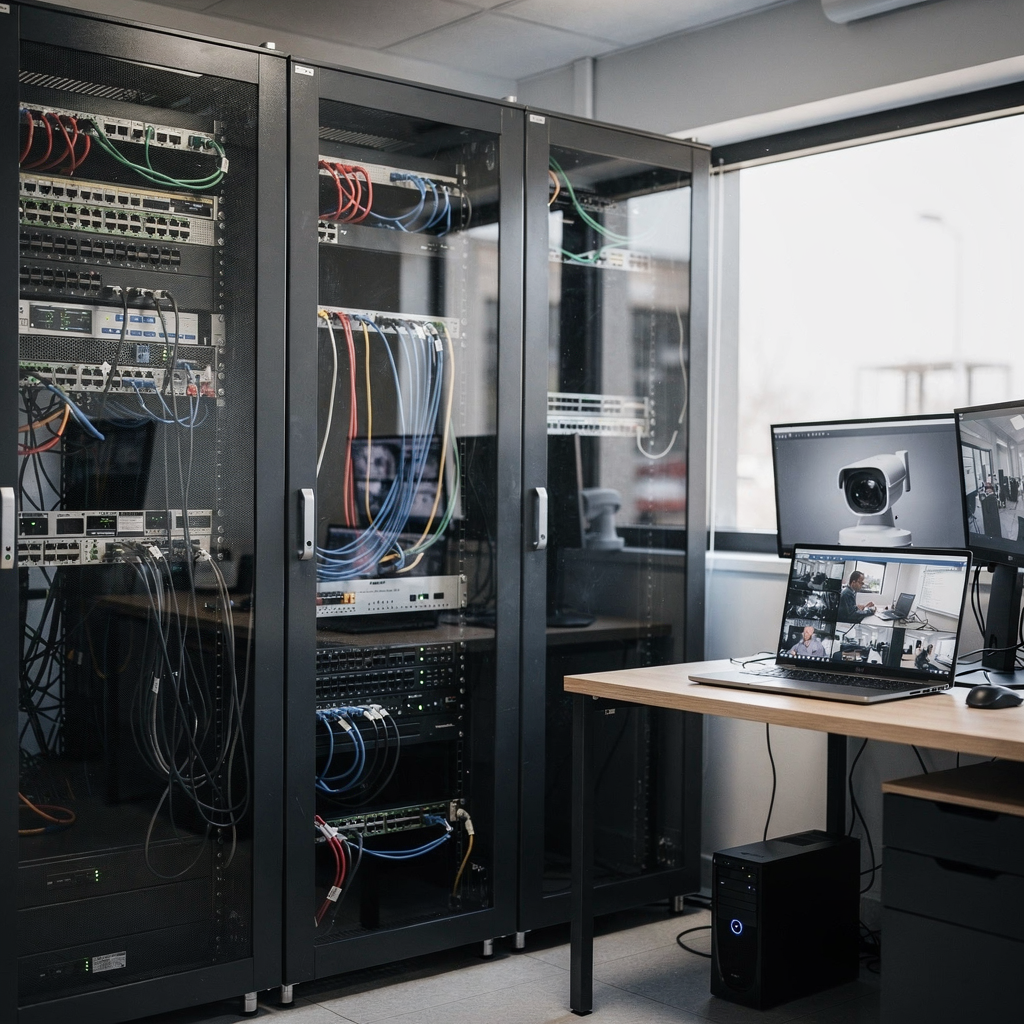
Next, enable HTTPS and strong authentication on all devices. Use certificate management and centralized identity where possible. Axis support recommends using unique administrator accounts, two‑factor options, and role‑based access. In addition, configure firewalls to allow only necessary ports and source ranges for management and streaming. Also, log and forward events to a central SIEM for retention and auditing. Axis technical services can assist with penetration testing and compliance reviews when you need formal validation.
Moreover, tune cameras for minimal exposure. Disable unused services and block legacy protocols. For storage, encrypt at rest and use secure transport for backups. Axis support will guide you through hardening checklists and compliance steps. For further operational visibility, visionplatform.ai adds an on‑prem reasoning layer that keeps data inside your environment and adds context for alarms. Finally, document your change control and incident response playbooks so that staff can follow steps during an incident.
AI vision within minutes?
With our no-code platform you can just focus on your data, we’ll do the rest
An overview of product features: video and available tools in Camera Station Pro
First, Camera Station Pro offers a broad set of features for monitoring and management. It supports live viewing, recording, and flexible playback. Also, it handles multi‑site deployments with centralized configuration and mapping. For analytics, Camera Station Pro exposes events and integrates with third‑party analytics engines. In addition, it provides user management with role‑based permissions, audit logs, and customizable reporting. These tools help teams maintain situational awareness and operational discipline.
Next, operators can add overlays, create tour presets, and configure motion and event rules. Also, mapping tools let teams link camera icons to floor plans and alarm points. For advanced search, integrations with platforms such as our VP Agent Search let operators query recordings using natural language, which speeds investigations and reduces the manual review time; learn more about our people detection workflow detección de personas en aeropuertos. In addition, the system supports metadata export for third‑party forensic and BI tools.
Furthermore, Camera Station Pro supports integrated chat that links directly to camera views and timestamps. Chat messages can be tied to video clips and events so teams can coordinate without leaving the VMS. As the IPVM study found, chat-enabled systems helped 78% of security professionals share critical information in real time 78% informó mejoras. The platform also logs conversations for audits. Finally, Camera Station Pro supports API access so that automation and AI agents can assist operators. For example, visionplatform.ai layers reasoning and action recommendations on top of alarms to reduce operator workload and improve decision quality.
case study of chat integration solution in Axis CCTV operations
First, consider the industry statistics that show broad uptake. The IPVM study reports that over 65% of large‑scale security operations using Axis systems adopted chat features to boost coordination 65% de adopción. Also, teams using chat reported roughly 30% faster response times during incidents 30% de respuesta más rápida. These metrics illustrate clear operational gains when communication moves inside the surveillance interface.

Next, imagine a real scenario. A perimeter sensor triggers an alarm at 02:13. An operator opens the linked camera and types a quick message into the integrated chat. Then, a second operator confirms camera angle and requests a clip. The first operator tags the clip and pins the timestamp to the conversation. As a result, response teams receive a verified clip and a short action note in under two minutes. Thus, coordination stays contextual and fast. The chat log and video clip are stored together for audit and follow‑up. For post‑incident review, these paired records make reconstruction easier and speed after‑action reporting.
In another example, an airport control room used chat to confirm an unattended item. Operators shared annotated frames, flagged a suspicious vehicle, and coordinated a ground response without phone calls. In this use case visionplatform.ai provided a reasoning layer that suggested likely matches from historical detections and prefilled incident reports. Finally, the combination of chat and linked clips reduced false positives and focused patrols where they mattered most. The study’s analyst summed it up: «The ability to communicate instantly while viewing live footage transforms passive monitoring into active incident management, significantly improving situational awareness» fuente citada.
AI vision within minutes?
With our no-code platform you can just focus on your data, we’ll do the rest
Using network solution tips and help for performance tuning
First, monitor throughput continuously and set alerts for saturation. Also, track storage utilisation and camera health. Use SNMP or VMS health checks to collect telemetry. Next, prune retention rules and archive old footage to secondary storage to control costs. In addition, ensure your NVRs or servers have adequate I/O and CPU headroom. If you find dropped frames or decoding stalls, check switch port utilization and camera encoding settings.
Then, reduce bandwidth by tuning resolution, framerate, and codec profiles. For distant or low‑priority areas use adaptive streams or event‑based recording. Also, enable motion or analytics triggers to limit full‑time recording. For packet loss, inspect switch error counters and enable jumbo frames only when supported end‑to‑end. In practice, latency often stems from overloaded uplinks or improper QoS. Therefore, reserve capacity for critical camera streams and mark them with higher priority.
Furthermore, Camera Station Pro includes diagnostic tools that surface dropped packets, stream quality, and disk health. Use the built‑in logs before opening a vendor ticket. Axis support can walk you through advanced diagnostics and offer tuning suggestions if an issue persists. visionplatform.ai complements these tools by correlating alarms and stream health with AI‑driven incident context, which helps operators prioritise remediation. Finally, maintain a lab to validate firmware, drivers, and camera profiles before production rollouts to avoid surprises.
How to find available updates and support for Axis Camera Station Pro
First, check the Axis product pages regularly for firmware and software patches. Also, subscribe to product notices and release feeds. Axis support provides official downloads and technical bulletins. For advanced engagement, consider Axis technical services for on‑site assessments and validation. If you need immediate assistance, Axis offers online support services via the portal where you can open a case and receive official guidance.
Next, understand service tiers and response SLAs. Axis sells support plans and add‑ons that include faster response windows and escalation paths. Also, some vendors provide remote diagnostic sessions that let technicians access system logs with permission. When a deeper problem emerges, contact Axis Communications through the portal or your local reseller for escalation. visionplatform.ai can also assist by integrating control room AI agents and running compatibility tests against Camera Station Pro prior to upgrades.
Finally, keep a clear checklist for upgrades: back up configurations, verify compatibility, and test in a lab. Also, retain a documented rollback plan. If you require integration help, Axis technical services and certified partners can assist with migration and secure deployments. For secure remote support, insist on encrypted sessions and explicit change windows so your environment remains protected. In short, maintain vigilance, use official channels, and plan upgrades to minimise disruption while keeping the system current.
FAQ
What is Axis Camera Station Pro and where can I find official documentation?
Axis Camera Station Pro is a video management system designed for monitoring, recording, and managing camera fleets. You can find official documentation and downloads on the Axis support portal and product pages.
How does integrated chat work with camera feeds?
Integrated chat links messages to specific camera views and timestamps so operators can communicate in context. The chat history can be stored alongside video clips for audit and post‑incident review.
Does chat integration improve incident response?
Yes, studies report faster response times when teams use chat within the surveillance interface. For example, one study showed about a 30% reduction in response time when chat and live feeds were used together.
Where can I get help with secure deployments?
Axis offers official guidance, hardening checklists, and professional services for secure deployments. In addition, certified partners and technical services can assist with audits and compliance validation.
How do I tune performance to avoid lag and packet loss?
Start by monitoring throughput, disk health, and camera encoding settings. Use QoS, VLANs, and adaptive streaming, and test changes in a lab before rolling them into production.
Can I integrate AI tools with Camera Station Pro?
Yes, Camera Station Pro supports API and third‑party integrations. Solutions such as visionplatform.ai add reasoning, search, and automated actions while keeping processing on‑prem when required.
How are chat logs and video clips stored for audits?
Chat logs can be linked to recorded video clips and stored together, providing a clear audit trail. This practice helps during investigations and after‑action reviews.
What should I do before upgrading firmware or software?
Create backups, validate compatibility, and test upgrades in a non‑production lab. Also, schedule maintenance windows and have a rollback plan ready.
How do I contact Axis for advanced troubleshooting?
Use the official support portal to open a case or request escalation. For on‑site assistance, request Axis technical services or engage an authorised partner.
Are there best practices for access control within Camera Station Pro?
Yes, enforce unique admin accounts, role‑based permissions, and two‑factor authentication where possible. Also, log all administrative actions and review them regularly for anomalies.
