


CCTV and AI in Security Camera Systems
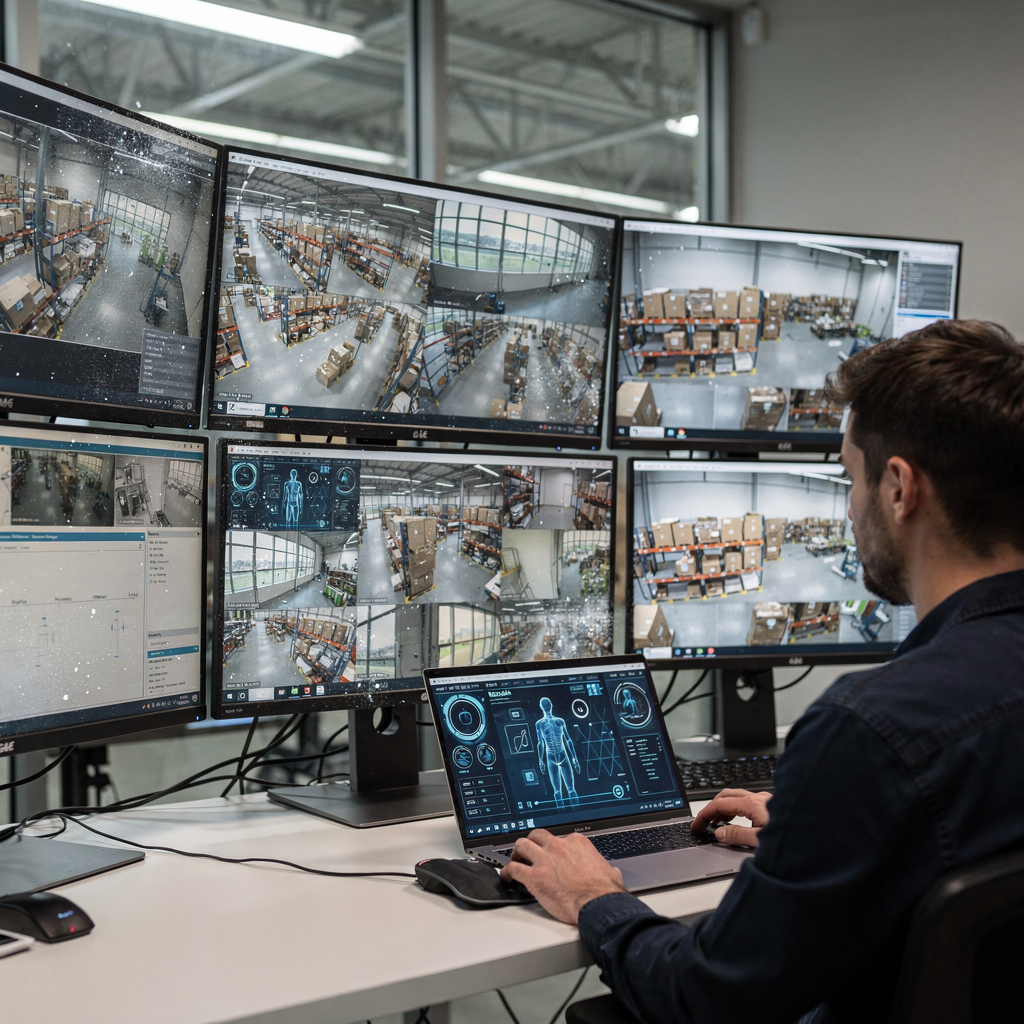
CCTV means closed-circuit television, and it forms the backbone of many modern video surveillance installations. CCTV captures continuous streams and records them for later review. AI augments that stream by turning pixels into insight, and by helping humans react faster. In practice, a CCTV feed plus AI can detect a person, a vehicle, or an unusual motion pattern. For example, operators can ask a system what happened at a specific time, and the system can search recorded footage and point to the relevant file. Also, security camera systems now include natural language interfaces so staff can query cameras using plain language. A recent figure shows that more than plus de 60 % des entreprises de sécurité plan to add AI-driven analytics within a few years. Next, AI-powered analytics have reduced fausses alertes jusqu’à 90 %, which cuts needless dispatches and operator fatigue. In addition, the market for smart video is expanding rapidly, with analysts projecting strong growth and a projected TCAC de 23,5 % de 2024 à 2030. For control rooms, that growth means more detections, and therefore the need for context and verification. Dr. Emily Chen writes that « Integrating conversational AI with CCTV footage transforms passive video monitoring into an interactive, intelligent assistant, » and that integration helps non-experts ask precise questions and get clear answers Dr. Emily Chen. Also, tools such as ChatGPT are often mentioned as examples of conversational models that inspire on-prem implementations like the VP Agent Suite. For teams that need forensic search, see resources on la recherche médico-légale to learn how natural language queries map to recorded video. Finally, this chapter sets a baseline: CCTV plus AI turns raw video into searchable records and reduces time to insight.
Setup of a Camera System: Integrating Chat with CCTV Footage
Start with a clear hardware plan and then add software that supports natural language search. First, choose cameras that match your requirements. A good camera offers clear images and reliable night performance. Next, think about how you will install cameras and how feeds will reach your servers or edge devices. For many sites, an on-prem Vision Language Model is preferable because it keeps video local and helps with compliance. Also, plan the network and storage, and then configure processing on a GPU server or an edge box. The camera system should support ONVIF or RTSP so it integrates with your VMS and third-party analytics. For intercom and two-way audio, pick devices with built-in intercom features and test the audio path end to end. During installation, verify that the intercom can communicate with the control room and with mobile devices. In addition, set up user roles and monitor access so only authorized staff can pull recorded footage. For mobile access, use apps that connect to the VMS and the AI agent without exposing raw streams to the public cloud. Also, test notifications and the alert flow so operators receive concise, verified messages. If you want to reduce operator workload, configure the system to pre-fill incident reports and attach the relevant clip automatically. For a practical example of intrusion detection deployments, review an intrusion detection case study at intrusion detection in airports. Finally, keep documentation of the installation and the setup so your team can replicate the deployment in other locations.
AI vision within minutes?
With our no-code platform you can just focus on your data, we’ll do the rest
How AI Enhances Video Surveillance to Prevent Crime
AI brings object detection, tracking, and behaviour analysis to the live feed. Using deep learning models, the system can detect people, vehicles, and specific actions. Then, these detections are linked to context so the system can decide if the behaviour looks like a potential threat. For example, an AI model can flag loitering near a critical entrance and then let an operator query the timeline in plain language. That capability shortens response time and helps teams focus on real incidents. Studies suggest chat-based interfaces reduce response time by 30–40% because operators can find clips and evidence faster. Also, analytics that verify detections reduce unnecessary dispatches and let law enforcement focus on true violations. AI can help deter theft and vandalism by providing timely alerts that allow staff to intervene or to notify local police more quickly. For instance, when a system flags suspicious motion, it can generate a short clip, summarize the event, and recommend a response. Security teams then react based on verified evidence, and investigations start faster. Mark Thompson observed that « The ability to ask a system questions about what happened in a video, and get immediate, accurate responses, is a game-changer » Mark Thompson. Also, systems that offer forensic search help investigators trace suspects across multiple cameras and time windows. For practical examples, see loitering detection strategies and how AI narrows search windows at loitering detection in airports. Finally, by combining analytics with clear procedures, teams can reduce risk and improve outcomes for residents and visitors.
Monitoring Business Sites via Mobile Chat in Surveillance Systems
Business owners want fast answers on the go, and chat interfaces deliver that. With a chat interface, staff can ask for a clip or an explanation and then receive a short summary and the video link. Also, the smartphone becomes a control device for verified remote video. For retail, a manager might ask, « Show me the checkout lane at noon, » and the system returns the clip and a short description. For offices, a facilities lead can request a heatmap or occupancy summary. In public spaces, security teams can query whether a crowd has reached a threshold and then decide to open or close access. The chat flow reduces operator fatigue because queries replace long manual searches. Also, operators receive concise alerts when a model confirms a detection. To support this, configure the system to stream only necessary metadata and to hand over clips on demand. Remote staff then receive real-time notifications and can review a short clip on their smartphone before deciding to escalate. For a consistent process, map chat commands to SOPs and keep an audit trail of actions taken. Also, integrate alerts with existing control room dashboards so the operator has context and next steps. The result is clearer situational awareness and faster intervention when needed, which helps a business reduce losses and maintain smooth operations.
AI vision within minutes?
With our no-code platform you can just focus on your data, we’ll do the rest
Cloud-Based Security Systems and Intercom Features for Camera Footage
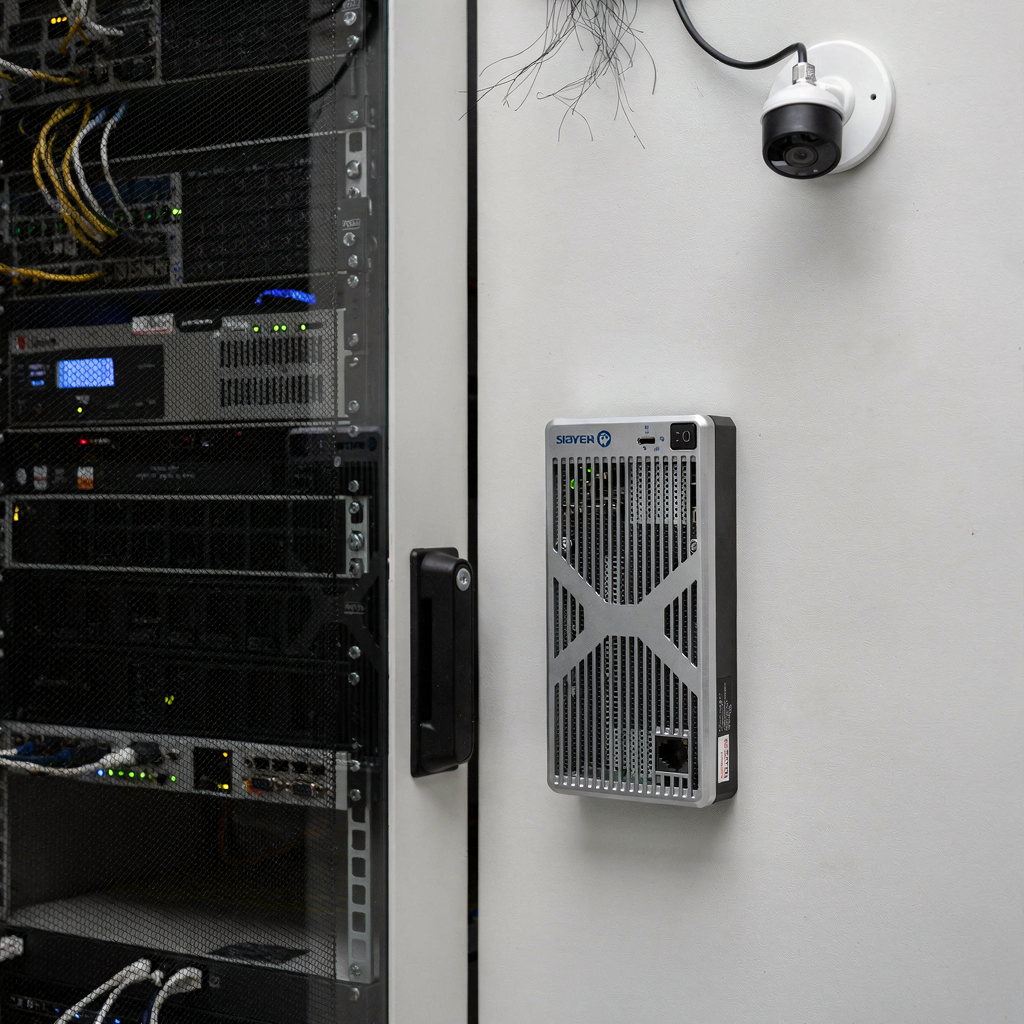
Cloud storage makes on-demand retrieval simple, and it can scale when you need long retention. Use cloud providers only when compliance and policy permit. For many organisations, hybrid models keep sensitive video on-prem and send metadata to the cloud. Also, ensure your cloud file lifecycle matches retention policies and audit needs. For live situations, intercom features let staff speak through a camera to deter suspicious persons. The intercom gives a verbal warning, and then the operator can record the exchange. For chain-of-custody, store the clip and its metadata with an immutable timestamp so it supports later investigation. Also, encrypt video in transit and at rest, and apply access control so only authorised users can request a clip. When a cloud alarm triggers, the system should correlate detections and then attach the brief clip to the alert. That way, the recipient receives evidence, and can choose whether to notify local police. For remote video access, protect credentials with multi-factor authentication and log all downloads. Also, consider privacy: mask faces when appropriate, and redact audio if required by law. In mixed deployments, an on-prem VP Agent Suite can expose real-time event descriptions without sending raw video to the cloud. This balances operational needs and regulatory constraints, and it keeps control rooms robust and compliant.
Privacy and Best Practices for Surveillance Cameras and CCTV Footage
Privacy must be built into every design decision, and artificial intelligence should support that aim. First, adopt transparent policies that explain when and why video is recorded, how long it is kept, and who can access it. Also, respect resident and visitor expectations by posting clear notices and by minimising capture of private spaces. For legal compliance, map processing steps and be ready to respond to subject access requests. When human review is needed, ensure staff are trained and that audits are logged. In higher-risk sites, collaborate with local police and with a representative privacy officer to set rules for retention and disclosure. For investigations, provide constrained access to clips and redact personal data when handing material to external parties. Also, include robust fallback procedures so an operator can intervene if the AI misclassifies an action. To deter vandalism and theft, use deterrent measures that do not infringe on privacy, and then follow up with evidence-based investigation where needed. For homeowners and residents, balance surveillance with peace of mind, and provide opt-out channels when possible. Finally, maintain your system with regular updates, and review accuracy metrics periodically so the models remain accurate and fair. By combining clear governance, technical controls, and transparent communication, teams can reduce risk and build trust around surveillance.
FAQ
What is a chat-enabled CCTV system?
A chat-enabled CCTV system combines camera feeds with conversational AI so users can ask questions in natural language. The system searches video and returns short clips, summaries, or recommended actions.
How does AI reduce false alarms?
AI filters raw detections by verifying them against visual and contextual signals, which reduces false positives. Studies have shown analytics can cut false alarms dramatically when models are tuned to site conditions.
Can I keep all video on-premises for privacy?
Yes, you can keep raw video local and process it with on-prem models to preserve privacy. visionplatform.ai supports on-prem Vision Language Models so video never leaves your environment by default.
How quickly can chat interfaces find relevant clips?
Chat interfaces can return results in seconds when metadata and VLM descriptions are indexed. This speeds up investigation and reduces time to react for operators and investigators.
Will a chat system replace human operators?
No. Chat-enabled tools assist operators by summarising events, suggesting actions, and pre-filling reports. Humans remain essential for judgement and for higher-risk intervention.
What about GDPR and data protection?
Compliance requires clear retention policies, access controls, and audit logs. Use encryption and on-prem processing as available to limit unnecessary transfers of personal data.
Can a chat system integrate with intercoms and two-way audio?
Yes, integration is common so operators can speak through an intercom from the control room or via mobile. This helps deter suspicious activity and provides real-time intervention.
How do I scale chat-enabled monitoring for multiple sites?
Scale by standardising model workflows, centralising event descriptions, and automating routine actions. The VP Agent Suite, for example, exposes events as structured inputs for agents to reason over.
Is training required to use chat with CCTV footage?
Minimal training is needed for basic queries because natural language is used. Still, staff should learn escalation procedures and how to verify AI summaries before acting on them.
What should I test after installation?
Test detection accuracy, alert delivery, intercom audio path, user access controls, and the audit trail. Regular testing ensures the system stays robust and compliant over time.
