


Understanding video text search basics
Welcome to this practical chapter, and welcome to the techdoc hub, and welcome to the techdoc. First, this section defines what text search means inside a modern surveillance VMS and places the concept into operational context. Genetec integrates OCR and metadata extraction so operators can find frames and clips that contain readable text, and so investigations run faster. For example, analysts can locate licence plates, signage, and burned-in captions without manually scrubbing hours of footage, and this capability can reduce investigation time by up to 70% as reported in industry findings reductions in investigation times by up to 70%. Second, text overlays and camera metadata become indexed when the system extracts characters and stores them with timecode, and the result provides fast retrieval across long retention windows.
Third, the architecture matters. Genetec offers a unified interface through the Genetec TechDoc Hub and related documentation, and administrators can follow the platform’s technical documentation to map which streams and archives will be indexed. The platform stores searchable text alongside timestamps, and search results show thumbnails, device IDs, and confidence metrics. A proven example of scale comes from a campus deployment exceeding 1,500 Axis cameras where the VMS handled large streams while preserving searchable metadata 1500+ Axis network cameras deployment. Finally, text extraction is not only OCR. It combines motion detection, metadata, and scene captions so operators find relevant moments faster, and when paired with AI it can provide context rather than isolated hits. For more on related analytics like ANPR, consult the ANPR/LPR in airports resource to see how plate text becomes an actionable tag ANPR/LPR in airports.
Configuring video text overlays
Start with the camera and system settings, and then configure overlays in the Config Tool. First, enable text overlays such as camera names, timestamps, and custom captions at the device level, and then confirm that burned-in text is consistent across the estate. Consistent overlays improve OCR accuracy and make indexing simpler, and therefore search results become more reliable. When you set up watermarking and caption fields, choose fixed fonts and high contrast, and position text away from busy image areas. This reduces OCR errors and allows the indexing engine to match characters more often than not.
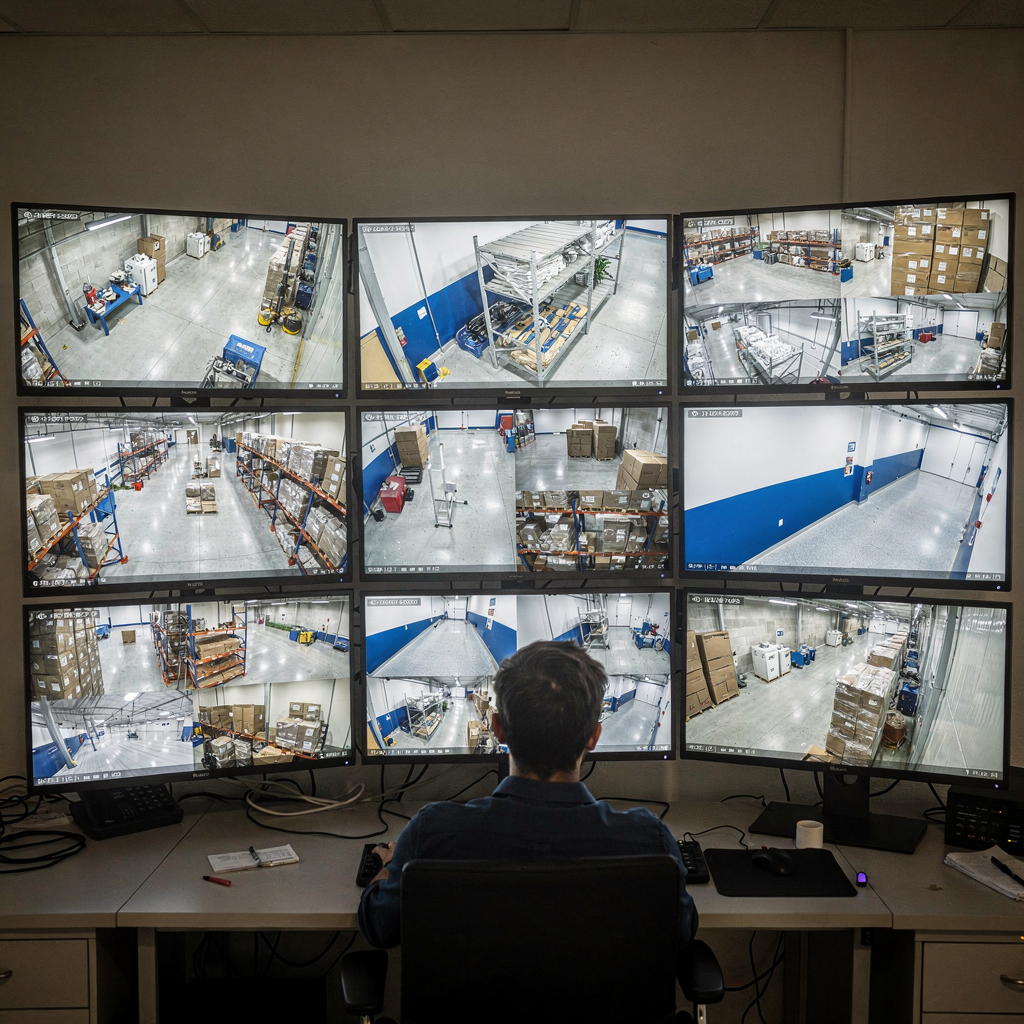
Next, consider archive impact. Burned-in overlays increase the amount of stored pixel data, and while metadata-only approaches keep archive size smaller, they require camera or edge processors to generate and send extracted text. For large-scale deployments you may prefer edge extraction to preserve storage, and you may also configure retention tiers so indexed segments remain searchable for longer. visionplatform.ai recommends checking edge settings and ensuring that overlay configuration does not strip metadata. Also, set naming conventions for cameras early, and use consistent labels to help end users find footage fast.
Finally, verify indexing behavior. After enabling overlays, run test captures and confirm that the Genetec TechDoc Hub or the Genetec techdoc hub article you consult shows the expected fields in the index. If you plan to use OCR for licence plates, also test plates at different angles and speeds, and then adjust exposure and shutter settings. For guidance on integrating detector outputs and dealing with motion-triggered captures, refer to the intrusion-detection-in-airports material which explains event-driven capture best practices intrusion detection in airports. Keep logs of changes, and update the security center user guide 5.12 entry to reflect overlay standards so operators have one place to find the rules and examples.
AI vision within minutes?
With our no-code platform you can just focus on your data, we’ll do the rest
Using video text search in Security Center
This chapter walks operators through the interface, and it clarifies workflows inside Security Center. Open Security Desk or the Web Client to begin. Then, select the forensic or indexing module and enter a keyword, and the system returns thumbnails, timestamps, and camera IDs. The UI shows confidence levels and a scrubber for direct playback. For targeted investigations, you can use advanced filters such as date, camera group, and event type so results narrow quickly, and that reduces time to evidence.
When you need to validate an alert, try performing a targeted quick search and then confirm the clip against other data sources. You can run a performing a targeted quick search on a single camera or across a camera group, and the interface supports both modes. For incidents involving plates, pair the text hit with ANPR tags, and then cross-check against access control logs or databases. Customers managing airport operations may also consult the forensic-search-in-airports page for workflows that combine text hits with passenger flow data forensic search in airports.
Note that filtering and result interpretation require training. Operators should learn to read the confidence metrics and to distinguish OCR false positives from reliable hits. Also, quick search of playback video is available when you use time-window filters, and targeted quick search of playback lets you jump straight to the exact second where the overlay text appears. Keep your team trained on these steps, and document the standard operating procedures in the TechDoc Hub so investigations remain consistent and auditable. Finally, remember the system shows motion flags and metadata alongside text, and combining these clues helps confirm events efficiently.
Navigating video playback features
Playback tools let you inspect evidence precisely and then export the best segments. Use the timeline to play, pause, rewind, and fast-forward, and use frame-by-frame stepping for key moments. The playback UI often includes synchronized multi-camera support so you can view an incident from different angles at the same time, and that helps reconstruct sequences quickly. You can toggle burned-in overlays and closed captions on or off during playback so the picture stays readable, and toggling overlays may remove visual clutter when you want only natural frames.
When an incident spans cameras, use synchronous playback and then mark start and end points across the cameras involved. This saves time and ensures your exported package contains the full incident window, and if you have event markers from analytics you can snap the timeline to those markers. The system also supports bookmarks and annotations so analysts can flag frames for follow-up. visionplatform.ai augments this workflow by supplying AI-generated textual descriptions of events, and the VP Agent Search feature turns clips into searchable narratives so operators find similar incidents faster and with less manual effort.
For forensic precision, use zoom and pan tools, and then preserve the original frame rate to maintain legal integrity. If you need to compare overlays across time, export a short clip with burned-in captions to show timestamps, and then include metadata layers in the export. Keep your playback environment calibrated, and ensure synchronized time across cameras and recorders to avoid mismatched timestamps. Finally, practice playback shortcuts often, and add them to your operational checklist so that when incidents occur, operators respond with speed and accuracy.
AI vision within minutes?
With our no-code platform you can just focus on your data, we’ll do the rest
Exporting video evidence effectively
Selecting the right clip and metadata matters for legal and operational use, and the export process must be repeatable. First, pick the start and end points using bookmarks or drag handles; then include associated metadata such as camera ID, timestamps, hash values, and event logs. Choose export containers that preserve quality and metadata, and use formats accepted by your legal team. Common choices include MP4 with sidecar XML or proprietary formats that embed checksums. Always include a manifest that records who exported the file and when, and keep chain-of-custody notes.
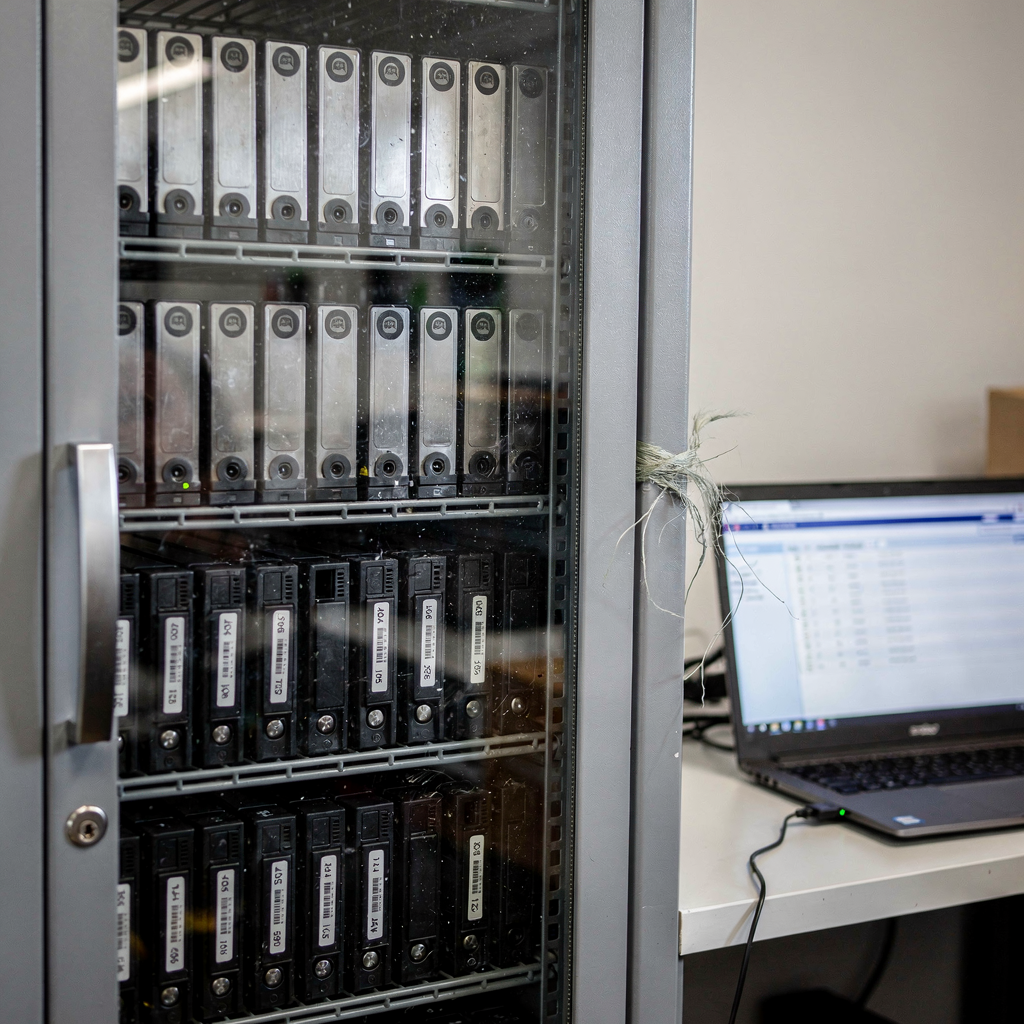
When you export clips found via the system’s text index, include the OCR results and confidence scores in the package. That makes it easier for investigators and prosecutors to understand why the clip was chosen. Also, follow consistent file naming rules, and use descriptive names that include incident ID, camera label, date, and short descriptor. For long-term archiving, store a high-resolution master and one or more compressed copies for review. visionplatform.ai recommends on-prem retention for sensitive sites to reduce external risk, and our VP Agent suite adds an audit trail that records AI-assisted actions for every export.
For legal defensibility, include the export hash and a brief report that documents the extraction method. If closed captions or burned-in overlays were toggled during playback, record that state in the manifest. Finally, maintain an evidence log and a retention policy aligned with your policies and local regulations. If you need format guidance for ANPR footage or passenger-related evidence, review the ANPR/LPR in airports guidance and then adapt naming and retention to local rules ANPR/LPR in airports. This process helps courts and auditors verify integrity and chain of custody.
Best practices for video text search operations
Maintain consistent overlays and archive integrity, and then validate indexes regularly. Schedule routine checks to confirm that burned-in captions and camera labels remain readable, and that OCR results stay within acceptable accuracy ranges. Train operators on interpreting confidence scores, and provide playbooks for when OCR returns low-confidence hits. Also, perform periodic archive integrity checks to detect corruption or missing segments so searchable periods remain reliable.
Configure edge recording and retention thoughtfully. If you use edge extraction, ensure that the encoder or camera firmware preserves the extracted text alongside the stream, and then configure failover so that metadata survives network outages. visionplatform.ai recommends keeping models and reasoning on-prem to align with EU and other privacy regimes, and our VP Agent supports on-prem Vision Language Models to keep both data and descriptions local. For performance, monitor CPU and GPU loads on edge devices, and scale resources if your cameras run frequent OCR tasks during high-density periods.
Finally, invest in training and documentation. Create role-based courses for operators, and include practical labs on performing a targeted quick search and using the playback tools described here. Store those materials in one place inside the TechDoc Hub so users find procedures, and include the phrase targeted quick search of playback in your manuals to make that capability discoverable. Keep the security center user guide 5.12 entry updated and include examples that illustrate common mistakes. Regular updates and drills keep teams sharp, and they reduce time-to-evidence when incidents occur.
FAQ
What does text search do in a surveillance system?
Text search extracts readable characters from frames and indexes them with timestamps and camera IDs. It lets operators find clips that contain signage, licence plates, and captions without scrubbing hours of footage manually.
How accurate is OCR in real-world conditions?
Accuracy depends on lighting, camera angle, compression, and overlay design. Good practices such as high-contrast overlays and targeted tests improve results significantly.
Can I run searches across multiple cameras at once?
Yes, modern systems support multi-camera queries so investigators can search across groups or the entire estate. This accelerates cross-camera correlation and makes incident reconstruction easier.
What export formats are recommended for evidence?
Use formats that preserve quality and metadata, and attach sidecar manifests with checksums and audit data. Consult legal teams to ensure the format meets jurisdictional standards.
How should I name exported files?
Use a consistent convention that includes incident ID, camera label, date, and a brief descriptor. Consistency simplifies retrieval and chain-of-custody tracking.
Do overlays affect archive size?
Burned-in overlays increase the pixel data slightly, and edge extraction may keep archives leaner by storing text separately. Choose the approach that best balances storage and forensic needs.
How often should I check index integrity?
Perform index health checks regularly, and more often after system changes. Regular checks detect missing entries and ensure the searchable window remains trustworthy.
Can AI help interpret text search results?
Yes, AI can turn low-level hits into contextual descriptions and prioritize high-risk events. visionplatform.ai offers on-prem models that create human-readable narratives to speed verification.
What training should operators receive?
Train operators on confidence metrics, filtering, playback controls, and export procedures. Role-based drills and documented SOPs improve consistency and reduce errors.
Where can I find further technical resources?
Consult the vendor TechDoc Hub and the Genetec techdoc hub for configuration guides and technical documentation. Also, use related resources like forensic-search-in-airports and intrusion-detection-in-airports for domain-specific workflows forensic search in airports, intrusion detection in airports, and ANPR/LPR in airports ANPR/LPR in airports.
