


Avigilon documentation: text search Avigilon video
avigilon Text Search Capabilities
First, an overview helps clarify what text search can do within modern video systems. Also, Avigilon delivers searchable overlays that pair metadata with video. Next, the VMS can index text from point-of-sale overlays, license plates, and access control badges. For example, transaction IDs and amounts can appear on the video timeline, and then investigators can find them by keyword. In addition, searchable text trims forensic time dramatically. In fact, video analytics systems can reduce investigation times by up to 70% compared to manual review Video Analytics Technology Guide: Benefits, Types & Examples. Also, layered systems that combine LPR, radios, and VMS improve incident response. As one source notes, “Integrating systems such as Avigilon video analytics, Vigilant LPR, and Motorola radios allows teams to act quickly with clear context” What “Layered” Means In Your Physical Security Strategy. Therefore, searchable text adds speed and clarity. The platform matches text strings to indexed frames. Then, operators jump directly to moments that matter. Also, text search supports filters such as camera, time range, and confidence threshold. Next, users get both thumbnails and full-resolution footage in results. Finally, this feature links to other analytics, so teams can correlate person detections, vehicle detections, and anomalous behavior. For readers who need deeper forensic search capabilities, our VP Agent Search converts video into human-readable descriptions so teams can query in plain language. For instance, learn more about our forensic search work in airports here: forensic search in airports. Overall, searchable text reduces manual effort, improves situational awareness, and accelerates decision making.
AI vision within minutes?
With our no-code platform you can just focus on your data, we’ll do the rest
avigilon System Requirements and Installation
First, installing text search demands compatible cameras and AI-capable devices. Next, you should choose high-definition cameras that support overlay inputs and metadata streams. Also, Avigilon’s advanced analytics run best on systems with GPU acceleration or certified server hardware. For general guidance, Avigilon documents recommended server specs and VMS versions on their product pages. In addition, some AI features require specific firmware on cameras. Therefore, validate camera models and firmware before deployment. For LPR integrations, pair ANPR-enabled cameras and LPR modules. For example, integration with license plate recognition improves indexing and retrieval. Furthermore, our platform often integrates with ANPR/LPR workflows in transit and airport settings; see our ANPR/LPR solutions for airports here: anpr-lpr in airports. Next, system configuration involves installing the VMS, enabling the text-search module, and configuring overlay inputs from POS or access control systems. Then, ingest formats such as NMEA, ASCII, or structured JSON for transaction overlays. Also, ensure timecode synchronization across systems to keep video and text aligned. In addition, some vendors require licensing for LPR or text extraction tools; in such cases, features may be utilized only when software is used under license. Finally, training administrators matters. Provide hands-on sessions so admins learn how to adjust keyword matching thresholds and indexing schedules. Our experience shows that teams who test overlays with representative samples reduce false positives and speed tuning. For airports and high-traffic sites, consider edge preprocessing and local indexing to avoid cloud egress and to meet EU AI Act compliance goals. Moreover, if you plan to scale to many streams, plan storage and indexing resources accordingly.
avigilon Video Analytics Integration
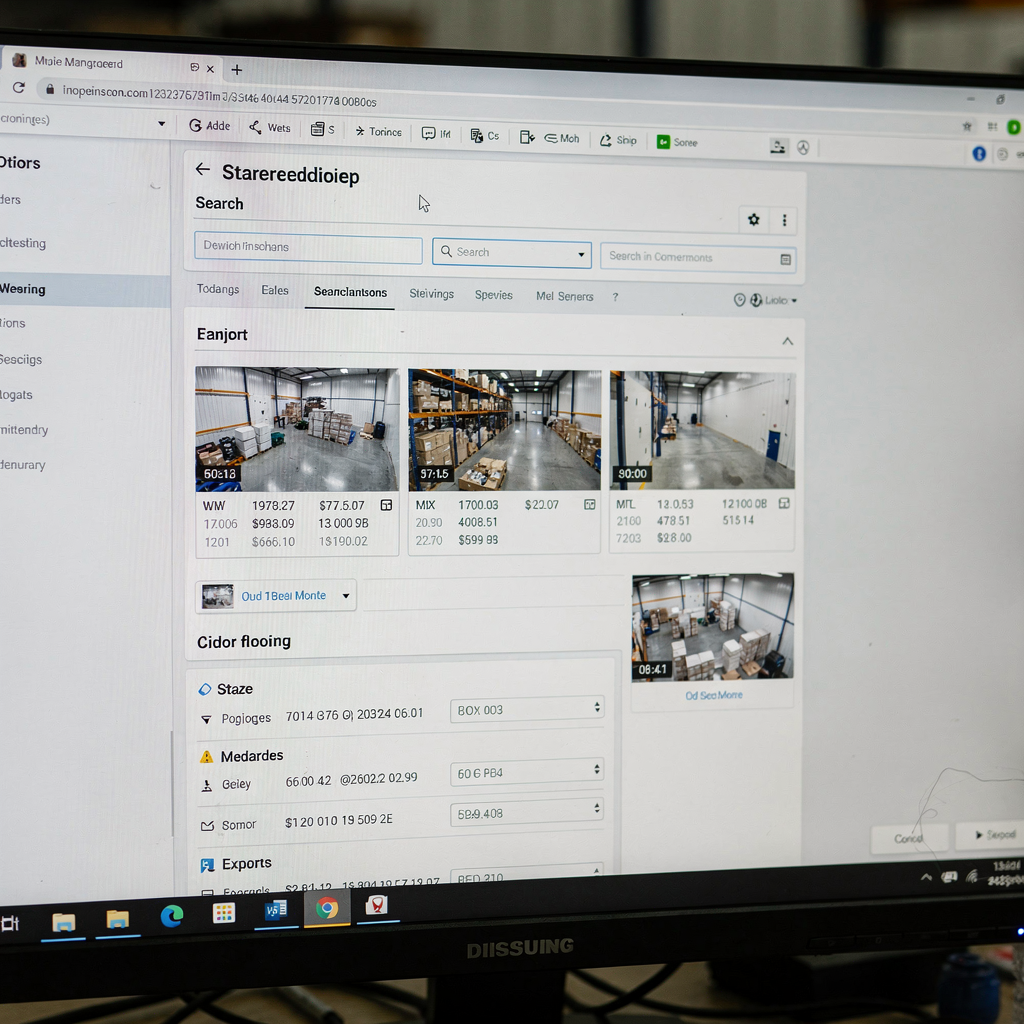
First, integration ties text overlays to video frames. Next, the VMS captures overlays in-band or via metadata channels. Also, AI analytics then parse characters and normalize strings for indexing. For instance, OCR routines extract alphanumeric sequences from overlays and POS feeds. In addition, neural models classify and score text accuracy before indexing. According to layered security guidance, integrating systems such as video analytics and LPR gives teams clear context for action What “Layered” Means In Your Physical Security Strategy. Furthermore, vendors may offer plug-ins or APIs to stream transaction data directly into the VMS. Then, the VMS correlates events, so an LPR hit links to nearby cameras, and to badge activity. Also, partners such as Motorola provide ecosystem links between radios and VMS that augment response workflows Motorola Solutions Integrated Safe Technology Ecosystem. Therefore, your site gains richer situational awareness. The AI role goes beyond simple OCR. AI filters poor-quality reads and flags low-confidence matches for manual review. Also, AI ranks results so operators see the most probable hits first. Next, synchronization with third-party POS, access control, and LPR systems usually requires mapping schemas and timestamps. In practice, set a sync tolerance window and validate with test transactions. For airports, where throughput and accuracy matter, combine video analytics like people detection and ANPR with text overlays to speed investigations. See our people detection solutions in airports for integration ideas: people detection in airports. Finally, plan APIs for export and for feeding AI agents so that metadata becomes actionable, not just stored.
AI vision within minutes?
With our no-code platform you can just focus on your data, we’ll do the rest
avigilon Performing a Text Search
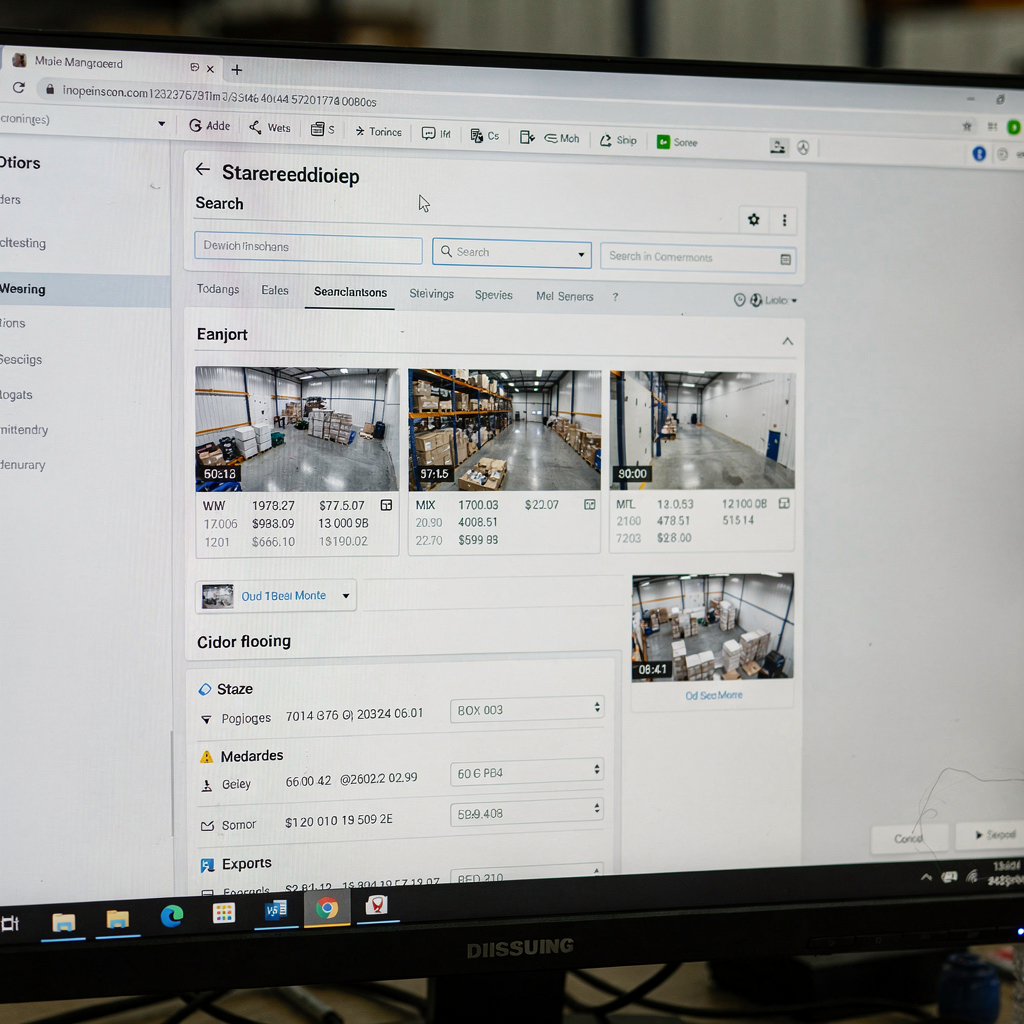
First, open the VMS and choose the forensic search or playback view. Next, select the time range and camera set. Also, enter the keyword, such as a transaction ID, plate number, or badge code. Then, set the confidence threshold to balance recall and precision. For example, raising the threshold reduces false positives but may miss low-quality overlays. In addition, filter by camera group, event type, or analytic tag. Also, many VMS interfaces show instant thumbnails for matched frames. Next, click a thumbnail to jump to the exact frame in high resolution. Then, review surrounding footage to confirm context. If you need to export, select the clip and choose export format, burn-in options, and whether to include checksum. Also, include metadata in the export package to preserve chain of custody. For legal requests, follow site policies and log every export. In practice, operators often use search results to create incident packages with bookmarks and notes. Additionally, our VP Agent Search can convert natural language queries into precise filters when teams lack camera IDs. For example, you could ask for “all entries with a red vehicle at Dock B yesterday evening” and get matching clips. Also, when a plate search returns multiple near matches, the UI surfaces confidence scores so you can triage. Next, when results show false positives, adjust OCR thresholds or improve overlay contrast. Moreover, training models on site-specific fonts and layouts improves recognition rates. For broader evidence workflows, integrate your VMS exports with case management systems to streamline reporting and review. Finally, keep audit logs for compliance and later verification.
avigilon Best Practices and Optimisation
First, choose clear text sources. Also, ensure overlays use high-contrast fonts and stable positions on the frame. Next, prefer monospaced or simple sans-serif typefaces for better OCR results. In addition, keep text size large enough for the camera resolution and distance. Also, avoid moving overlays or dynamic backgrounds that confuse extraction algorithms. Then, schedule index maintenance during low-usage windows. For large archives, incremental indexing reduces load and keeps recent footage searchable. Also, purge or archive aged data according to retention policies to preserve index performance. Next, monitor index health and re-index segments that show degraded recognition rates. Furthermore, calibrate keyword matching thresholds site-by-site. For example, retail tills often require tighter numeric matching, and access control badge reads need exact string matches. Also, apply camera-specific profiles to compensate for lens distortion or angle. Next, enforce strong user-access controls. For instance, limit text-search and export permissions to investigators and auditors. Also, log every search and export to preserve an audit trail. In addition, encrypt exported evidence and store checksums for chain-of-custody. For compliance, balance the benefits of searchable metadata with privacy rules and legal restrictions. As noted in a legal review, “A searchable system of location data plus video images must also violate a…” while it raises privacy concerns, careful policies and access controls mitigate risk Video Analytics and Fourth Amendment Vision. Finally, test your settings with real examples. Also, iterate quickly, because small parameter changes often yield large gains in accuracy. For airport deployments, pair text-search tuning with perimeter and crowd analytics to improve detection and response. See our crowd and people-counting pages for related optimization tips: crowd detection density in airports.
avigilon Use Cases and Troubleshooting
First, retail loss prevention benefits directly from text search. Also, teams can search for transaction IDs and amounts to find suspect video quickly. For example, transaction overlays paired with high-confidence OCR can cut investigation time in half. In addition, train tills to output clear, structured overlays. Next, law enforcement uses integrated LPR to locate suspects fast. For instance, finding a plate match in minutes shortens response time. Also, ANPR accuracy improves when paired with high-resolution streams and proper illumination. For access control audits, text search validates badge numbers and entry codes. Then, combine search results with access logs to confirm or refute access claims. Furthermore, common issues include unrecognized text, misreads, and false positives. For unrecognized text, verify the overlay feed format and resolution. Also, check that timestamps align across systems. Next, if false positives appear frequently, tighten the OCR confidence threshold or apply post-filtering by camera or location. In addition, add manual verification steps for critical matches. For hardware-related problems, inspect camera focus, shutter speed, and compression settings. Also, reduce motion blur by adjusting FPS or exposure. Next, for integration failures, confirm API mappings and field names between systems. Also, check that third-party feeds send data consistently. For vendor-specific quirks, consult support notes and firmware release notes. As one partner highlighted, integrations that connect radios, access control, and video deliver fast, contextual responses when they work together Motorola Solutions Integrated Safe Technology Ecosystem. In troubleshooting, log errors and reproduce the problem on a test clip. Finally, for advanced automation, consider adding AI agents to reason over matches, provide context, and suggest actions. Our VP Agent Reasoning can cross-check detections, summarize findings, and even pre-fill incident reports to streamline workflows.
FAQ
What is text search in video surveillance?
Text search extracts and indexes textual overlays and metadata from video streams. It then lets operators find footage using keywords like transaction IDs, plate numbers, or badge codes.
Which overlays work best for OCR?
High-contrast, static overlays with simple fonts work best. Also, larger font sizes and stable positions on the frame improve recognition rates.
What hardware do I need to enable text search?
You need cameras that provide overlays or metadata feeds and a VMS that supports text indexing. For large deployments, use servers with GPU acceleration and sufficient storage.
How accurate is OCR on video overlays?
Accuracy depends on image quality, overlay design, and lighting. In general, combining high-quality cameras with AI-powered analytics yields recognition rates above 90% in many scenarios What “Layered” Means In Your Physical Security Strategy.
Can text search integrate with LPR systems?
Yes. Text search commonly integrates with ANPR/LPR systems to index plates and link them to video. For airport deployments, ANPR integrations enhance throughput and investigations; see our ANPR guidance: anpr-lpr in airports.
How do I export evidence from a text search result?
Select the matched clip in the VMS, choose export options, and include metadata if needed. Also, keep audit logs and checksums for chain-of-custody.
What if the system returns false positives?
Adjust confidence thresholds, refine camera profiles, and add post-filters by location. Also, retrain or calibrate OCR models using representative samples.
Are there privacy concerns with searchable video text?
Yes. Searchable metadata increases the risk of misuse if not controlled. Therefore, enforce strict user permissions and audit trails to limit access.
Can AI help verify text search hits?
Yes. AI agents can reason over detections, correlate data, and suggest verification steps. For example, our VP Agent Reasoning checks multiple sources to validate matches before escalation.
How do I get started with text search at scale?
Start with a pilot that includes representative cameras and overlays. Then, measure recognition rates, tune settings, and plan indexing and storage before full rollout. Also, consult vendor guides and test integrations thoroughly.
