


Deploy axis camera station with an intuitive installation, hardware setup and license management
Installing Axis Camera Station starts with a clear plan. First, list the number of camera units you will manage and pick a server or edge device that meets load expectations. Then, choose compatible Axis network cameras that match your scene complexity, frame rate needs, and lighting. Next, set up hardware racks, connect PoE switches, and upgrade firmware on each camera. After that, install the management software and apply a license. If you use Axis Camera Station Pro, register the license key and assign it to the server to unlock advanced features such as multi-site management and longer recorded retention.
The installation should be intuitive and fast. Use the setup wizard to configure the user interface and default recording schedules. Configure storage quotas, then test live views and recorded video playback. Ensure notification channels are set so operators receive alerts by email or via integrations. When more cameras are added later, you can scale without disrupting users. For small sites, a single GPU or standard server is often sufficient, while larger sites may need a dedicated server or appliance. If you prefer lightweight deployments, an edge device can host some services to reduce central load.
Pay attention to license management. Keep a log of active licenses and renewal dates, and assign permissions by role to limit accidental changes. Also, confirm compatibility with the latest Axis OS and verify that axis devices are running supported firmware before connecting them. For camera calibration, test each cam for angle, exposure, and focus. Then, run basic detection rules to verify coverage. Finally, document the configuration and hand over a simple operations guide to staff. If you want help extending detection to people or crowd scenarios, see our people detection case studies for airports for practical examples and deployment tips at this internal resource: people detection in airports. This ensures predictable performance and smooth day-one operations, and it helps teams get familiar with the system fast.
Achieve seamless integration of acap with axis communications and third-party applications for analytics
ACAP apps extend Axis cameras with on-device logic and analytics, and they can integrate with legacy VMS platforms or third-party applications. Install an ACAP package that matches your use case, then configure its network settings so it can send events to Axis Camera Station. Make sure you include an integration with axis in your deployment plan to allow event streaming and metadata exchange. Use webhooks, MQTT, or ONVIF events to push alarms to external dashboards and to third-party applications like BriefCam. When you configure ACAP, test that events arrive at the VMS and that metadata fields map to ACS event types. This avoids missed alerts and simplifies operator workflows.
Axis Communications publishes developer guidance for ACAP and device APIs, which helps make integrations more reliable. Use that guidance to handle certificate management, secure connections, and app lifecycle. For busy sites, edge processing reduces bandwidth and latency by running analytics inside the camera. Edge processing improves responsiveness and keeps sensitive data local. Also, verify whether a server needed for heavy AI workloads is required or whether the ACAP can handle the load on-camera. For many implementations, a hybrid approach works best: run light analytics on the device and route richer tasks to a central server when needed.
Test integrations with third-party applications and with Axis Camera Station to confirm alarm flows, timestamp accuracy, and event correlation. Aim for a seamless experience where the operator sees an alarm, a thumbnail, and quick links to review the recording. For advanced forensic workflows, integrate with our free-text search capability so teams can find incidents faster. If you want to explore people flows, combine ACAP outputs with higher-order processing and consult our materials on crowd and crowd density detection to refine settings. The right mix of on-device and central analytics creates a scalable and resilient solution, and it helps teams handle more events while keeping false alarms low. 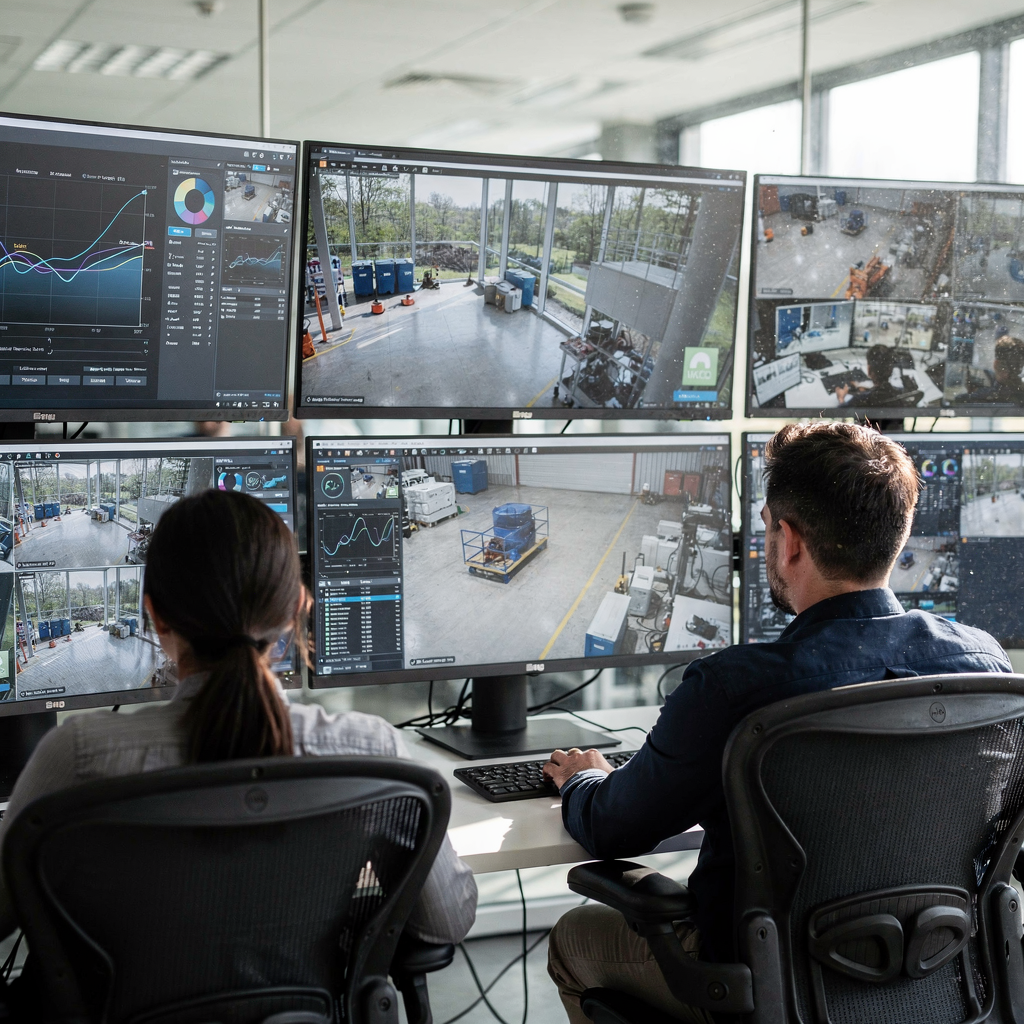
AI vision within minutes?
With our no-code platform you can just focus on your data, we’ll do the rest
Use ai-based analytics and classification to provide easy access to actionable insights in real time
AI can transform raw video into actionable reports and verified alarms. By combining AI models with Axis Camera Station you get classification and richer context. Use ai-based analytics to tag people, vehicles, objects, and behaviors so operators see what matters first. For example, a model can flag vehicle detection at restricted hours and immediately present the clip plus a confidence score. This helps create easy access to actionable insights for operators who must make fast calls. Our platform applies a Vision Language Model and AI agents to convert video into searchable descriptions, enabling free text search across recorded video so users locate events without deep technical queries. Internal research on human-machine collaboration highlights that AI helps filter noise and speeds responses by up to 40% in some environments Human-machine collaboration in intelligence analysis.
Deploy models that match your site. Use a pre-trained model for common classes, then refine it with site-specific samples to reduce false positives in busy scenes. Where traffic is heavy, combine object classification with temporal filters to avoid repeated alarms for the same target. Also, integrate axis object analytics where supported to take advantage of on-camera processing and to lower network load. Provide operators with short, actionable summaries rather than raw labels; include what was detected, where, and when. This practice reduces cognitive load and improves verification speed. Academic work on AI-based tracking shows high temporal resolution analysis can maintain accurate tracking even for fast-moving objects, which improves continuity across cameras AI-based tracking of fast-moving alpine landforms.
When you add natural language search and classification, you change how teams find and act on events. For forensic tasks, combine classification tags with smart search and brief summaries to cut investigation time. For example, operators can query for “red truck at loading bay” and retrieve matching clips and metadata immediately. This approach turns surveillance into a proactive tool that delivers valuable insights for security and operations. For more on forensic search workflows and examples, see our forensic search page that outlines practical uses and results: forensic search in airports. Use these capabilities to improve decision quality and to make real-time events easier to handle for busy teams.
Optimise operational efficiency by combining camera and sensor data with analytics applications
Combine video with sensors and analytics applications to optimize workflows and reduce workload. Fuse inputs from motion sensors, access control, and cameras so alarms are verified across systems. This reduces single-source false alarms and produces better context. For instance, gate access logs combined with camera clips can confirm authorized entries and shorten incident handling time. Use analytics applications to correlate events, and provide operators with a single incident view that includes video, sensor data, and procedure checklists. This supports informed decisions during incidents and improves overall operational efficiency.
Automation helps, but it must be controlled. Design workflows that escalate events only after multi-source confirmation. Set rules that automate low-risk responses and route high-risk alarms to human review. Visionplatform.ai’s VP Agent suite demonstrates how a reasoning layer can verify alarms, explain why they matter, and suggest actions. This reduces time per alarm and supports consistent handling. Industry reports estimate that AI reduced false alarms by up to 90% in some deployments, which frees operators to focus on true incidents AI-based tracking of fast-moving alpine landforms and human-machine collaboration research.
Design the system to scale. Choose analytics that can process multiple streams and that support parallel processing so the system handles a growing number of feeds. Use a mix of edge and central processing to keep latency low. Also, incorporate mobile notifications and incident templates so field teams receive clear tasks. If you require specialized analytics like vehicle classification at entrances, integrate a dedicated module and test it under peak load. For practical examples of vehicle workflows and classification in real settings, review the vehicle detection and classification study on our site here: vehicle detection classification in airports. The result is a surveillance system that supports faster responses and fewer manual steps while remaining auditable and predictable.
AI vision within minutes?
With our no-code platform you can just focus on your data, we’ll do the rest
Ensure compatibility with compatible products and access support and resources
Before deployment, verify compatibility across your stack. Check that Axis Camera Station supports your axis devices and that the chosen ACAP apps will run on the installed camera models. Review the compatibility matrix and test with sample streams. Confirm that the latest Axis OS is installed and that firmware versions meet the app requirements. If you plan integrations, validate that your VMS and third-party connectors expose the required events and that API keys are configured securely. Keep a log of tested combinations to simplify upgrades and audits.
Document the support path and use technical support channels when needed. Keep contact points for both Axis and third-party vendors so you can resolve issues quickly. Also, keep a copy of all licenses and renewal dates to avoid unexpected expirations. For additional training, rely on vendor resources, white papers, and targeted guides to simplify configuration and to reduce misconfigurations. Include related resources in your operations binder so staff can find troubleshooting steps and escalation procedures fast.
Consider end-to-end lifecycle management. Plan upgrades for firmware, analytics models, and the management software during low-traffic windows. Monitor system health and record logs to catch issues early. Where compliance matters, prefer on-prem AI and clear audit trails. If you need deeper support for search and incident workflows, consult specialist pages like our intrusion detection and loitering detection materials to map analytics to procedures: intrusion detection in airports and loitering detection in airports. These guides help you validate compatibility and to access support and resources for long-term success.
Monitor live feeds on axis camera with insightful analytics and related resources
Real-time monitoring is where the system proves its value. Configure dashboards to show prioritized alarms, thumbnails, and short summaries. Use analytics overlays sparingly so operators keep a clear view of each scene. With a clear user interface, teams can scan live feeds and react quickly to verified events. For deeper investigations, provide fast links to recorded video clips and to smart search tools. Using axis camera station edge and the camera station edge app can help distribute processing and reduce central load during peak hours.
Monitor system performance metrics like CPU, memory, and network latency so you can prevent degradation before it affects operations. Maintain a watch list of critical zones and tune detection thresholds for real-time relevance. For incident handling, integrate templates, and ensure that each alarm includes contextual metadata. This helps reduce decision time and improves consistency. Forensic tools like rapid search and timeline scrubbers make it faster to find and extract evidence, especially when combined with natural language search in your AI layer.
Finally, track outcomes to refine settings. Log responses, resolution times, and false positives so analytics can be tuned. Use dashboards to measure operational efficiency and to justify further investments in scalable solutions. If you need industry benchmarks on trust and human-AI interaction during monitoring, research shows that transparency and explainability increase acceptance, so design displays that clarify why a detection was raised Trust in AI: progress, challenges, and future directions. For complementary practical resources on people flow, crowd density, and heatmaps that support monitoring, see our pages on crowd detection and heatmap occupancy analytics: crowd detection density in airports and heatmap occupancy analytics in airports. These tools help operators stay informed and to act with clarity and speed. 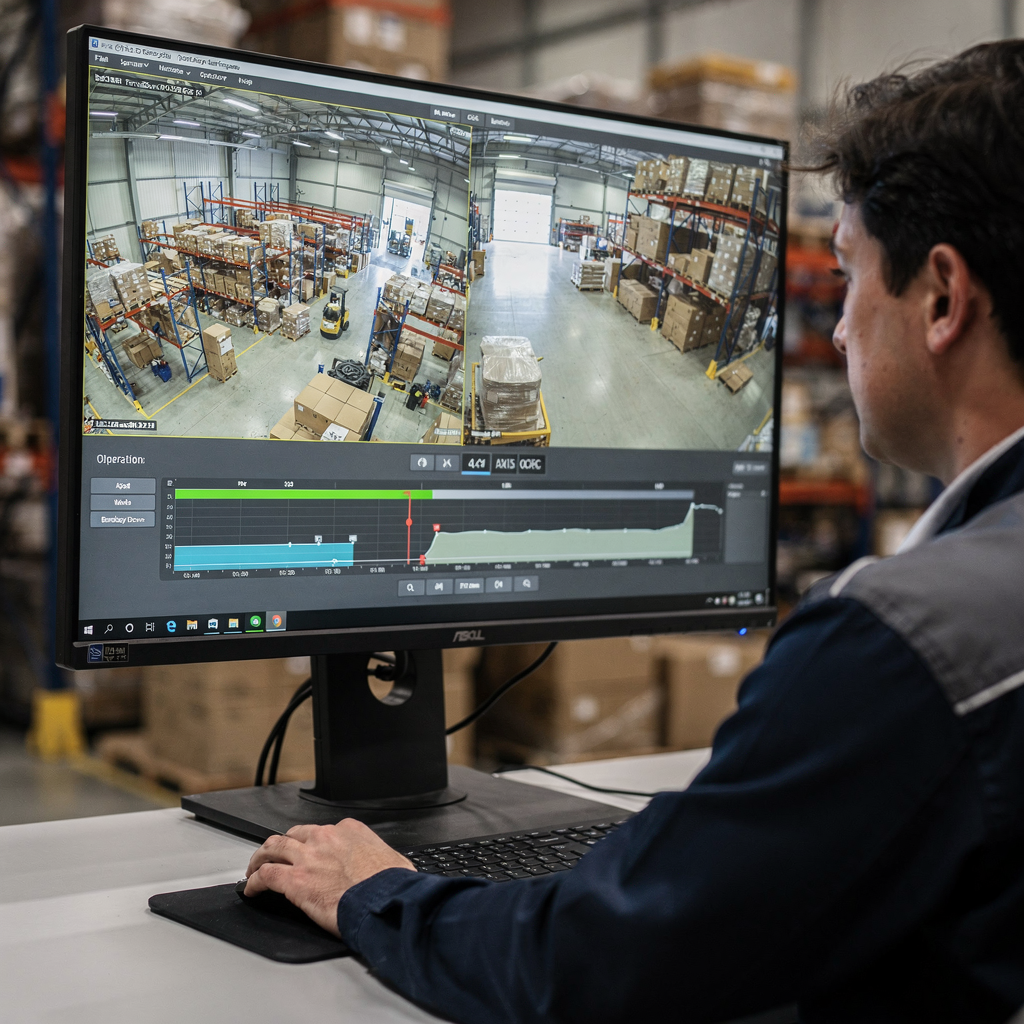
FAQ
What hardware do I need to run Axis Camera Station effectively?
Hardware needs depend on the number of camera streams and the analytics load. For a small installation, a mid-range server or an edge device is often enough; larger sites may require dedicated GPU servers or distributed processing.
How does ACAP improve camera functionality?
ACAP runs applications on the camera itself, enabling edge processing and lower latency. It reduces bandwidth by sending only events and metadata rather than full streams all the time.
Can AI reduce false alarms in my surveillance system?
Yes, properly tuned AI models can significantly lower false alarms by classifying events and by combining multiple cues. Studies show AI-based analytics can reduce false positives by large margins, improving operator focus source.
Is it possible to search recorded video using natural language?
Yes. Modern platforms convert video into human-readable descriptions and support free text search so operators can find incidents without knowing timestamps or camera IDs. This speeds forensic work and reduces manual review time.
How do I ensure compatibility before upgrades?
Test a copy of your production configuration in a lab, check firmware and Axis OS release notes, and confirm that axis devices and ACAP apps remain supported. Keep a log of tested combinations for audits.
What support options are available for integrations?
Vendors offer technical support, developer guides, and integration documentation; also use third-party integrators when needed. Keep vendor contacts and escalation paths documented to resolve issues quickly.
How does edge processing help performance?
Edge processing reduces central bandwidth and latency by running analytics on the camera or nearby devices. It can handle initial classification and send only verified events to the central system.
Can I combine sensor data with video for better accuracy?
Yes. Fusing sensor data like access control or motion sensors with camera events improves verification rates and helps automate low-risk responses. Correlated data reduces manual checks and speeds incident handling.
What are common ways to scale up a deployment?
Scale by adding distributed analytics, using additional servers, or employing hybrid edge/central processing. Design workflows and policies that allow gradual growth while maintaining performance.
Where can I learn more about specific detection types like vehicle or intrusion?
Refer to dedicated guides and case studies on targeted detection scenarios, such as vehicle detection classification in airports and intrusion detection materials, for configuration tips and measured outcomes: vehicle detection classification in airports and intrusion detection in airports.
