


control room Essentials: room design for cctv systems
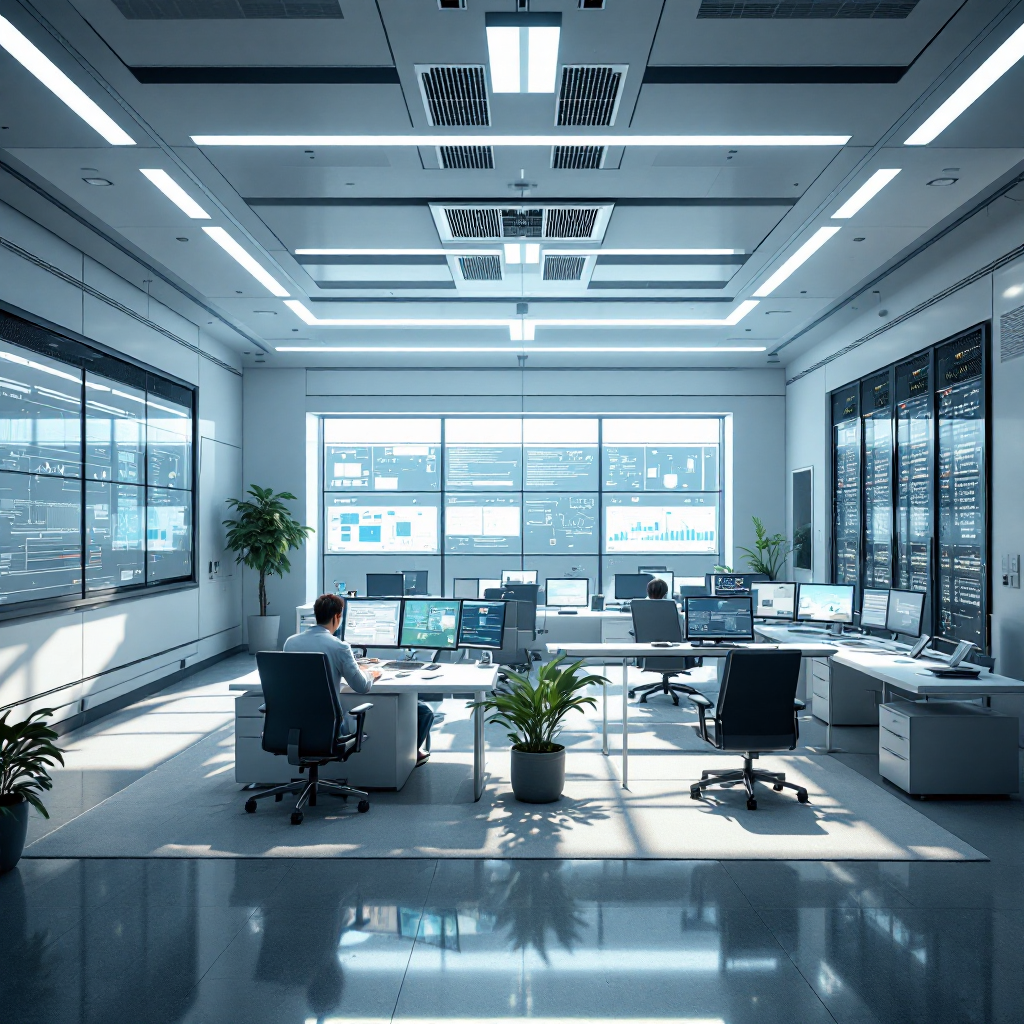
Designing a control room starts with location and access. Choose a central location with restricted access and minimal external noise, and position the control center where building security and foot traffic remain separate. Next, plan the room design so that operator consoles, server racks, and cabling pathways sit logically and without clutter. A good room layout reduces trips, and it improves response times. Also, consider sightlines. Arrange desks so that each monitor and console is within a comfortable arc, and ensure operators to work comfortably during long shifts. The control room requires careful power planning, and you should place UPS units and a generator in nearby plant spaces to keep room systems alive during outages.
Ergonomics matter. Provide adjustable chairs, sit-stand consoles, and arrange screens to limit neck rotation. Then, set lighting to reduce glare, and fit blackout blinds where daylight hits monitors. Climate control is also key. Servers generate heat, and a stable temperature extends hardware life and helps room operators focus. In addition, plan acoustic treatments to absorb noise, and so improve concentration for the monitoring station staff.
Access control and physical security must be layered. Use access control readers, and log entry to the surveillance room. Place a dedicated space for security patrols briefing and for coordinating with security guards and other security personnel. Also, include storage for cctv control room stock and spare parts, and make sure you label racks and cabling. Visionplatform.ai often recommends integrating analytics at the console so that video footage turns into searchable events, and operators can act faster while keeping data on-prem.
Finally, test the layout. Run drills, and have room supervisors gather feedback from operators and the room operator who manages shifts. Then, refine console placement, and update room needs documents. This approach helps you ensure security, and it makes the surveillance room both functional and humane for those who perform critical monitoring tasks.
cctv control room Setup: infrastructure and power backup
Start infrastructure planning with robust power distribution. Fit redundant power distribution units with surge protection, and pair them with UPS systems and a tested generator for longer outages. The cctv control room must stay online during grid faults, and redundancy reduces single points of failure. In practice, design power feeds so that server racks and video wall controllers draw from separate circuits, and document failover procedures for technicians. The phrase cctv control appears in design documents to clarify CCTV-specific requirements.
Network design drives performance. Use a network topology that minimizes latency and packet loss, and segment video traffic from general-purpose traffic for quality of service. Then, deploy redundant network links and backup hardware for failover, and place switches in locked cabinets with monitored environmental sensors. A correctly sized backbone helps video surveillance and supports remote monitoring. For resilience, include spare switches and a hot-standby VMS instance to reduce downtime, and label all ports and fiber runs for quick repairs.
Video Management System servers and storage arrays need capacity planning. Select storage arrays that use RAID and fast write caches, and then size them for retention policies and average daily bitrates. You should also schedule health checks and automatic integrity scans for disks. Use a mix of on-prem GPU servers for analytics and networked storage for archiving. Visionplatform.ai integrates with many VMS platforms, and it can stream structured events from existing cameras while keeping processing on-site for GDPR and EU AI Act compliance.
Finally, include test plans and inventory. Maintain a cctv control room stock list for spare power supplies and network modules, and run periodic failover drills. These steps reduce mean time to repair, and they keep your security system resilient so teams can focus on incident response rather than infrastructure firefighting.
AI vision within minutes?
With our no-code platform you can just focus on your data, we’ll do the rest
surveillance video and cctv monitoring: operating procedures
Operating procedures turn equipment into an effective security operation. Define standard operating procedures for live monitoring and incident logging, and make sure every shift follows the same checklist. Control room operators must follow clear escalation paths, and you should document who calls law enforcement and when. In addition, set camera naming conventions and map-based area templates so that operators can find feeds quickly during an event.
Schedule routine checks of camera health, recording status and storage capacity, and automate alerts where possible. Use monitoring tools that report dropped frames and lens obstruction, and set thresholds that create an alert for the operations team. In one systematic review, researchers found CCTV associated with decreases in crime in selected settings, especially parking areas, and that effective monitoring contributed to results CCTV Surveillance for Crime Prevention: A 40-Year Systematic Review. Also, a qualitative study of control room staff highlighted the need to reduce cognitive load and manage fatigue through clear procedures A qualitative study of safety and human factors challenges.
Privacy by design must guide retention and access. Incorporate privacy by design and comply with GDPR for video retention. Then, publish retention schedules, and restrict playback rights to appropriate security professionals. Keep detailed audit trails so you can show who accessed cctv footage and when. Also, include rules for sharing video with external partners, and record justification for any off-site transfer. These measures protect individuals and help your organization manage legal risk.
For real-world operations, train staff on incident logging and use a central monitoring station to coordinate responses. Use structured fields for incident type, time stamps, and witnesses so reports support investigations. Also, leverage forensic search tools to convert video surveillance into actionable evidence quickly, and then feed findings into policy reviews that improve the operating procedures over time.
control room operator and room operator Roles: how control room operators perform
Shift design affects vigilance. Outline shift patterns to manage fatigue and maintain vigilance, and rotate tasks so attention stays high. Control room operators perform duties that include monitoring multiple screens, responding to alerts, and coordinating with on-site teams. Keep shifts shorter in high-load environments, and enforce breaks so operators do not suffer long-term cognitive decline. The research showed that operators face high cognitive load and fatigue, and that improved training and ergonomic design help maintain attention study of human factors.
Training must include situational awareness, threat recognition and alarm response. Teach staff how to interpret analytics alerts, and run scenario-based drills so they practice escalation. Use workload-management tools to distribute tasks evenly, and then monitor staff performance metrics. Control room operators must also document every alarm and action in the log. That discipline improves accountability, and it yields data for performance reviews.
Address human factors proactively. Design consoles to support posture, and place controls so hand movements remain short. Use color coding to reduce confusion, and then ensure that the video wall and individual monitors display critical zones first. Room supervisors should review tasks weekly, and they must rotate roles to prevent monotony. Also, embed short training modules in shift handovers so knowledge transfers smoothly.
Finally, provide psychological support. Operators handle stressful events, and you should provide counseling and decompression time after serious incidents. Combine that support with technical aids, and your security teams will respond better to potential threat events. Use performance metrics and audit trails to guide improvements, and then feed lessons learned into training and control room design updates.
AI vision within minutes?
With our no-code platform you can just focus on your data, we’ll do the rest
video wall and monitor Layout in the surveillance room
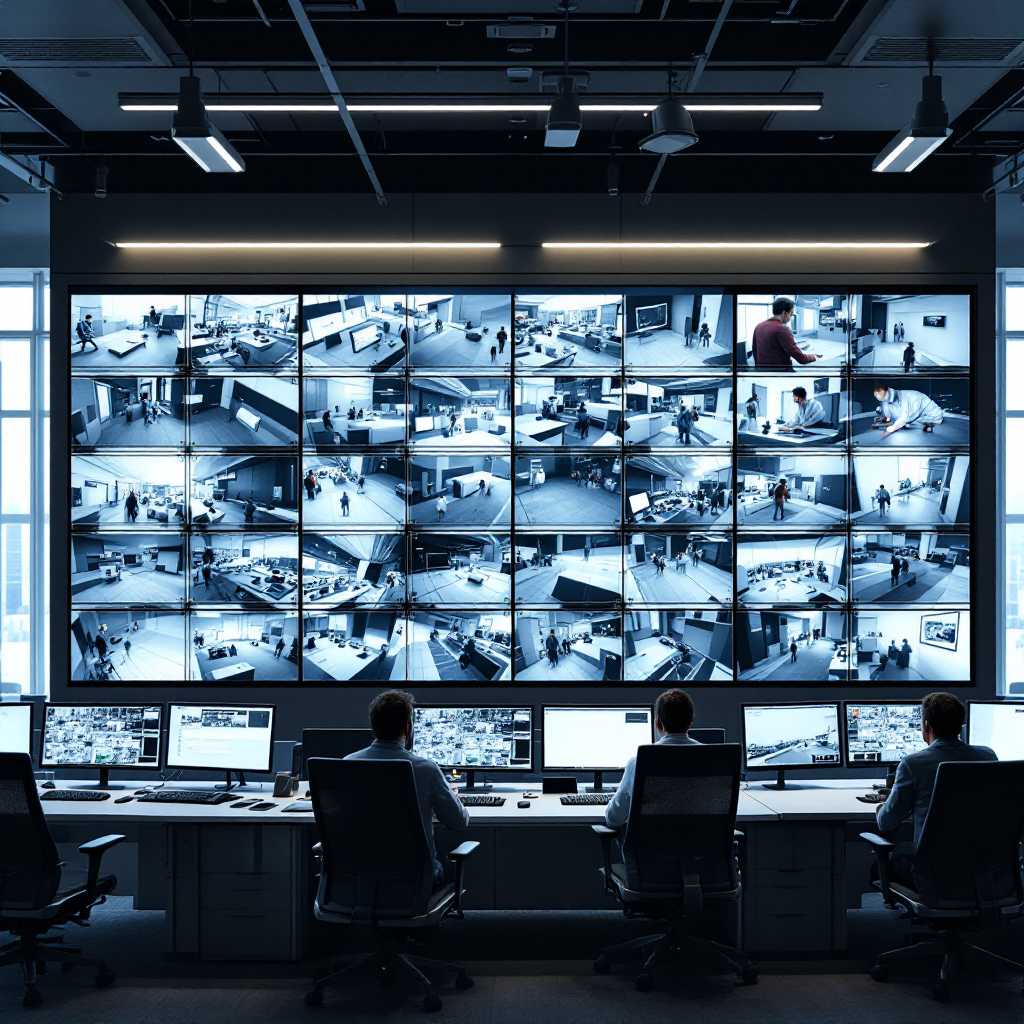
Selecting the right screens starts with resolution and bezel width. Choose high-resolution screens with narrow bezels for seamless display, and avoid mixing panel types that vary color or lag. Configure video wall controllers to manage multiple camera inputs, and set wall layouts to prioritize critical zones. Place the most important live footage at eye level so operators can scan quickly, and then position lower-priority feeds around the periphery.
Arrange monitor rows for clear sightlines and minimal head movement. Use ergonomic principles to ensure each monitor falls within a comfortable field of view, and then group related feeds so operators can correlate events. Label inputs and zones to speed up feed identification during incidents. Also, employ presets that switch layouts based on alarm priority so teams see the best view when an alert triggers.
Video wall controllers should support multi-resolution streams and hardware-accelerated decoding. Deploy controllers that let operators drag and drop camera feeds, and automate recall of templates for different incident types. Integrate video analytics overlays that highlight suspicious activity and bounding boxes for tracked objects. Visionplatform.ai offers analytics that stream structured events, and this can reduce false alarms while keeping models under local control for compliance with the EU AI Act.
Test your setup at scale. Run a simulated incident that loads all video cameras and then watch system performance. Measure latency and frame loss, and tune encoder settings to balance quality and bandwidth. Finally, document the large video display matrix, and include a map so new staff can find camera sources. These simple steps help ensure that the video wall supports fast, accurate decisions during real-time incidents.
security camera Integration and cctv control: need to monitor and response
Integrate camera feeds into a unified platform. Integrate IP and analogue security camera feeds into a single VMS, and then normalize metadata so analytics can run across the entire estate. Use ONVIF and RTSP where possible, and document exceptions for legacy cctv camera types. Centralized integration powers faster incident triage, and it makes it easier to share events with security teams and external responders.
Apply video analytics to reduce routine workload. Apply video analytics such as motion detection and ANPR/LPR to flag events, and then feed events into the alarm console for operator review. Use tailored models for specific sites so false positives fall. For airport deployments, consider people detection, ANPR/LPR, and PPE detection to support safety and operations; see visionplatform.ai resources like people detection in airports people detection in airports and ANPR/LPR solutions anpr-lpr in airports for applied examples.
Define escalation and liaison protocols. Establish escalation protocols for alerts, incidents and law-enforcement liaison, and make sure operators know when to call security guards or police. Maintain audit logs and performance metrics to review system effectiveness. Keep security data in a controlled environment, and store logs for post-incident review so you can improve response times and reduce repeat events.
Finally, keep hardware and software patched. Update camera firmware and VMS components, and test analytics after upgrades. Use remote monitoring allows for central health checks, and then schedule on-site inspections for lens cleaning and focus. Combining solid integration, analytics, and clear protocols gives your security center the tools to detect, prioritize, and respond to security threats while also supporting broader operational needs like asset tracking and workflow automation intrusion detection in airports.
FAQ
What is the best location for a control room?
Choose a central, secure location with restricted access and minimal external noise. Also, ensure the location supports power, cooling, and cabling pathways so the control room can operate continuously.
How do I size power for a cctv control room?
Estimate peak load including servers, video wall controllers, and networking equipment, and then add 20–30% headroom for growth. Use UPS systems and generator backup so the cctv control room stays on during outages.
How often should cameras be checked?
Schedule automated health checks daily and perform physical inspections monthly. Also, test recording integrity and storage capacity to prevent gaps in video monitoring.
What procedures should control room operators perform during an alert?
Follow the documented escalation protocol, log the event, and notify on-site security or law enforcement if required. Keep precise timestamps and evidence to support any follow-up actions.
How do video analytics help reduce false alarms?
Analytics filter routine motion by classifying objects like people and vehicles, and they apply rules to ignore non-threatening events. Tailored models reduce false detections and improve operator focus on real incidents.
Can old analogue cameras work with modern systems?
Yes, you can integrate analogue cameras via encoders into a modern VMS so feeds appear alongside IP cameras. This approach lets you extract more value from existing hardware while upgrading analytics incrementally.
How should privacy be managed in a surveillance room?
Adopt privacy by design, enforce retention policies, and limit access to recorded cctv footage. Keep audit logs and document any external sharing to meet GDPR and other legal obligations.
What training is essential for control room operators?
Train operators in situational awareness, threat recognition, alarm response, and the specific VMS workflows you use. Also, include stress management and rotation plans to reduce fatigue and improve long-term performance.
How do I ensure the video wall supports decision-making?
Use high-resolution narrow-bezel screens, arrange feeds by priority, and implement presets for incident types. Test latency and layout under load to confirm the wall displays critical live footage reliably.
What role does Visionplatform.ai play in control rooms?
Visionplatform.ai converts existing cameras into operational sensors by providing on-prem AI analytics and event streaming. The platform helps security teams find events in cctv footage faster while keeping data local and compliant with EU rules.
