


video management system overview of Genetec Omnicast
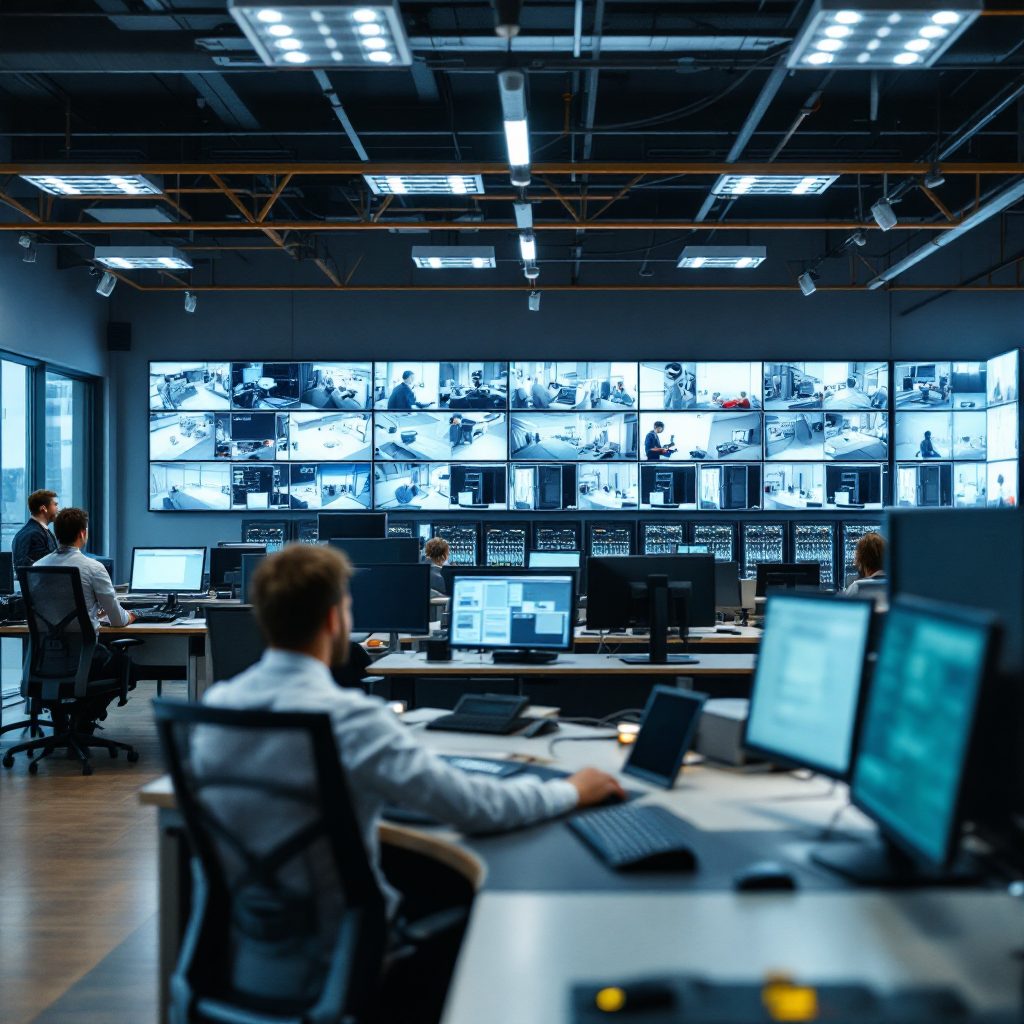
A video management system provides the backbone for modern security and operations across a campus and enterprise sites. Genetec Omnicast runs as a central VMS that records streams, manages retention, and surfaces live feeds to operators. It unifies camera streams, stores continuous footage, and gives teams playback tools that speed investigation. In practice, Omnicast supports hundreds to thousands of camera models, and it integrates with access control, sensors, and third-party devices so teams can correlate events quickly. For example, you can link a camera with access control to track who entered after a door alarm, and then jump to recorded footage in seconds.
Before adding AI, Omnicast delivered core capabilities such as camera support, recording schedules, synchronized playback, and a familiar user interface that operators use every day. These tools let security staff review incidents, tag footage for evidence, and export clips for law enforcement when needed. Typical use cases include perimeter intrusion, transit monitoring, and visitor flow analysis. Teams often rely on manual monitoring and scheduled patrols to detect incidents, and they escalate to security and operational teams when someone reports an issue. That approach works, but it can strain staff and delay reaction.
Visionplatform.ai helps bridge that gap by turning existing CCTV into an operational sensor network, and by using your VMS footage to improve detection accuracy and reduce false alerts. Our platform can integrate with Omnicast so you can track people and vehicles with tailored models, and then publish structured events for dashboards and BI. To explore how people tracking can support busy terminals, see our people detection in airports page for an applied example: people detection in airports. Using the VMS efficiently matters. In short, a modern video management system must record, search, and support quick reaction, and Omnicast already delivers that foundation.
security center integration architecture
Genetec Security Center Omnicast runs on a distributed architecture that routes video from camera devices to recording servers, and then to client workstations for live viewing and investigation. The platform uses a hub-like approach where servers handle recording, and clients subscribe to streams for playback. This design keeps bandwidth predictable and lets teams scale without sudden slowdowns. Cameras can stream directly to edge recorders, and then servers consolidate metadata and alarms. The result is a clear data flow from sensor to storage to operator screens.
Omnicast exposes an open API and a plugin framework so third-party analytics and modules can integrate seamlessly. Developers use the API to push detections, to fetch footage, and to trigger alarms. Security teams can then unify events from multiple providers, and they can view them inside the same client. Genetec’s partner hub lists certified integrations that keep everything consistent. For example, Visionplatform.ai can publish structured events into that stack while keeping models and data on-prem for compliance reasons. If you want a deep dive into how events map to camera-level rules, Genetec documents how camera analytics events work within the platform and how to configure them.
The architecture also supports hybrid deployments. You can deploy analytics on edge devices or on central GPU servers, and then route only event metadata to the security servers. That design reduces load, and it preserves footage for investigation. Integrators often work with the API to automate workflows, and they use certified modules to ensure reliable certification and support. For integration examples and partner-led solutions, see Genetec’s Ambient.ai integration that provides contextual alerts and boosts responder awareness Ambient.ai Video Analytics solution. This architecture makes it simple to add advanced analytics without ripping out your existing infrastructure, and it helps teams react faster to potential threats.
AI vision within minutes?
With our no-code platform you can just focus on your data, we’ll do the rest
kiwivision video analytics suite: key capabilities
The KiwiVision™ suite adds intelligent detection to cameras and to the VMS so alerts become actionable and specific. The modules include motion detection, object classification, loitering detection, and weapon detection, and they run either at the edge or on central servers. Each module focuses on a narrow task so teams can tune thresholds for fewer false alarms and clearer alarms. For instance, loitering logic looks at dwell time in a zone and then raises an alarm only when behavior matches a configured violation. Weapon and tamper detection focus on critical scenarios and then trigger immediate operator notification.
Partners extend KiwiVision™ via contextualized alerts and integration. For example, Ambient.ai adds behavioral context so alerts reflect real-world risk patterns rather than raw motion. Actuate and IRIS+ provide certified analytics modules that plug into the Genetec client and push alarms into the same event stream, which helps operators stay focused. Actuate says, “By embedding AI-driven analytics into Genetec’s Security Center, we empower security teams with actionable alerts that reduce risk and improve operational efficiency” Actuate – Genetec integration. Certified integrations also include camera manufacturers such as VIVOTEK that supply AI-ready cameras and plugins for quicker forensic searches VIVOTEK Plug-in for Genetec. These plugins make it easier to find footage and to tag events for later evidence.
In practice, KiwiVision™ video analytics help teams differentiate routine activity from incidents that require a response. This modular approach lets you deploy a small detection capability at high-traffic gates, and then scale to broader coverage as budgets permit. When a module flags an alarm, the system includes metadata that lets operators jump to the right timeline and to export clips for investigation or for law enforcement. That workflow saves time, and it improves the signal-to-noise ratio for busy control rooms.
video analytics enhancing threat detection and response
Machine learning models power real-time analysis and object classification across camera feeds, and they turn long hours of footage into short, relevant alerts. Models classify people, vehicles, and objects, and they tag behavior so operators can react immediately. When a model detects an unauthorised entry or a vehicle in a restricted lane, it sends an alarm with contextual details so staff can assess the incident quickly. Genetec reports that AI-equipped systems can reduce false alarms by up to 70%, which lets teams focus on real events rather than noise Genetec KiwiVision™ | MCA Video Analytics Solutions.
Integrations also speed response. Ambient.ai contextual alerts feed into the same event stream and then push richer notifications to responders so they make the right decisions faster. Genetec’s resources note that response times can improve by about 30% when operators receive context-rich, real-time alerts Ambient.ai integration. In many deployments, these numbers translate into measurable ROI. Facilities report lower manual monitoring costs and fewer wasted patrols, and some organisations document up to 40% reduction in monitoring expenses after automating detection and alert workflows AI video analytics on Genetec Security Center Omnicast.
Case studies show these gains in action. A transit site that added object classification and vehicle detection reduced investigational time by surfacing the right footage quickly. A campus that deployed people counter models and loitering detection cut investigation load by tagging events for review only when they met policy thresholds. These improvements let security teams react quicker, to allocate resources better, and to provide clearer evidence for law enforcement when needed. In short, adding intelligent models transforms reactive review into proactive monitoring that protects people and property.
AI vision within minutes?
With our no-code platform you can just focus on your data, we’ll do the rest
video surveillance smarter monitoring and operator efficiency
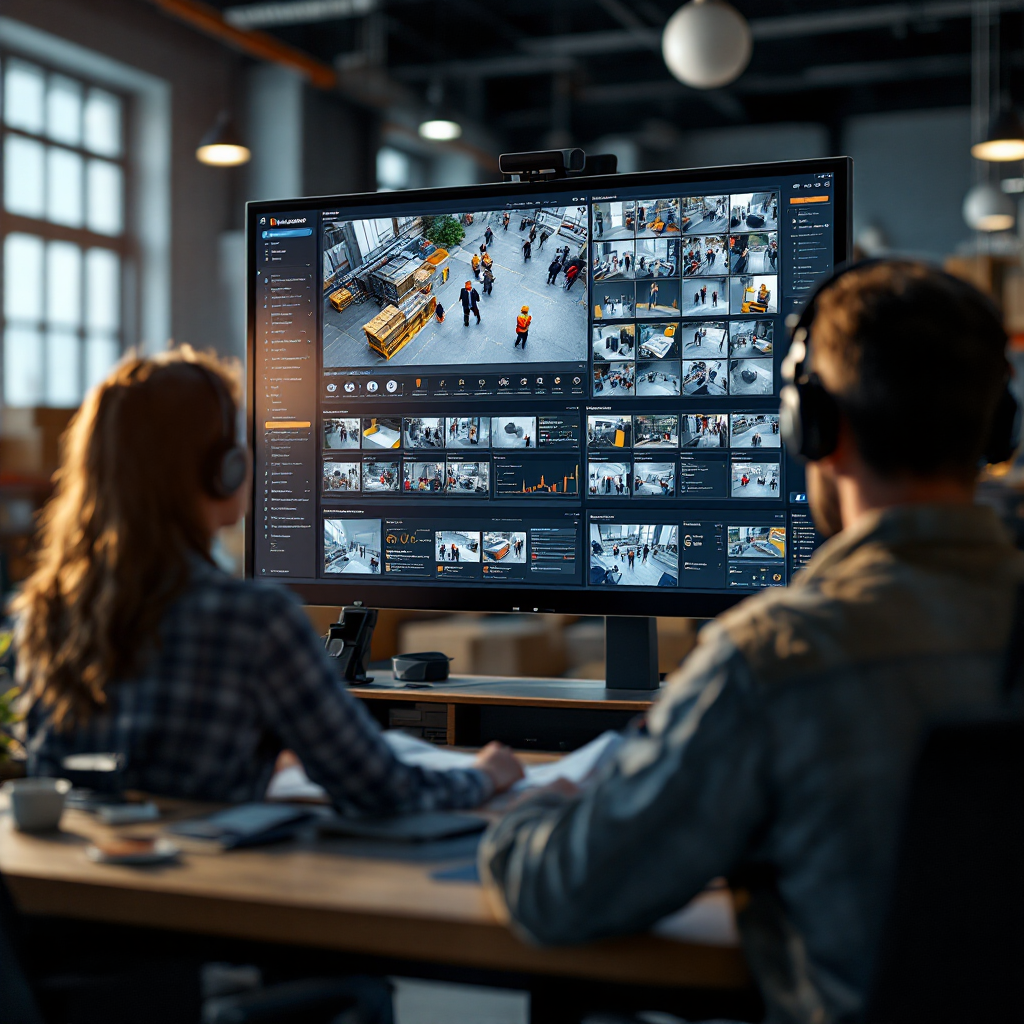
Automation moves control rooms from manual scanning to focused responses, and it helps operators manage high volumes of camera streams. When analytics tag events automatically, operators spend less time on routine tasks and more time on critical incidents. A single alert can show the best camera angle, a cropped image, and metadata such as direction, device ID, and a confidence score. That information speeds investigation and reduces the need for constant human monitoring. Tools that enable quick video investigations make it easier to find an incident in minutes rather than hours.
Evidence search optimisation uses metadata to index footage, and it lets teams query by person, vehicle, or object. Forensic search features improve case workflows and they help security and operational teams pass precise clips to law enforcement or to HR. To learn how structured search works in applied settings, see our forensic search in airports resource: forensic search in airports. This capability supports compliance by producing auditable logs that show who accessed footage and when, and it helps ensure evidence chains remain intact.
Operators gain operational efficiency, and teams reduce manual monitoring costs dramatically. For example, organisations report up to 40% reduction in monitoring effort after they deploy automated alarm workflows and footage tagging AI video analytics on Genetec Security Center Omnicast. These workflows also let you supercharge your investigations because alerts include context, and because metadata points investigators to the most relevant clips. If you want to measure people flows or occupancy, our people-counting solution offers precise counts that feed dashboards and support staffing decisions: people counting in airports. Overall, smarter surveillance and better tools let teams react quicker, and they help them make the right decisions under pressure.
power suite deployment, scalability and privacy
AI at scale requires architecture that supports thousands of streams without sacrificing performance, and Genetec’s platform achieves that by offloading analytics to edge devices or dedicated GPU servers. This split approach lets you deploy models close to cameras, and then send only events and metadata to central servers. As a result, you can support large sites and transit hubs while keeping storage efficient. Genetec’s documented scalability supports thousands of cameras with analytics enabled, which is essential for major campus and transit deployments Digital Video Security overview.
Deployment choices matter for compliance and for operational risk. Some customers need on-prem processing to ensure data residency and EU AI Act readiness, and Visionplatform.ai supports that pattern by keeping models and training data local so you own the pipeline. Our approach reduces cloud exposure, and it helps ensure compliance with data protection rules and internal audit needs. The platform also supports masking, retention policies, and detailed audit logs so teams can ensure that footage access meets privacy and compliance requirements. When law enforcement requests footage, the system can produce a controlled export that shows the audit trail.
Best practices include camera-level configuration, regular model validation, and a staged rollout so you can evaluate impact before broad deployment. Use tamper detection on critical cameras, add people counter modules in high-traffic zones, and configure alerts for unauthorized access points. These steps improve both security and operational efficiency. As you upgrade analytics, evaluate model performance and retrain where necessary so the system continues to detect the right events. With the right deployment plan, you maximize power without compromising privacy or compliance, and you transform cameras from passive recorders into intelligent sensors that support safety and business insight.
FAQ
What is Genetec Omnicast and how does it differ from other VMS?
Genetec Omnicast is a video management platform that records, stores, and streams video from multiple camera devices. It differs from some other VMS by offering a modular architecture, certified integrations, and a partner ecosystem that supports third-party analytics and access control.
How do AI models integrate with Genetec Security Center Omnicast?
AI modules integrate via the platform’s API and plugin framework so detections appear as events inside the client. Certified integrations and plugins let you route alerts and metadata into the same event hub for unified handling.
Can analytics run on edge devices or only in the cloud?
Analytics can run on edge devices or on central GPU servers depending on your deployment needs. Running on-prem or on edge helps control data residency and supports compliance with local regulations.
How much can AI reduce false alarms?
Deployments report substantial reductions in false alarms; some vendors cite up to 70% fewer false positives when models are tuned and combined with contextual filters source. Real-world results depend on camera placement, lighting, and model training.
Will AI analytics speed up investigations?
Yes. AI tags footage and provides metadata, which lets investigators search by person, vehicle, or behavior and retrieve clips faster. Forensic search features reduce time to find relevant footage and improve evidence quality.
How do we ensure privacy when using analytics?
Use on-prem processing, masking, and strict retention policies to limit exposure of personal data. Audit logs and controlled export workflows also help ensure that footage access complies with privacy rules and internal policy.
Can analytics detect vehicles and support ANPR/LPR use cases?
Yes. Models can classify vehicles and support ANPR/LPR workflows when configured with the right cameras. Integrations with ANPR modules help automate vehicle tracking and enforcement tasks.
Does Genetec certify third-party analytics providers?
Genetec supports certified integrations with partners such as Actuate, IRIS+, and camera vendors. Certification ensures the modules work reliably inside the client and that events integrate into existing workflows Actuate – Genetec integration.
How can we measure operational efficiency improvements?
Track metrics such as alarm response time, manual monitoring hours, and investigation duration. After deploying analytics, organisations commonly see reductions in response times and monitoring costs, and you can quantify those changes with baseline comparisons.
How do I start a phased deployment?
Begin with a pilot on high-value cameras, tune models for the site, and validate alert accuracy. Then expand coverage and integrate events into dashboards and reporting to maximize benefit while ensuring compliance and stakeholder buy-in.
