


Add AI video analytics to Bosch video management BVMS
This guide explains how to add AI video analytics to BVMS so teams can act faster, reduce false alarms, and get a live and intuitive overview of what is happening across sites. We cover BVMS architecture, installation, camera edge processing, alert rules, and dashboards. Along the way, we reference Bosch IVA technology and practical steps to integrate AI into existing deployments. If you run security and operations together, this post shows how Visionplatform.ai can bridge the gap between video surveillance and operational data to manage operations and stream structured events to dashboards and OT systems.
Understanding bvms software 13.0
BVMS software 13.0 brings a clearer separation of roles, centralized services, and the flexibility needed to run ai-based analytics at scale. The BVMS architecture uses distributed servers with central management, and it supports both edge analytics and server-based workflows. Cameras stream compressed video to recorders, while built-in analytics on the camera can classify objects and send metadata to the BVMS server. This reduces bandwidth and enables multi-camera workflows that BVMS can orchestrate across sites.
BVMS 13.0 supports AI integration options that let you choose edge-based analytics, server-based IVA engines, or hybrid layouts. Edge-based processing on Bosch cameras classifies people and vehicles on device, and then sends metadata to BVMS. That metadata is small, structured, and searchable. As a result, BVMS allows rapid forensic search against metadata rather than scanning recorded video streams.
Performance metrics are compelling. Using edge analytics reduces network load and scales to hundreds of cameras. For example, BVMS combined with Intelligent Video Analytics can scale to manage up to 500 cameras in larger setups and still keep a live and intuitive overview. In mid-sized deployments, a BVMS plus recorder often includes 16 camera channels free and can manage up to 256 cameras on specific models. For mid-sized applications such as offices, warehouses, or small campuses BVMS addresses scalability while keeping costs predictable. When you add IVA Pro, perimeter and traffic rules can be centralized to one management console that aggregates metadata from multiple devices for multi-camera tracking and forensic search.
Transitioning to BVMS 13.0 also opens choices in licensing and deployment. You can run multiple BVMS systems in a federated fashion for large campuses, or run a single all-in-one recorder for smaller sites such as Divar IP all-in-one units. The result is flexible coverage that supports both security and safety goals. For deeper technical insights into Bosch video analytics capabilities refer to the Bosch technical overview and BVMS platform pages for implementation guidance here and here.
AI vision within minutes?
With our no-code platform you can just focus on your data, we’ll do the rest
Setting up bosch video management for AI analytics
Start with hardware and software prerequisites. For AI-enabled video analytics you need compatible cameras, a BVMS server or recorder, and a network designed for reliable video throughput. Bosch cameras with Intelligent Video Analytics (IVA) provide a feature built-in model that performs on-camera classification. If you plan on using server-based IVA or IVA Pro traffic modules, ensure the server meets CPU, GPU, and storage requirements.
Installation steps begin with deploying BVMS 13.0 or an appropriate BVMS plus edition. Install the server components, then add recorders and cameras. Next, enable the IVA license on the cameras that will run edge analytics. BVMS includes a licensing model that includes a trial; many Bosch recorders include a fully functional demo version so you can test analytics before purchase. For small offices, the Divar IP all-in-one units include 16 camera channels free of charge and can be scaled later if needed.
License activation for Intelligent Video Analytics commonly requires a license key per camera channel or a bundle on recorders. Once the license is applied you can enable IVA profiles on each camera. Cloudless deployments keep video and training data local, which helps with GDPR and EU AI Act requirements. Visionplatform.ai’s approach also supports on-prem model training and event streaming via MQTT so you keep control over data while using AI where it matters most.

Network and server configuration best practices include segregating camera traffic onto dedicated VLANs, prioritizing RTSP/ONVIF streams with QoS, and using RAID or fast NVMe for video storage. Configure BVMS to collect metadata from IVA-enabled cameras so that alerts, appearance search and forensic search workflows use indexed events instead of scanning raw captured video. For systems that must respond rapidly to perimeter breaches, tune detection zones, set appropriate alarm thresholds, and route alerts to the operator console and mobile apps so operators receive timely notifications. For an example of people-detection and related airport use cases see our people-detection page here.
Deploying intelligent video analytics with Bosch IVA
Understanding the differences between IVA and IVA Pro guides deployment choices. IVA handles core object detection and classification on the camera, while IVA Pro adds advanced features such as appearance search, complex classification and higher-end analytics including IVA Pro traffic. IVA Pro also provides enhanced analytics for perimeter monitoring and can support higher camera counts in centralised workflows. New IVA Pro capabilities continue to expand predictive analytics and context-aware rules.
Edge processing is central to Bosch’s strategy. On-camera IVA classifies objects like people and vehicles, and then streams compact metadata to BVMS. This approach minimizes bandwidth and storage while enabling real-time decisioning. Cameras perform object detection and classification, then send only the structured metadata for each event. That metadata lets BVMS link events, create alarms, and support forensic search without replaying hours of video footage. For a technical read on Bosch video analytics and edge processing see the Bosch datasheet and an implementation overview here and Visionplatform.ai’s BVMS guide here.
The quantitative impact of IVA is measurable. Bosch reports that IVA can reduce false alarms by up to 90%, which frees operators and lowers operational cost here. With fewer false positives, security teams respond faster, and they have clearer, actionable events to verify. For perimeter protection, IVA Pro perimeter rules and IVA Pro traffic modules give rich edge classification and reduce nuisance alarms in busy zones.
For deployments that need custom classes or tighter accuracy, combine Bosch IVA with third-party AI models or platforms that bring local training and model management. Visionplatform.ai integrates with BVMS to add ai-enabled video analytics that you control, and to stream events beyond traditional alarms into MQTT for operations. This hybrid model keeps sensitive video data local while improving detection rates with site-specific models. If you need ANPR/LPR or PPE detection in airport contexts, explore our ANPR and PPE pages for use case examples ANPR/LPR and PPE detection.
AI vision within minutes?
With our no-code platform you can just focus on your data, we’ll do the rest
Configuring camera edge processing for video analytics
Enabling AI models on Bosch cameras is done through the camera web client or the BVMS device manager. Select the desired IVA profile, activate licenses, and then configure object classes and sensitivity. Cameras support object detection and classification for people and vehicles as standard, and you can also enable specialized functions like license plate recognition on supported devices. When the camera is set up it will produce metadata events that BVMS can index for search.
Define detection zones and calibrate them for height, perspective and occlusion. Draw zones for entry lanes, parking bays, or restricted areas. Use exclusion and inclusion filters to reduce nuisance alarms. A well-tuned detection zone improves both detection accuracy and the precision of perimeter alarms. For perimeter breach workflows, IVA Pro perimeter features allow you to set direction-sensitive rules and time-based behaviours which are effective at reducing false positives in busy environments.
Managing live and recorded footage workflows requires both metadata and captured video to be available. BVMS lets operators access live and recorded data alongside indexed metadata, so they can jump to the exact second of interest without scrubbing through hours of video footage. This continuous live metadata stream also enables instant forensic search and appearance search across multiple cameras. For forensic search in airport contexts, see our forensic search case study forensic search.
When a camera detects an object, it sends an alarm event and an associated thumbnail or reference to the recorded clip. Configure BVMS rules to archive the relevant recorded video and tag events with contextual data such as camera name, detection class, and time. If you need to keep strict data sovereignty, configure recording retention and export rules to ensure recorded data from bosch video remains under your control. For large sites, distribute event indexing across recorders and central servers so you can manage hundreds of camera channels while keeping response times low.
Creating and managing alert rules in the video management system
Centralised rule management in BVMS helps you keep a single source of truth for alerts and automations. Rules are hierarchical and can trigger multi-step actions when a detection occurs. A simple rule might trigger a camera PTZ call on alarm, or a complex rule might route an alert to multiple teams and create an incident ticket with attached metadata and a recorded clip. BVMS allows flexible mappings from camera detections to operator workflows.
Configure alert triggers to use IVA classifications like people or vehicles and combine them with time windows, map areas, or other sensor inputs. For example, you can set a perimeter rule that triggers only if a person enters a restricted zone during closed hours. That reduces false positives from delivery activity during business hours. Operators receive event details, a preview image, and the link to play the captured video so they can respond faster and with context.
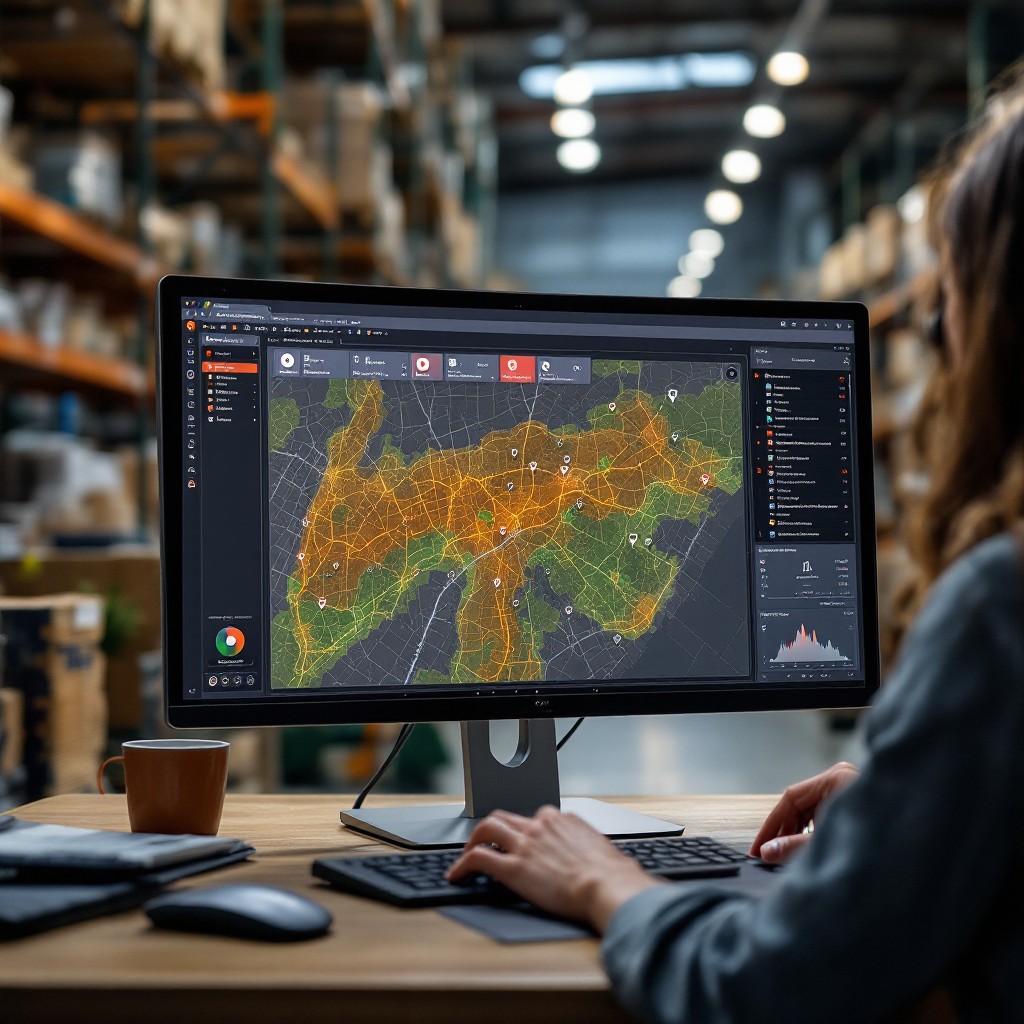
Automation options include mobile push notifications, audio alarms, automated PTZ tracking, badge access lockout, and webhooks to third-party systems. BVMS can integrate with access control, PSIM, and building management systems so that an alarm can trigger both security and operational responses. Use filters to only raise alerts that match your workflow; this helps address false positives and ensures teams are not overwhelmed. For perimeter and intrusion scenarios, consider tuning iva pro perimeter settings and using appearance search to reduce recurring false positives.
Integration with third-party systems and mobile apps is straightforward. BVMS supports webhooks and standard APIs so events can feed ticketing systems or MQTT streams for dashboards. Visionplatform.ai integrates with BVMS to publish structured events so cameras can act as sensors for operations. That means you can move beyond alarms to push actionable insights into BI or SCADA systems, and so leverage captured video for process anomaly detection or occupancy analytics across operations.
Achieving enhanced situational awareness for smarter security
Enhanced situational awareness is the result of combining IVA metadata, BVMS dashboards, and operator tools. Custom dashboards and widget visualisations show camera health, live event counts, and map overlays so teams get an overview of what is happening immediately. Use interactive maps to link camera feeds, and set up widgets that surface key KPIs such as people counts or vehicle flows.
Multi-camera tracking and forensic search let you follow a person or vehicle across views. Appearance search speeds investigations by matching clothing or vehicle attributes so you can find relevant captured video quickly. BVMS ties metadata from multiple cameras into a timeline and gives operators a continuous live view and the ability to jump to archived clips. For crowd and density analytics in high-traffic environments, see our crowd-detection and people-counting pages for airport use cases.
Predictive insights add a proactive layer. IVA Pro Context and related features analyze patterns to spot early detection of unusual activity and then recommend actions. When combined with rule-based automations, predictive alerts can prompt pre-emptive measures such as locking gates or increasing monitoring in a specific area. Operators then receive concise, actionable event summaries rather than raw alarms, and they can respond faster with context.
Finally, bring operational value by streaming events beyond the security team. Visionplatform.ai can publish events to MQTT so business systems see camera events as sensor data. This lets teams use camera-derived metrics for OEE, occupancy, and workflow automation. By keeping models and training data local you meet data sovereignty needs while turning video data into operational value. The result is smarter security that also supports business operations, reduced false positives, and clearer incident trails for audits. For perimeter-focused applications, explore perimeter breach detection resources to tune IVA Pro perimeter rules here.
FAQ
How does BVMS integrate with Bosch IVA at the edge?
BVMS collects metadata that IVA produces on the camera and then indexes that metadata for search and alerts. The cameras perform object detection and classification and send event summaries to BVMS so you avoid transmitting raw video for every event.
Can BVMS 13.0 manage cameras from other vendors?
Yes, BVMS supports ONVIF and RTSP streams so it can work with many third-party cameras. However, only Bosch cameras provide the feature built-in IVA profiles that stream rich metadata directly from the device.
What reduction in false alarms can I expect with Intelligent Video Analytics?
Bosch reports that Intelligent Video Analytics can reduce false alarms by up to 90% in many scenarios source. Actual results depend on proper calibration, zone tuning, and site conditions.
Do I need extra servers for IVA Pro?
IVA Pro can run at the edge in many cases, but some advanced features or high camera counts may require server-based components. Check BVMS sizing guidance and Bosch datasheets for specific requirements details.
How do I search for a person across multiple cameras?
Use appearance search and forensic search tools in BVMS to match attributes across camera streams. BVMS indexes IVA metadata so you can find captured video quickly without scanning hours of footage. For airport-scale examples, see our forensic search case study here.
Can I use AI models tailored to my site?
Yes. Platforms like Visionplatform.ai let you pick models from a library, improve them with local data, or build new models. This approach keeps training local and improves detection for site-specific objects and behaviours.
Is data kept on-prem to meet compliance?
On-prem and edge-first deployments keep captured video and metadata within your environment, which helps with GDPR and the EU AI Act. Visionplatform.ai emphasises customer-controlled datasets and auditable logs for compliance.
What is the role of metadata in BVMS workflows?
Metadata describes detections and links them to captured video. It powers alert filters, forensic search, and dashboard widgets so operators see actionable context rather than raw streams. Metadata reduces the need to replay long video footage during investigations.
Can BVMS integrate AI alerts with other systems like access control?
Yes. BVMS can send alerts via webhooks or standard integrations to access control, PSIM, and building systems. You can automate lockouts, notifications, or operational workflows based on detection events.
How does IVA Pro handle perimeter and traffic analytics?
IVA Pro offers modules for perimeter and traffic analysis, such as IVA Pro perimeter and IVA Pro traffic, that include direction detection, counting, and time-based rules. These features reduce nuisance alarms and support complex monitoring tasks in busy zones.
