


Understanding occupancy analytics: occupancy and analytics in manufacturing
Occupancy analytics brings clarity to factory floors, and it does so by combining people counts, movement patterns, and contextual data. In a manufacturing setting occupancy means the presence and location of workers, equipment, and materials within a defined area. Analytics then converts those raw counts into trends, patterns, and actionable insight that operations teams can use daily. For example, a production supervisor can see which lanes fill during shift change and which lanes sit idle. This visibility reduces guesswork and supports better decisions, and it supports safety planning as well.
To achieve this, systems combine camera feeds with edge AI and simple environmental sensors. Visionplatform.ai turns existing CCTV into an operational sensor network so teams can detect people and vehicles and stream structured events into BI systems. That integration allows managers to track current occupancy and historical peaks without moving to a new infrastructure. When managers integrate video events with MES or SCADA, they get a richer picture of machine interactions, staff movement, and the flow of parts.
The quantitative benefits are clear. Studies show that intelligent monitoring can improve space utilization by 20–25% through better planning. Heatmap-driven interventions have reduced congestion-related accidents by up to 30% in industrial trials. In addition, transferring successful practices from healthcare improved patient flow by 15% in an emergency department, and the same methods help shift planning on the factory floor in hospital studies. These numbers demonstrate why occupancy analytics matters for efficiency and safety.
Practically, teams start by defining the rules for detection, and then they map sensors to key areas. They set thresholds for capacity limits, and they create alerts for congestion and idle equipment. This approach yields a repeatable feedback loop. First, collect counts. Next, analyze peaks. Then, act to rearrange or retrain. Finally, measure the result and iterate. For modern factories that want to optimize throughput and reduce risk, this cycle creates measurable gains.
Deploying occupancy sensors and sensor detection per zone
Choosing the right hardware matters. Common options include infrared beams, ultrasonic devices, and computer vision. Infrared and ultrasonic units excel at simple doorway counts. Computer vision gives richer context and can count people who linger, track dwell times, and identify PPE. Many teams start with a hybrid setup. They use low-cost sensors for entry points and add cameras where deeper analysis helps. You can deploy occupancy sensors at doors, on aisles, and over benches to get per zone counts that support staffing decisions.
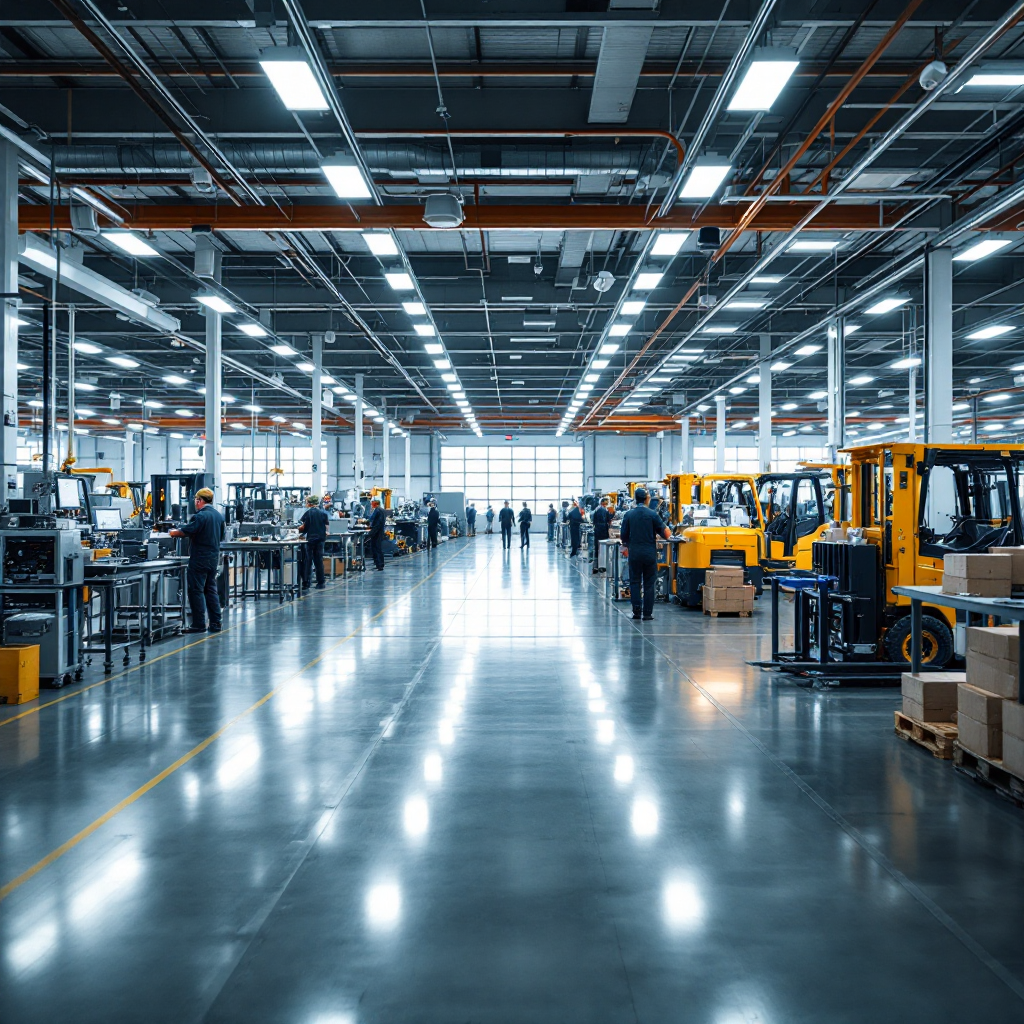
Real-time detection lets managers react to issues as they form. AI models running on edge devices provide real-time feeds and produce events that indicate congestion or idle equipment. Trials show detection accuracies can exceed 90% in complex layouts with modern models. Systems must also respect privacy and compliance. Visionplatform.ai offers on-prem processing so data can remain in your environment, which helps with GDPR and EU AI Act concerns while keeping counts accurate and auditable.
Per zone counts allow you to dynamically allocate staff and machines. For instance, when a storage aisle reaches capacity, a scheduler can reassign a picker automatically. When an assembly lane becomes busiest, a supervisor can add a temporary operator. This is especially helpful for shift handovers and for managing congestion near chokepoints. The floorplan becomes a live operational tool rather than a static drawing.
To integrate camera-derived events into business tools, teams often publish messages via MQTT to dashboards, alarms, and BI feeds. This approach makes it simple to integrate detection with ERP, WMS, and maintenance systems. As a result, you reduce manual headcounts and speed responses. You also build a record to analyze trends and calculate average occupancy per shift, which helps with long-term staffing and layout planning.
AI vision within minutes?
With our no-code platform you can just focus on your data, we’ll do the rest
Crafting heatmaps and heat map visualization: map density with heatmaps
Turning counts into a color-coded heatmap makes patterns obvious. Raw telemetry from cameras and sensors is aggregated over time. Then software bins counts into grid cells across a floorplan and assigns colors based on frequency. Hot colors indicate the busiest areas, and cool colors show underutilize regions. A heat map offers a clear visual representation that teams can use in daily stand-ups. It helps them visualize congestion and plan quick fixes.
Visualization tools let users zoom, filter by time window, and overlay equipment positions. They also allow comparisons between shifts and lines. Heatmaps can reveal non-obvious bottleneck patterns. For example, a pallet drop that seems efficient might cause frequent cross-traffic, which a heatmap will expose. Executives and supervisors both benefit because the visual reduces argument and highlights the facts.
Case studies confirm the value. Heatmap-driven planning improved staff allocation in hospitals by 15% in clinical settings. In manufacturing, similar analysis can reconfigure material flow to reduce travel time. When companies apply these lessons they often reassign staging areas, shorten pick paths, and reduce machine idle time. A simple re-layout can lead to 20–25% gains in space utilization according to recent studies.
As Emre Sonmez says, “Heatmaps data can help you make cost-effective decisions that not only improve space utilization but also enhance worker safety by highlighting high-risk areas” —Density.io. Use interactive layers to compare heatmaps with safety incident logs. This combined view helps you see if the busiest spots correlate with near misses or accidents. Then you can apply focused safety measures, such as rerouting traffic or adding physical barriers.
Analysing space use density per zone for smarter layouts
Analyzing density per zone turns visual patterns into precise metrics. Start by defining zones on your floorplan. Typical zones include assembly lines, storage bays, loading docks, and common areas. For each zone you track counts, average dwell time, and peak load. These metrics let you calculate throughput, and they let you identify repeated bottleneck conditions. Use them to calculate utilization and to decide where to rearrange benches or machines.
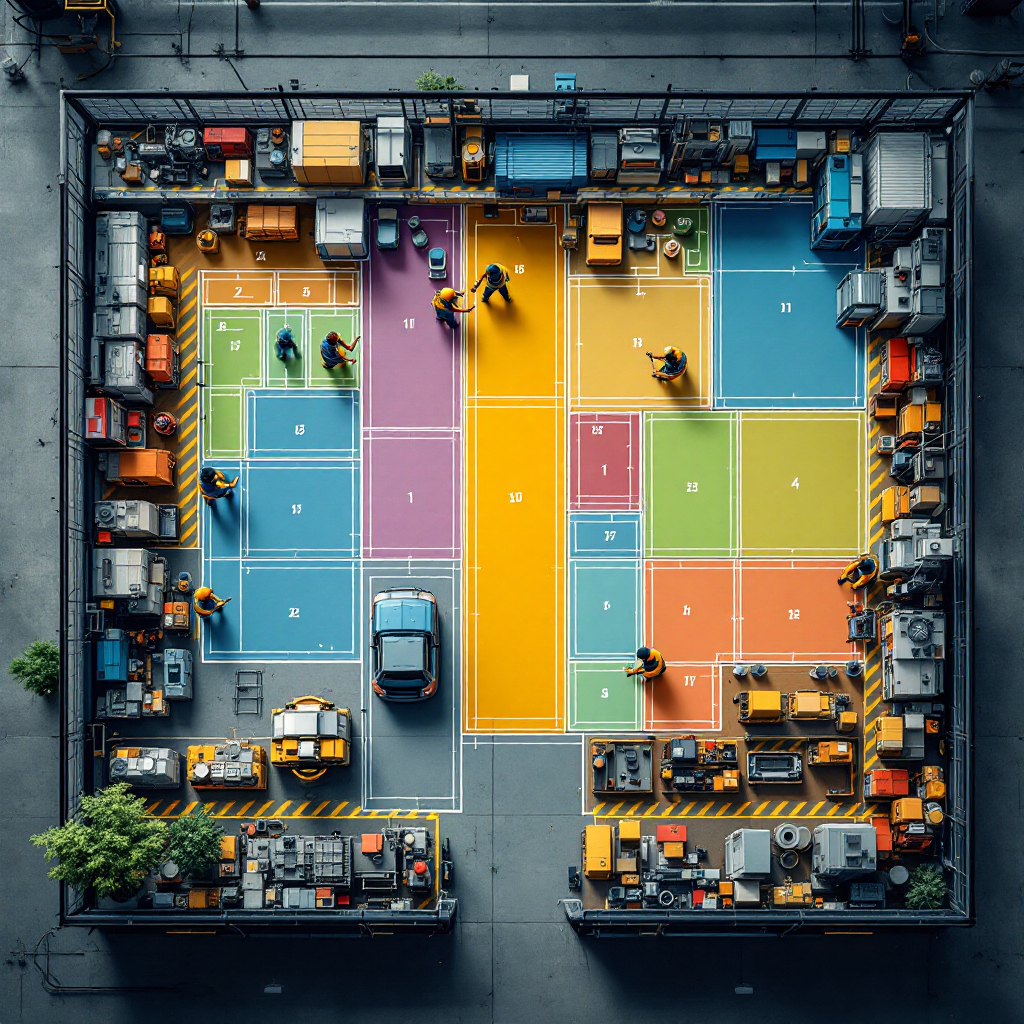
To compute a simple metric, calculate average occupancy divided by zone capacity. That gives you a utilization ratio that you can track hourly. If the ratio regularly exceeds threshold values, then capacity limits may cause congestion. If the ratio is very low, then you likely underutilize the area. You can then rearrange equipment to balance load. These adjustments often lead to measurable gains; industry reports show common improvements of 20–25% in space utilization when teams act on heatmap findings in trials.
Apply density metrics to safety planning as well. When a zone shows repeated high density during incoming shifts, you can change break schedules or add temporary staff. This reduces congestion and improves worker comfort. You can also use metrics to enforce capacity limits and reduce bottleneck risk. For high-risk zones, integrate alerts that tell supervisors when counts approach a safety threshold.
Deeper analysis combines occupancy with machine telemetry and maintenance logs. That combination helps you see whether a machine’s downtime coincides with staffing shortages. It also helps you optimize pick paths to maximize machine uptime. By integrating video events with maintenance schedules you create a feedback loop that reduces idle time and increases overall equipment effectiveness. These steps help you build a more resilient and efficient floor layout.
AI vision within minutes?
With our no-code platform you can just focus on your data, we’ll do the rest
Use cases: maximise factory efficiency and meeting room scheduling
Occupancy analytics supports many use cases across manufacturing. In assembly lines, real-time counts reveal which stations slow flow. That visibility helps supervisors redeploy operators quickly and maximize machine uptime. In storage areas, heatmaps show where forklifts linger and where aisle congestion occurs. Using that data, teams can rearrange staging and reduce travel time. In office areas, the same systems can power meeting room schedules and show available desks, which reduces wasted booking time.
Meeting room booking is a surprisingly useful application. When a meeting room sits booked but empty, occupancy data can cancel the reservation automatically. This frees rooms and improves engagement for on-site teams. For production staff, freeing meeting rooms means better access to planners and quicker coordination with shifts. Across the enterprise, this reduces friction between operations and office teams.
Other practical use cases include detecting unauthorized access and flagging prolonged linger around hazardous equipment. Visionplatform.ai supports such detection while keeping data local. You can count people at checkpoints and integrate those counts with access control. You can also use occupancy metrics to calculate average occupancy for shift reports and to plan capacity during peak seasons.
Retail teams can use similar tools to optimize store layouts and product placement. In logistics, occupancy data improves dock scheduling and reduces loading delays. In short, across use cases the benefits compound: you reduce idle time, you maximize throughput, and you lower risk. The result is improved operational efficiency and a smoother day-to-day running of the facility.
Future of occupancy analytics: smarter insights and extended applications
AI models continue to get better, and predictive analytics will shift from reporting to forecasting. Future systems will forecast congestion and recommend preemptive staffing changes. They will also generate alerts that integrate with maintenance workflows so teams can avoid cascade failures. As models improve they will offer deeper temporal analysis, and they will surface patterns that humans might miss.
Beyond the factory floor these techniques scale to warehousing, logistics hubs, and offices. For example, predictive occupancy can suggest when to open additional packing lines during expected demand spikes. Enterprises that integrate video into BI benefit because video becomes a sensor that feeds KPIs and dashboards. Visionplatform.ai helps companies integrate video events into MQTT and business systems so that data flows into existing tools without vendor lock-in.
Implementation requires a clear strategy. First, map your objectives and identify the specific areas to monitor. Then, pick a combination of cameras and sensors and set up edge processing. Next, integrate events with your business tools and train models on your own footage to reduce false positives. Finally, measure gains and iterate. This phased approach reduces disruption and speeds ROI.
As AI and sensor networks evolve, manufacturers will gain smarter and more automated decision support. The promise is not only better utilization and safety, but also a shift from reactive response to proactive management. Start small, scale fast, and build the data foundation that will support the next wave of operational improvements.
FAQ
What is occupancy analytics and how does it apply to manufacturing?
Occupancy analytics is the practice of measuring presence and movement within physical areas and turning those measurements into operational insight. In manufacturing it helps managers balance staffing, redesign layouts, and reduce congestion by showing where people and equipment cluster.
Which sensors work best for counting people on a factory floor?
Options include infrared beams, ultrasonic devices, and computer vision systems. Cameras with AI provide richer context and can detect PPE and linger times, while simple sensors work well at controlled entry points.
How accurate is real-time detection using AI?
Modern systems can reach accuracy rates above 90% in trials, especially when models run on local footage and are tuned to site conditions (source). Accuracy improves when teams retrain models on their own VMS videos.
Can heatmaps reduce workplace accidents?
Yes. Heatmaps reveal hotspots where congestion and equipment interaction occur. Studies show targeted interventions guided by heatmaps can reduce congestion-related accidents significantly, with reductions cited up to 30% in research.
How do I integrate camera events with business systems?
You can stream events via MQTT or webhooks into BI, SCADA, or maintenance systems. Platforms that support on-prem processing make it easier to keep data local while pushing structured events to enterprise dashboards.
What is a heat map versus a heat-map visualization?
A heat map is the color-coded output that shows activity density. A heat-map visualization is the interactive tool you use to explore that output, filter by time, and overlay equipment or safety incidents.
Can occupancy analytics improve energy use?
Yes. By tying occupancy to HVAC control, buildings can reduce energy use when areas are empty. Studies indicate occupancy-aware control can improve building energy efficiency by measurable percentages.
Is it possible to keep video data private and compliant?
Absolutely. On-prem and edge processing reduces the need to send raw video to cloud providers. This approach supports GDPR and the EU AI Act by keeping training and events within your environment.
How do I calculate average occupancy for planning?
Calculate average occupancy by dividing total person-minutes over a period by the number of minutes in that period. Use that figure with zone capacity to assess utilization and to plan staffing levels.
What are good first steps for an implementation?
Start by defining clear objectives and identifying specific areas to monitor. Then pilot with a mix of cameras and sensors, integrate events into one dashboard, and iterate based on results to scale across the site.
