


Forensic search and video description
Forensic search in Milestone XProtect is an AI-driven tool that helps investigators find relevant video fast. The feature turns hours of footage into searchable records. It uses metadata to describe scenes, and it assigns tags like object type, color, and motion. This approach helps an investigator move from a manual, frame-by-frame review to a focused digital hunt.
Metadata sits at the heart of precise video description. In XProtect, metadata captures attributes such as size, direction, and timing. The system links those attributes to camera locations and timestamps so you can filter by what matters. For example, you can limit results to sequences with a red vehicle moving north between two gates. That kind of detail makes it much easier to discover the exact clip you need.
Manual review requires an operator to watch long sections of record. It slows every investigation and increases fatigue. By contrast, a metadata-driven forensic search extracts moments that match your query. This reduces the cognitive load on operators and speeds up case progress. The tool also supports a centralized search approach across one or more cameras, so teams do not repeat the same review work.
When teams combine AI with structured metadata they win time and clarity. As JD Security explains, Milestone provides “AI-powered forensic search and data analytics [that] enable quick identification of relevant video evidence” https://www.jdsecurity.com.au/support/faqs/. That quote highlights how the search feature moves evidence discovery into a data-led process. The metadata field in XProtect stores tags and makes it simple to refine queries, so investigators can focus on interpretation rather than raw review.
For day-to-day operations, this model also supports integration across broader security stacks. Visionplatform.ai integrates with leading VMS and can augment XProtect with site-specific analytics. That helps teams avoid vendor lock-in while keeping data on-prem and under control. The outcome is a faster path from alert to action and clearer, searchable content for legal or operational needs.
Use smart search to reduce search time
Smart search filters in XProtect let you narrow down results quickly. The tool offers filters for object type, color, size, and direction. Each filter reduces the pool of clips. When you combine multiple filters you can pinpoint a sequence in minutes. For example, choose vehicle, red, large, moving east. The combined filter trims hours of footage to a handful of candidates.
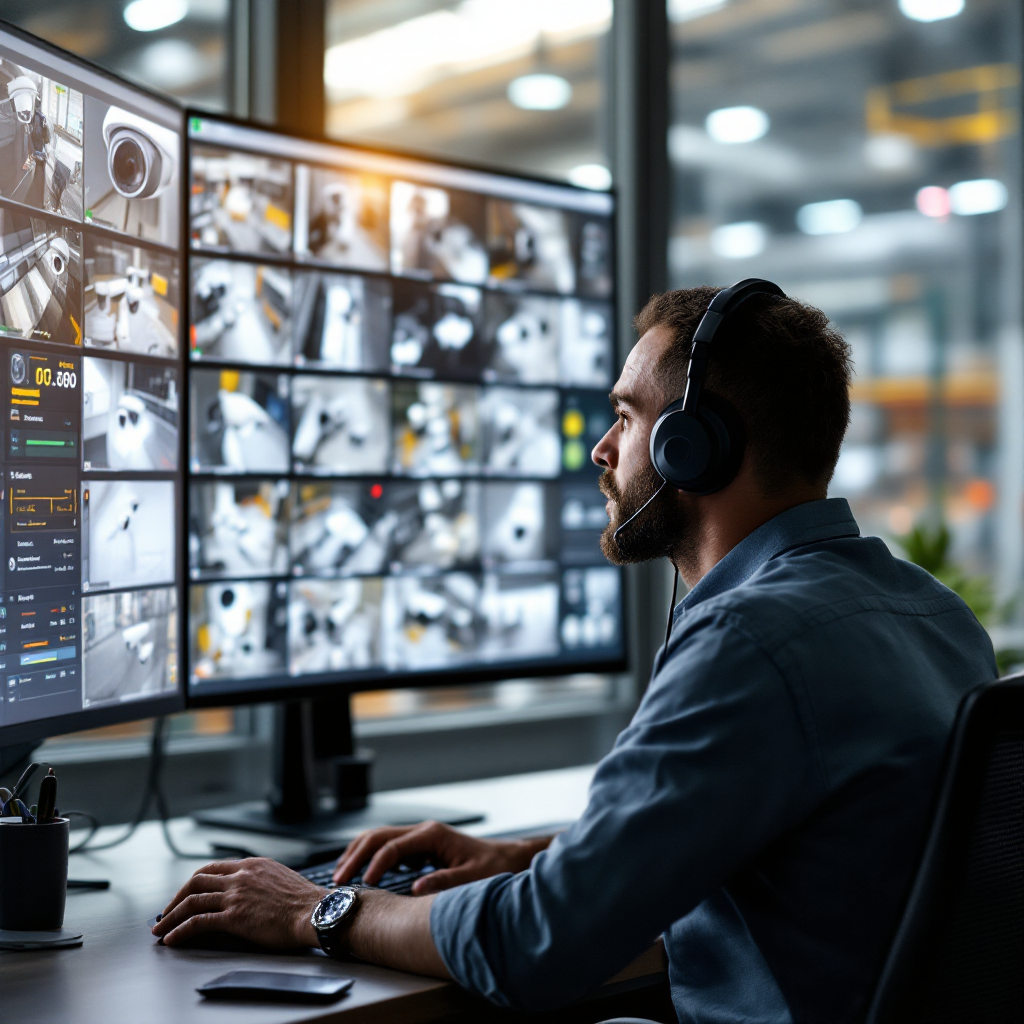
Smart search supports advanced search categories and lets operators stack conditions. Use an object filter with a color filter and a size filter, then add a direction constraint. The system returns a searchable timeline and thumbnail previews. That workflow lets an operator assess clips before full review. It also helps teams apply consistent criteria across investigations.
Quantitative analysis shows the benefit. Agencies using AI tools report a reduction in review time by up to 70% https://www.solitonsystems.com/hubfs/STC/STC%20-%20%20E-%20books/eBook%20Effective_Policing_Soliving_Crimes_with_AI.pdf?hsLang=en. That statistic supports why smart search is a priority for law enforcement. It changes how teams allocate resources. Instead of long playback sessions, staff spend time analyzing confirmed clips.
In practice, combine smart search with the XProtect Smart Client for full context and speed. Use xprotect search or the smart search tool to narrow candidates. Then review the preview thumbnails and play sequences at required speed. This saves time for critical investigations. As a result, teams can resolve incidents more rapidly and move on to next actions.
AI vision within minutes?
With our no-code platform you can just focus on your data, we’ll do the rest
Motion and event filters in forensic search
Motion filters help isolate periods of activity inside long recordings. XProtect allows filtering based on motion in selected areas of a scene. Draw a polygon on the camera view and the system will show only segments with motion there. That method highlights moments when people or vehicles moved through a zone, and it reduces unrelated clips.
Event filters extend motion to specific occurrences. Filter by event type such as tamper alarms, entry, or exit. These event-driven filters let operators target happenings that matter. For instance, choose an entry event during a time window and couple it with motion. The resulting set contains only clips that match both conditions, making review far more effective.
Multi-camera event correlation helps with complex scenes. Forensic search links events across multiple cameras to create a sequence. You can follow a subject from one camera to the next. That built sequence helps an investigator reconstruct routes and timings across an area. It also streamlines collaboration between teams working on the same incident.
The search feature can also flag tamper detection and other alarms for quicker action. Use event tags and then export the selected segments for review. Exported clips include context and a standalone player for sharing with partners. When you need to coordinate with external agencies, this workflow keeps evidence intact and traceable. The process supports an efficient, auditable path from alert to closed incident.
Preview, playback and view result on timeline
XProtect creates a searchable timeline that shows filtered results at a glance. The timeline highlights clipped intervals in color blocks. Click a block to preview a short thumbnail sequence. Thumbnails let an operator assess relevance before committing to full playback. That saves time and reduces unnecessary review.
Playback controls are essential for detailed analysis. Use variable playback speeds and skip intervals to move quickly through long segments. Slow motion helps with facial analysis and number plate reading. The play controls in XProtect support frame stepping and reverse playback as needed. This lets investigators confirm details with less error.
Viewing results in context is important. Always review a clip plus five to ten seconds before and after the hit. That surrounding view reveals approach, intent, and secondary actions. The timeline tool preserves context automatically so you get a fuller picture without extra clicks.
Preview thumbnails are compact; they give the operator the key frames for rapid triage. When a clip looks relevant, create a bookmark or export it. Visionplatform.ai can augment this flow by publishing structured events to dashboards and BI tools, which supports operations beyond security. The combined toolchain helps teams act on findings and share them with stakeholders quickly and securely.
AI vision within minutes?
With our no-code platform you can just focus on your data, we’ll do the rest
Managing evidence with bookmark, snapshot and alarm
Bookmarks let an operator mark critical moments inside a clip. Add a short note, then save the bookmark for later review. A bookmark simplifies collaboration because colleagues can jump to exactly the same frame. Use bookmarks to flag evidence that should be exported or submitted to legal teams.

Snapshot captures provide still images with embedded metadata. Each snapshot contains time, camera ID, and position. Those stills serve as quick evidence artifacts in reports and briefings. They also help in cases where a single frame contains the critical detail, such as a distinctive logo or clothing color.
Set alarms to flag future occurrences of defined events. For example, configure an alarm for motion in a restricted area, then tie it to a notification channel. The alarm prompts operators to act immediately and preserves the clip that triggered it. Export and share marked segments using the secure standalone player. That export maintains integrity for external review and court use.
Keep exports traceable. Include hashes or logs to support chain-of-custody requirements. Tools like XProtect and complementary analytics ensure exported evidence remains admissible. If you work at an enterprise level, integrate these exports with broader security and incident workflows. That ensures evidence travels with context and remains useful to investigators and legal teams.
Vehicle analytics and use of metadata for rapid result
Vehicle detection helps investigators find specific make, model, and color quickly. In XProtect you can enable vehicle analytics to tag attributes automatically. These tags become searchable fields on the timeline. When a license plate read is available, include it too. Use that combination to narrow hours of footage to a few minutes.
Vehicle metadata cuts down search time dramatically. Combine vehicle, color, and direction filters to reach the right clip. Agencies have reported cuts in review time of up to 70% when they add AI-driven analytics to their workflows https://www.solitonsystems.com/hubfs/STC/STC%20-%20%20E-%20books/eBook%20Effective_Policing_Soliving_Crimes_with_AI.pdf?hsLang=en. This kind of efficiency changes how incidents are handled and closed.
Export findings and then integrate them with other systems for broader situational awareness. For example, combine vehicle detection with ANPR/LPR workflows to reconcile a license plate read. Visionplatform.ai supports ANPR integration and can stream events to your existing VMS for deeper operational use. That helps teams link vehicle hits to business systems and dashboards.
Best practices include calibrating cameras for plate read distance and setting detection zones for roads and car parks. Also, verify detection quality and retrain models if you see false positives. A well-tuned vehicle analytics setup becomes one of the fastest ways to discover a specific car in large archives of footage. Finally, export the selected sequences in a standard format and attach notes for the investigating officer, so the clip is ready for legal or operational review.
FAQ
What is forensic search in Milestone XProtect?
Forensic search is an AI-enabled capability that lets you search video by metadata such as color, object type, and direction. It reduces manual review by returning clips that match your criteria quickly.
How much time can forensic search save?
Reportedly, AI-driven forensic search can cut review time by up to 70% https://www.solitonsystems.com/hubfs/STC/STC%20-%20%20E-%20books/eBook%20Effective_Policing_Soliving_Crimes_with_AI.pdf?hsLang=en. That figure reflects reduced playback and faster hit confirmation.
Can forensic search read license plates?
Yes. When a camera supports ANPR/LPR, XProtect can include a license plate read in results. Use that field to narrow searches and link to vehicle records.
How do I preview results before full playback?
Use thumbnail previews on the timeline to assess clips quickly. Thumbnails let you decide whether to play the full sequence or export the segment.
Does the system support multi-camera correlation?
Yes. Forensic search can correlate event sequences across multiple cameras to build a route or timeline. That helps investigators follow a subject through different views.
Can I export clips for legal use?
Exported clips include a standalone player and metadata. This preserves context and helps maintain chain-of-custody when sharing with law enforcement or legal partners.
How does vehicle analytics improve investigations?
Vehicle analytics tags make it possible to filter by make, model, and color. Combined with ANPR/LPR, these tags let you locate a car in minutes rather than hours.
Is it possible to customize search filters?
Yes. Advanced search categories and smart search filters can be combined to match site-specific needs. For tailored models, consider integrating with on-prem analytics that run on your data.
How do I mark critical moments?
Create a bookmark and add notes to highlight important frames. You can also capture a snapshot with embedded metadata for quick reference.
Where can I find more guidance on airport forensic search?
For airport-focused forensic workflows, see the Visionplatform.ai forensic search in airports page for practical examples and deployment notes: forensic search in airports. For vehicle-specific projects, check vehicle detection classification in airports: vehicle detection classification in airports. If you need ANPR guidance, see the ANPR/LPR in airports resource: ANPR/LPR in airports.
