


Traditional video security: why AI video search can transform video review
Traditional video security relied on people watching screens. Operators skim through hours of recorded video. That approach is time-consuming and error prone. Security teams often must pause and rewind. They must scan feeds from many camera views. As a result, incidents are missed and investigation time stretches. However, AI can transform this process. visionplatform.ai focuses on that exact problem. Our platform turns existing cameras and VMS into AI-assisted systems that help operators find what matters faster and with more context.
First, manual review is slow. Second, human attention drifts. Third, scale is a problem. To illustrate, AI video analytics can reduce the time needed to review footage by up to 90%. Also, industry reports show AI-powered CCTV systems improve threat detection accuracy by roughly 30–50%. Therefore, fewer false alarms arrive at the control room. Furthermore, teams can focus on real incidents instead of false positives. In addition, AI delivers searchable metadata that turns hours of recorded video into searchable footage.
Next, note how this helps multiple groups. Security operations and enterprise managers both gain. For retail managers, AI helps with loss prevention and operational insight. For law enforcement, it accelerates case work. For campus and infrastructure teams, AI supports compliance and situational awareness. Also, modern systems support both analog camera upgrades and IP camera deployments. visionplatform.ai integrates with VMS and keeps video on-prem if required, avoiding unnecessary cloud video transfers.
Finally, the shift is not only faster review. It is smarter review. AI reduces the volume of irrelevant clips. It pinpoints critical moments in the timeline. It converts pixels into text. As a result, operators can search for security cameras and find the exact moment a person crossed a fence, a vehicle lingered, or an unauthorized entry occurred. This change streamlines operations and saves significant time across investigations.
How search works: using AI for smarter video search and detection
AI video search works by turning visual frames into structured, searchable data. First, machine learning models detect objects, people, and behaviors in each frame. Second, these detections are translated into metadata and timestamps so operators can jump to the precise moment of interest. For example, AI models can recognize a vehicle model, identify a person with specific clothing, or flag an object left behind. The same models can detect loitering, access control breaches, or an unauthorized person near a sensitive area. visionplatform.ai uses a Vision Language Model to convert detections into human-readable descriptions so operators can find events using natural language queries.
Also, modern systems combine detection with verification. That means a raw alert is enriched with context from VMS logs, access control, and historical patterns. Forensic search becomes possible across all cameras, and across multiple cameras when required. The platform indexes recorded footage and creates a searchable index. Then, operators can find specific clips using natural language such as “person loitering near gate after hours.” This search works without needing camera IDs or exact date and time. The VP Agent Search feature is designed for that exact use and supports forensic workflows for airports and large sites; see our forensic search in airports documentation for examples.
Furthermore, timestamped metadata and clip-level indexing speed retrieval. The system can return a short clip with relevant frames and timestamps so the operator can review context in seconds. Also, AI reduces false positives because models combine object recognition with behavior analysis. For instance, a discarded bag near a bench will be evaluated differently from an identical bag in a staff area. Studies show that AI systems can process thousands of hours of video at scale, something human operators cannot match at scale. In addition, platforms such as Eagle Eye Networks and others show how cloud-connected analytics simplify deployment for some customers, while on-prem options maintain data control.

AI vision within minutes?
With our no-code platform you can just focus on your data, we’ll do the rest
Building the network: camera hardware, cloud video and AI search integration
Designing a reliable system requires attention to camera hardware and network capacity. First, choose the right camera types. IP cameras are now common and support advanced video analytics on the edge. However, existing analog camera deployments can often be upgraded with encoders or replaced over time. visionplatform.ai supports ONVIF and RTSP, which means you can keep existing cameras where it makes sense. Also, consider resolution and frame rate. Higher resolution delivers more detail for face, object, and vehicle recognition but increases storage and network load.
Second, decide where analytics run. Edge processing can give you low latency and keep data local for compliance. Cloud processing offers scalable compute and easier model updates. Many sites combine both. For example, a local GPU server can run primary detection and a cloud queue can perform heavy analytics or long-term indexing. visionplatform.ai emphasizes on-prem options to meet EU AI Act and compliance needs, but still supports optional cloud integrations when customers prefer cloud video workflows.
Third, account for network and storage. Real-time analytics require reliable throughput, especially when many camera streams are analyzed simultaneously. Plan for burst traffic and prioritize streams that matter most. Use VLANs to separate camera traffic from other IT traffic to preserve performance. Also, consider retention policies for recorded footage. Indexing every frame increases retrieval speed but uses more storage. A sensible compromise is to store short clips for every alert and indexed metadata for long-term searchability. That approach reduces time-consuming manual review and lets operators focus on verified incidents.
Finally, hardware choices matter. Edge devices such as NVIDIA Jetson can run local models for detection. Alternatively, on-prem GPU servers scale to hundreds or thousands of streams. For highly regulated sites, keeping video and models on-prem reduces risk and avoids sending raw video to external providers. visionplatform.ai offers a flexible deployment model that integrates with popular VMS platforms and supports tight event handling via MQTT, webhooks, and APIs so your control room workflows remain uninterrupted.
Smart video search features: intuitive natural language search and streamline investigation
Smart video search changes how operators interact with recorded video. Instead of learning camera IDs and complex filters, operators can use an intuitive, natural language query. For instance, a user might type “red truck entering dock area yesterday evening” and get a ranked list of matching clips. VP Agent Search is built for this task and was created to help operators find incidents without needing to scrub through recorded footage. An intuitive interface reduces training time and speeds investigation.
Also, automated tagging and prioritisation improve efficiency. The system tags each clip with object labels, behavior descriptors, and timestamps so filters work instantly. Tags might include “person with backpack,” “vehicle stopped,” or “unauthorized access.” Then, automated rules can prioritise clips with high-risk indicators and present them as a short queue. This streamlines how security teams validate an alert and decide next steps. In many cases, the operator receives a rich context card that explains what was detected and why the event was escalated. That context reduces the cognitive load during high-pressure situations.
Furthermore, intelligent filters simplify investigative workflows. Operators can combine tags, time windows, and location constraints to narrow results. They can also share footage with auditors or law enforcement. For airports and transport hubs, features such as people counting and ANPR improve throughput and security; see our pages on people counting and ANPR/LPR in airports for examples. In addition, the platform can index and surface critical moments so teams do not need to scrub long files. As a result, investigation time drops and the team can resolve more cases faster.
Finally, natural language search caters to non-technical users. This reduces reliance on dedicated forensic analysts and allows front-line staff to find specific clips. It also supports audit trails, so any action taken during an investigation is logged and reproducible. The net result is faster retrieval, clearer decisions, and fewer missed incidents.
AI vision within minutes?
With our no-code platform you can just focus on your data, we’ll do the rest
Industry use cases: AI video search in business operations and security teams
AI video search supports a wide range of use cases across industry. In retail, AI helps loss prevention by detecting suspicious behavior and supporting real-time shoplifting detection. For example, a retail manager can receive an alert, then run a natural language query to find corresponding clips. This capability cuts down on time spent watching hours of video and increases the chance of catching the right clip before evidence is scrubbed. Retail teams gain data that supports operational changes and customer flow analysis.
Also, law enforcement benefits from faster case resolution. Police departments that adopt AI-enabled cameras can search recorded footage for suspects, vehicles, or events. The speed gains are measurable. Thousands of departments and businesses in the USA already use AI-enabled IP security cameras to identify vehicles in real-time and support investigations in practice. In addition, transport and critical infrastructure teams use AI to maintain situational awareness and compliance while reducing false alarms that distract operators.
Furthermore, campuses and large enterprise sites use AI to detect perimeter breaches, monitor access control, and verify PPE compliance. For airport operations, features like people detection, vehicle detection classification, and intrusion detection help teams manage complex workflows; see our pages on people detection in airports and intrusion detection. Also, AI supports proactive security by analyzing patterns over time. That analysis helps security planners spot process anomalies before they escalate into incidents.
However, ethical and privacy concerns must be addressed. The Brookings Institution warns that AI together with facial recognition and broad data collection can enable invasive public surveillance that raises civil liberties questions. Therefore, deployments should follow local laws, respect privacy, and use on-prem options when possible. visionplatform.ai supports EU AI Act–aligned architectures and on-prem processing so organizations can balance capability with compliance.
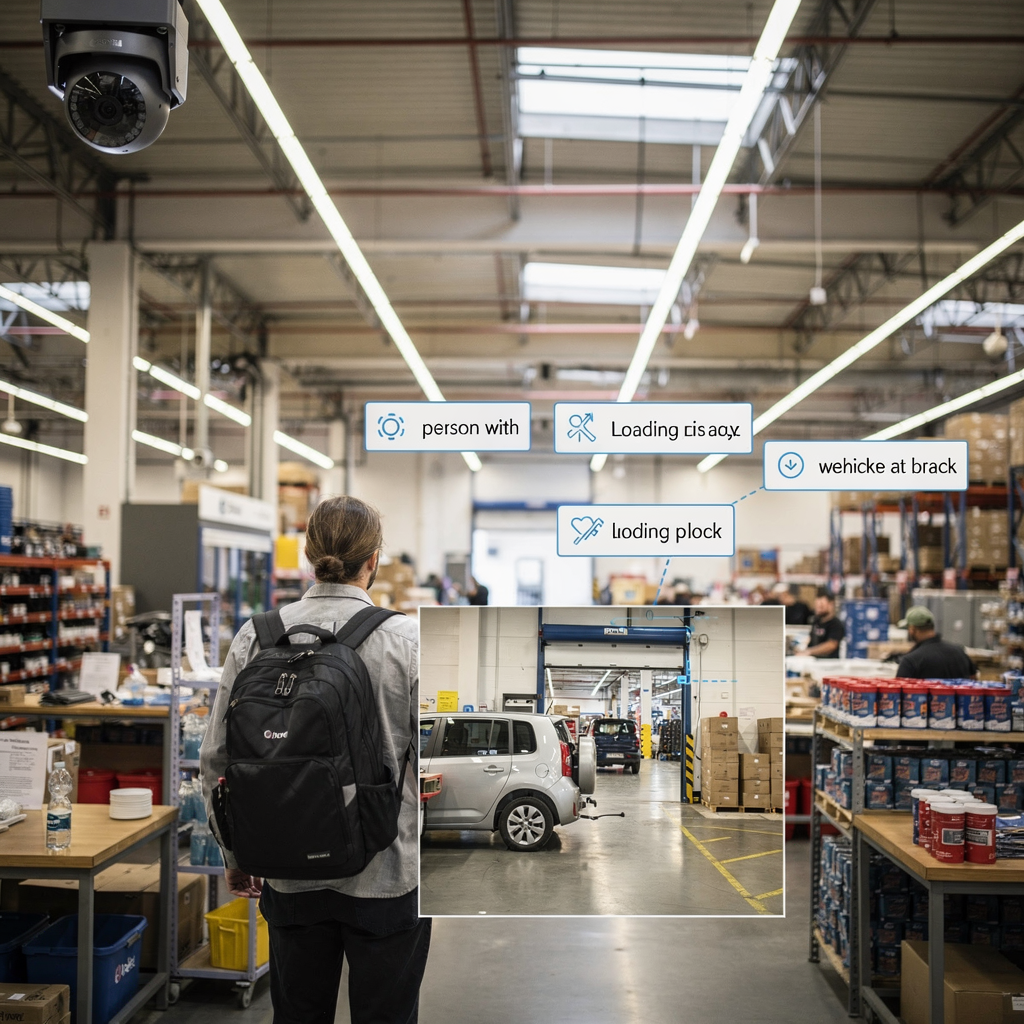
Live demo: transform investigation with AI, smarter detection and footage insights
Seeing the system in action clarifies the benefits. For a quick demo, start with the operator console. First, enter a natural language query such as “unauthorized person near service gate yesterday evening.” Second, the VP Agent Search finds matching clips across all cameras and displays short clips with timestamps and contextual descriptions. Third, the operator reviews the prioritized clips and either dismisses a false alert or escalates the finding with a pre-filled incident report. This workflow reduces investigation time and minimizes manual steps.
Also, track key metrics during the demo. Measure time to locate an event from the moment of the initial alert to the moment the operator has a verified clip. Measure the reduction in review workload and the percentage of false alerts closed automatically. Real deployments report up to 90% time savings in video review and a 30–50% improvement in detection accuracy when AI is applied correctly in review time and in detection accuracy. These figures translate into faster case closures and lower operational cost per alarm.
Next, consider rollout best practices. Begin with a pilot on high-value camera locations. Then, tune models using site-specific data to reduce false positives. Integrate the system with your VMS and access control. Use automated actions for routine scenarios, and keep human oversight for critical decisions. visionplatform.ai supports phased deployments, custom model workflows, and on-prem options so you can avoid unnecessary cloud video transfers while still benefiting from powerful indexing and retrieval.
Finally, remember training and governance. Train operators on the natural language interface and the meaning of tags and alerts. Establish policies for data retention, sharing footage, and audit logs. That combination of people, process, and technology delivers measurable improvements. It helps teams find specific recorded video rapidly, deliver evidence when needed, and keep operations consistent and auditable.
FAQ
What is AI video search and how does it work?
AI video search converts visual data into text and metadata so operators can query video with natural language. It detects people, vehicles, and objects, then indexes clips and timestamps for fast retrieval.
How much time can AI save on video review?
AI video analytics can reduce review time substantially. For example, some studies show up to 90% time savings compared to manual review, because operators jump directly to relevant clips.
Can AI search work with existing camera systems?
Yes. Many platforms, including visionplatform.ai, can integrate with existing cameras and VMS via ONVIF or RTSP. This lets you add searchable footage without replacing all cameras.
Is cloud video required for AI analytics?
No. You can run analytics on-prem or at the edge to keep data local. That approach supports compliance and reduces dependence on cloud infrastructure.
How does AI reduce false alerts?
AI combines object and behavior detection with contextual data from VMS and access control. That reasoning helps verify an alert before it reaches the operator, lowering false positives.
What use cases benefit most from AI video search?
Retail loss prevention, law enforcement investigations, transport hubs, and campus security often see immediate gains. For example, retail and airport operations use AI to detect shoplifting, count people, and classify vehicles.
Will AI replace security operators?
No. AI augments operators by prioritising events and delivering context. Human oversight remains essential, especially for critical decisions and legal actions.
How do you ensure privacy and compliance?
Use on-prem processing, strong access controls, and clear retention policies. Visionplatform.ai supports EU AI Act–aligned deployments and gives customers control over their data and models.
Can I search across multiple cameras at once?
Yes. AI search can index and query across multiple cameras and timelines so you can find incidents that span different locations. This helps in complex investigations and site-wide monitoring.
What is the best way to start a pilot?
Begin with high-value areas and a limited set of cameras. Tune the models with site data, measure time to locate events, and then scale the deployment based on results. A staged rollout reduces risk and shows clear ROI.
