


video search
First, define what text-based video search actually does. Video search turns words into pathways that lead to exact clips in a library. It started with manual tagging and metadata. Then teams added captions and log sheets. Next, automatic indexing arrived. Today, AI analysis handles most of the heavy lifting. For example, platforms must sift through billions of views and endless uploads; YouTube alone drives huge daily traffic and a proportion of that volume makes manual review impossible. A study that screened 150 COVID-related videos found they amassed over 257 million views, which highlights the scale of the challenge YouTube viewing data and its implications.
So the evolution moved from description-based filing to automated description. OCR and transcripts helped. Speech-to-text reduced the need for manual subtitles. At the same time, indexing expanded beyond whole files to index moments inside long recordings. That shift made it possible to search for small events inside hours of footage. Thus teams could find a safety incident or a customer exchange without scrubbing long videos. Visionplatform.ai focuses on making cameras and VMS streams searchable and useful. Our VP Agent Search, for instance, converts recorded video into human-friendly descriptions so an operator can lets you search using plain language. This approach reduces guesswork and improves response time in control rooms.
Also, modern search must handle mixed sources. It must include transcripts, on-screen text, visual objects, and audio events. For that reason many teams move from simple metadata to multimodal indexing. The result is searchable libraries that return precise search results instead of noisy lists. Moreover, systems that can parse context let you identify who, what, and where inside a single clip. If you want more technical background on multimodal retrieval, the VISIONE system explains how combining object occurrence, spatial relationships, and color attributes improves retrieval and “can be combined together to express complex queries and meet users’ needs” VISIONE video search research.
ai search
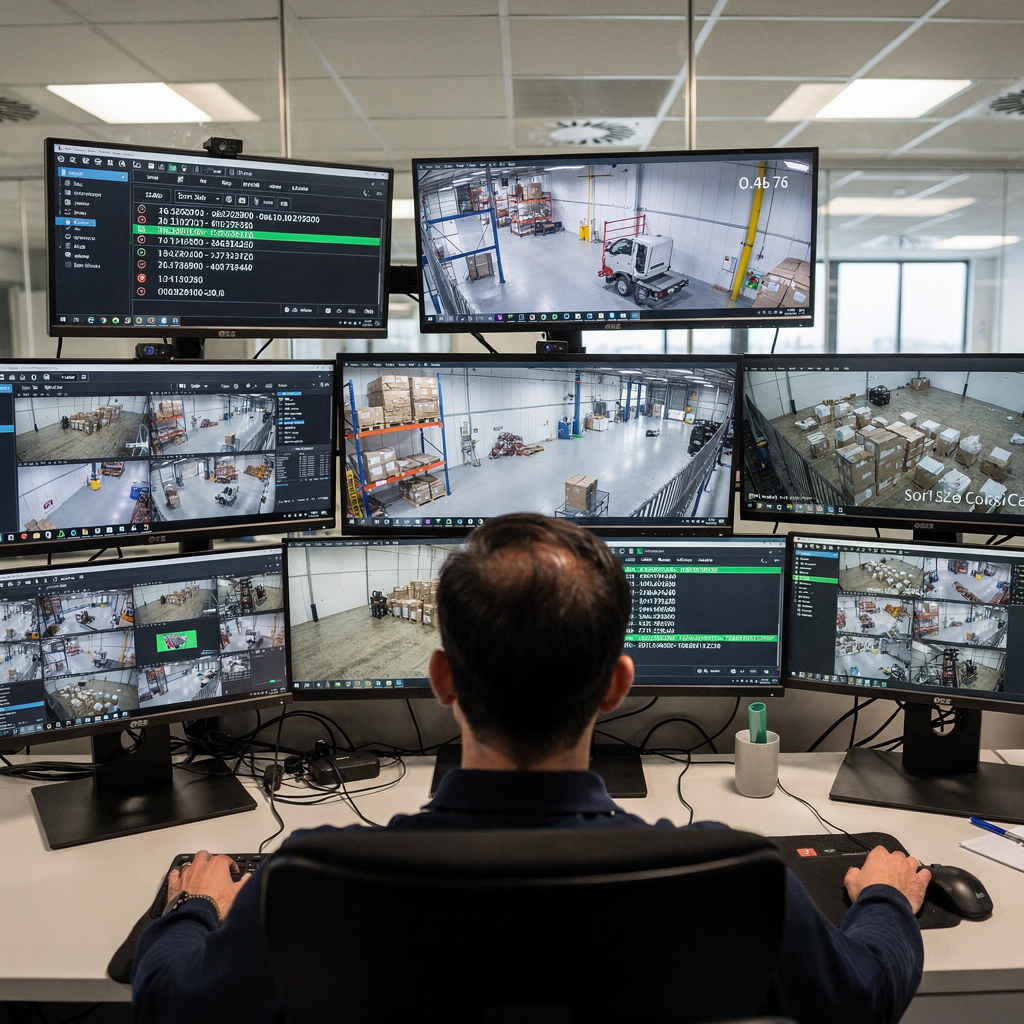
First, AI transforms raw pixels into searchable meaning. AI models perform object recognition, action detection, and scene classification. Second, AI delivers scale and speed. It turns hours of footage into structured descriptions and timestamps. Third, AI can reason over events when connected to a Vision Language Model. For example, a system can answer a free-text question and return a short clip that matches the request. That capability is central to AI search as a concept and to products like VP Agent Reasoning. Our platform combines real-time detectors, an on-prem Vision Language Model, and AI agents to explain what happened and why. The operator receives context, not just an alarm. This feature reduces the time to verify and respond.
Next, consider the VISIONE system as an example. VISIONE mixes keywords, color attributes, and the location of objects to deliver precise retrieval. It demonstrates how multimodal queries outperform simple text matching on metadata. VISIONE states that users can combine modalities to “express complex queries and meet users’ needs” VISIONE multimodal quote. This type of ai search highlights the benefits of integrating spatial relationships and object attributes. It lets operators detect unusual activity even when tags are missing. It also supports fast forensic search across long timelines.
Also, research shows combining low-level pixel features with higher-level semantics improves retrieval in the spatial-temporal domain video retrieval review. Therefore, powerful AI models that fuse vision and language help locate the exact moment a vehicle entered a gate or when a person left an item. This reduces manual review and allows teams to spot trends. For instance, a safety supervisor could search by behavior and preview short results. If needed, they can then open a longer clip for context. Because our VP Agent Actions can push recommendations and automate steps, teams can move from detection to decision without switching tools. This approach keeps workflows efficient and secure, with on-prem processing that avoids unnecessary cloud transfers.
AI vision within minutes?
With our no-code platform you can just focus on your data, we’ll do the rest
text search
First, text search relies on captions, subtitles, and transcripts to index audio and on-screen text. OCR finds printed words in frames. Speech-to-text captures spoken content and turns it into a searchable transcript. Together these systems let you search videos using natural language. For example, a user might type a phrase that matches a sentence in a transcript and jump straight to that timestamp. A single transcript file can index hundreds of timestamps across long videos. That makes it easy to search for specific words or phrases inside long recordings.
Next, keyword matching alone is not enough. Natural language processing improves relevance by understanding intent and context. Semantic search maps synonyms and related terms so a query returns relevant clips even if the exact word differs. For example, searching for “bag left unattended” can match “item left on bench” in a transcript. This reduces missed hits and increases the chance to find exactly what you need. Also, grouping search keywords into a list of words or natural language constructs helps the system handle variations and informal speech patterns.
Then, subtitles and caption tracks add another layer. Captions let you preview content quickly and decide if a clip is worth opening. Caption and subtitle metadata improve the accuracy of search results and support accessibility. A single caption file also helps make video files searchable for compliance, audits, or editing. For podcasters and creators, transcripts speed the process to edit and clip highlights. For security teams, transcripts help detect suspicious phrases while keeping review efficient. Visionplatform.ai’s on-prem Vision Language Model converts transcripts into human-readable descriptions, which lets you search your video with plain sentences. As a result, teams can find exactly the sentences they need without combing through hours of footage.
specific moments
First, finding an exact moment in a clip used to take hours. Now you can find any moment by typing a focused phrase. Search engines index both time and semantic content. So when you submit a query that describes an event, the system returns timestamps and short previews. For example, you can search for specific moments like “person loitering near gate after hours” and jump straight to those images. That capability helps reduce guesswork during investigations and speeds incident resolution. Visionplatform.ai provides forensic tools that let operators search across cameras and timelines, which supports efficient triage in busy control rooms forensic search in airports.
Second, spatial-temporal indexing ties objects to moments in time. This approach stores not only what appears in a frame but also where it appears and how long it stays. Combined with multimodal queries that mix text, image, and audio, the search becomes precise. For instance, you could ask to find a red truck entering a loading bay yesterday, and the system would use color, object detection, and timestamps to return a short clip. That is especially useful for operations teams who need to reconstruct sequences. A VP Agent can even correlate alarms and evidence to verify events.
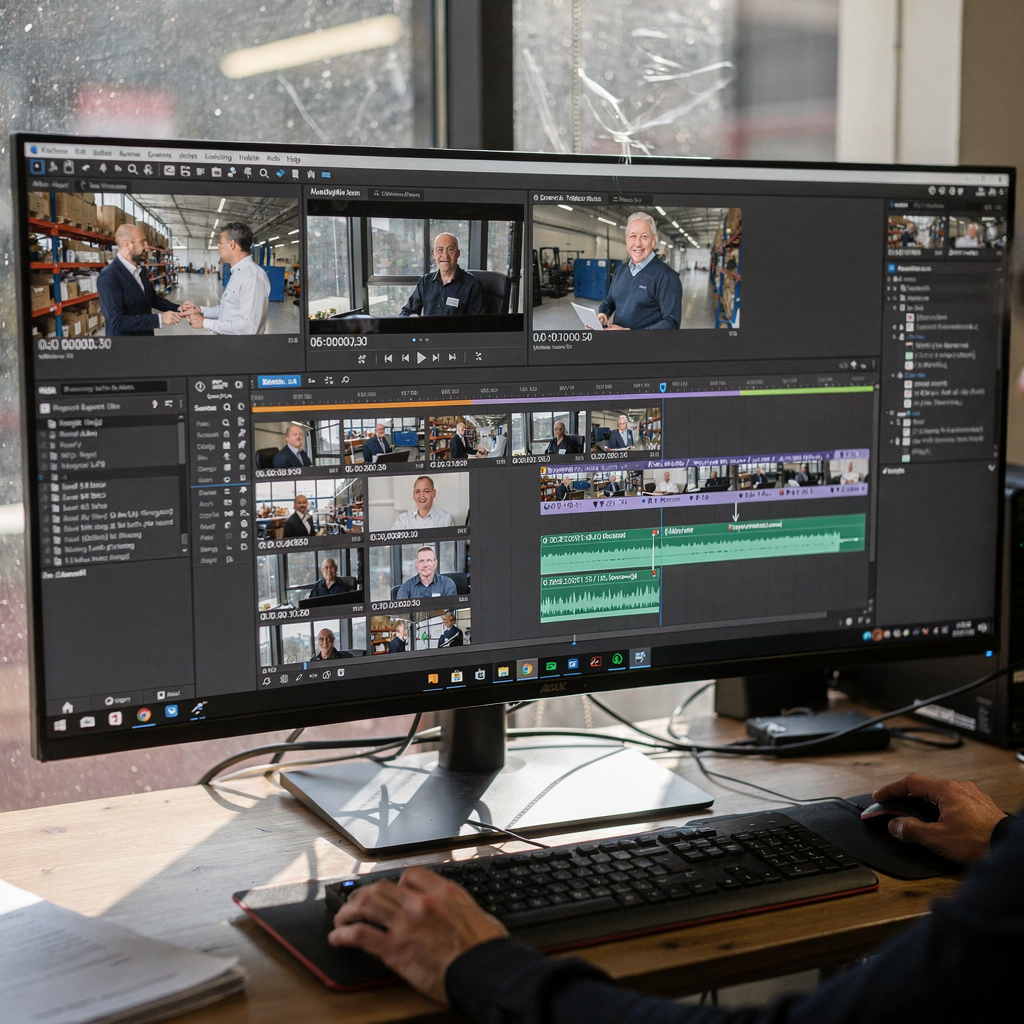
Next, previews and timestamps let you glance before you open a full file. A preview shows the exact moment and surrounding context. Then you can export a short clip for reporting or to edit into a highlight reel. Creators can mark key moments for YouTube uploads or to create YouTube shorts and reels. For legal or safety audits, a precise timestamped record is invaluable. Systems that allow you to instantly find and export these moments reduce workload and speed response. And because the processing can run on-prem, teams keep full control of sensitive footage while still benefiting from automated retrieval.
AI vision within minutes?
With our no-code platform you can just focus on your data, we’ll do the rest
repository
First, a well-organized repository makes search practical. Tagging, metadata, and consistent naming accelerate retrieval. You should store captions and transcripts alongside the original video files. Also, maintain version control so edits do not break timestamps. For long-term projects, index both raw and edited footage. This helps editors who need to find clips for a short highlight or a longer piece. For security operations, store event logs with corresponding video segments so investigators can follow a clear chain of evidence.
Second, best practices reduce friction. Create a schema that includes camera IDs, location, event type, and a human-readable summary. Add a small list of common search keywords that operators use. Use structured tags for people, vehicles, and behaviors. For airport deployments, for example, tagging people flows and crowd density events helps analytics teams find patterns; see our coverage on crowd detection and people counting in airports for related methods crowd detection and density and people counting. Also apply lifecycle rules so older video files move to lower-cost storage while indexes remain searchable.
Next, design scalable indexing. A good repository supports incremental updates and fast lookups. Use APIs to expose indices to external tools and to automate routine tasks like creating clips or filling incident reports. Our VP Agent exposes APIs and event streams to let AI agents operate over the repository. Finally, keep access controls tight and prefer on-prem processing for compliance. That way you remain aligned with regulations while still benefiting from modern, end-to-end search workflows.
demo
First, the demo shows how an AI video search tool works in practice. Step one: upload or point the tool to your storage or VMS. Step two: let the system transcribe audio to a transcript and run OCR on frames. Step three: let the model extract objects and behaviors. Step four: enter a plain sentence and review the preview results. In a live demo an operator types a phrase and the tool returns matching timestamps and short clips. This demo highlights how you can find clips for editing or investigation without manual scrubbing. The interface is intuitive and lets you jump from preview to full clip quickly.
Second, try these real use cases. Podcasters and YouTube creators can search audio for a quote, then export a short clip to include in a highlight reel. A creator can trim a segment, add captions, and upload a YouTube video or a youtube shorts edit. Lawful investigators can search for a vehicle with a specific plate pattern and extract the exact moment. Our VP Agent Search can also lets you search security video using plain sentences like a human would. This simplifies workflows for operators who need timely answers. For example, you can ask the system to find exactly when someone crossed a perimeter or to find the answers to a sequence of questions that require correlating video and event logs.
Next, the demo emphasizes speed. With the right indexing you can instantly find a clip and preview it. Some tools advertise you can video instantly with ai and even video instantly with ai; visionplatform.ai focuses on secure, on-prem processing that produces fast previews and safe exports. The demo also shows how to customize search filters, add timestamps to reports, and call an API to automate clip exports. Finally, the demo reinforces that well-structured metadata and semantic indexing let teams effortlessly find key moments across long videos and then edit or share short clips with confidence.
FAQ
What is text-based video search?
Text-based video search turns words into findable locations inside video. You type a sentence or keyword and the system returns timestamps and previews that match.
How does AI improve video search?
AI identifies objects, scenes, and actions and converts them into searchable descriptions. This reduces manual tagging and makes results more relevant.
Can I search for specific phrases inside a long recording?
Yes. Transcripts and subtitles let you search for specific phrases and jump to the exact moment in the timeline. This saves time over manual review.
Does visionplatform.ai support on-prem search?
Yes. Visionplatform.ai provides on-prem Vision Language Models and agents that let you search your video without sending footage to the cloud. That supports compliance and data control.
How accurate are previews and short clips?
Previews depend on indexing quality and model performance. With multimodal indexes you typically get accurate previews that reduce the need to open full files.
Can creators find clips for YouTube and social platforms?
Absolutely. Creators can search transcripts and easily find short clips for YouTube, youtube shorts, or reels. The tool speeds up editing and publishing.
How do I organize a searchable repository?
Use consistent tags, keep transcripts with files, and apply version control. Also index metadata like camera ID, location, and event type to speed lookups.
What is the role of OCR in search?
OCR detects on-screen text and turns it into searchable metadata. This helps when captions are missing or when printed information appears in frames.
Can I automate clip exports?
Yes. Many systems offer an API to export clips, add timestamps, and pre-fill incident reports. Automation improves throughput and reduces manual steps.
How do I get started with a demo?
Request a demo to see transcription, object detection, and semantic search in action. A demo shows how the interface is intuitive and how the workflow can be customized to your needs.
