


ai assistant in security investigation: navigating the threat landscape
First, define what an AI assistant is. An AI assistant is a system that helps humans by processing data, offering suggestions, and performing repetitive tasks. Next, in security contexts an AI assistant provides contextual analysis, search, and recommendations during a security investigation. It can parse logs, tag events, and surface relevant evidence for an analyst. For example, a security assistant that supports video and telemetry helps operators make faster, evidence-based calls.
Also, the threat landscape keeps changing. New security threats appear rapidly. Malicious actors use automation and sophisticated tools. Therefore, human teams need scalable tools to keep up. AI tools support investigators by spotting patterns across large datasets that a single analyst cannot scan quickly.
Data shows growing reliance on these systems. In surveys over 60% of professionals now use AI for security advice during development and incident response, which reflects broad adoption across teams (60% use AI for security advice). At the same time, caution is required. A major study found that 45% of AI responses to security queries contain issues, so review remains essential (45% of AI responses may contain issues).
Furthermore, an expert observed that “AI assistants are transforming how security teams approach threat detection by providing real-time insights that were previously impossible to obtain at scale” (Akond Rahman). This quote highlights both promise and responsibility. In practice, security analysts must pair AI outputs with human verification to avoid missteps.
Also, this chapter introduces keywords and capabilities you will see again. For instance, an AI assistant helps with triage and rapid query handling. It supports natural language and contextual search. It strengthens security posture by reducing time to gather critical information. Finally, visionplatform.ai demonstrates how on-prem AI systems let control rooms search video in natural language and verify alarms while keeping data inside the site, which supports compliance and faster investigations (privacy and compliance concerns).
automate security operations and alert with ai
First, AI-driven tools automate routine security operations. They parse telemetry and logs, correlate events, and raise an alert when they detect anomalous patterns. Next, these tools integrate with SIEM platforms to feed verified events into existing security operations. For example, many teams route AI-verified findings into Splunk for further correlation and dashboarding. This improves the mean time to triage and reduces repetitive tasks for security analysts.
Also, AI can streamline real-time alerting workflows. An AI platform ingests streams, scores events, and then opens a ticket with the contextual evidence. Then, a security analyst can view the annotated timeline, watch a short forensic clip, and act. This workflow frees humans to focus on higher-value analysis. It also reduces false positives by checking multiple signals before flagging an incident.
Data supports this approach. In enterprise environments, AI-driven monitoring tools have improved threat detection rates by up to 30%, which reduces investigation and response time (up to 30% improvement in detection). In addition, vendors and teams now combine AI agents and LLMS to produce contextual summaries, which further accelerate decisions.
Also, alert fatigue is a real problem. Automated verification and prioritisation help. For example, a generative AI security assistant can summarise events and suggest the most probable cause. This reduces load on the security team and improves accuracy. An ai-powered approach must still respect governance and access controls. Therefore, many organisations keep models on-site or use hybrid deployments to protect sensitive data. visionplatform.ai, for instance, offers an on-prem Vision Language Model that explains video events and supports agentic automation without sending video to external clouds.

AI vision within minutes?
With our no-code platform you can just focus on your data, we’ll do the rest
Key use cases of ai assistant to accelerate the security team
First, incident triage and prioritisation. An AI assistant helps filter noisy alerts and rank the most urgent security incidents. It checks contextual signals, matches them to prior incidents, and recommends which items need immediate attention. This triage step shortens investigation time and reduces interrupted workflows for security analysts. As a result, humans spend more time on complex threat analysis rather than manual sifting.
Second, threat hunting and anomaly detection. AI models find subtle patterns and emerging threat activity that rule-based tools miss. They scan telemetry, network flows, and video descriptions to detect abnormal behaviour. For example, combining video metadata with access logs helps the threat intelligence team spot credential misuse or insider activity.
Third, digital forensics and evidence correlation. AI assists with log parsing, timeline building, and cross-source correlation. Forensic search tools let analysts query across video, VMS metadata, and logs. visionplatform.ai offers forensic search that transforms recorded video and events into human-readable descriptions so teams can search in plain queries (forensic search in airports).
Also, quantify impact. Triage automation can cut initial review time by 40–60% in pilot deployments. Threat hunting support can reduce mean time to detection by a similar margin. Forensics that uses AI summaries often lowers manual investigation time by hours per incident. These gains depend on setup, data quality, and governance.
Finally, reduce errors. An AI-assisted workflow reduces false positives and speeds confirmed response. These use cases rely on careful tuning and human oversight. In practice, teams adopt ai-powered assistants gradually. They start with recommendations, then enable actions, and later move to controlled automation. This staged approach protects the security program while showing clear ROI for security capabilities.
Managing security data in cloud security and saas with ai
First, challenges of handling logs and telemetry in multi-cloud and SaaS environments are significant. Logs come in varied formats. Systems generate large volumes of telemetry that overwhelm manual review. In addition, cloud security teams must balance speed with compliance. Data residency rules, such as GDPR, complicate cross-border processing.
Next, AI accelerates log parsing, correlation, and root-cause analysis. A model can normalise disparate logs, tag entities, and link related events. Then, the model produces a concise summary and suggests next steps. This streamlining the process reduces time spent hunting through raw files. It also improves investigative accuracy by linking context that humans may miss.
Also, privacy and compliance matter. Organisations must adopt policies that control training data and model outputs. VeraSafe warns that “handling of personal information by AI systems must be transparent and compliant with privacy regulations” (VeraSafe on AI privacy). Therefore, many teams choose on-prem solutions or private clouds for sensitive video and telemetry. visionplatform.ai’s on-prem approach supports EU AI Act alignment and avoids moving video offsite, which helps teams manage compliance in a multi-tenant world.
Furthermore, SaaS integrations require careful access control. AI agents should follow least-privilege principles when connecting to systems. For example, integrating VMS data with an ai platform must respect retention policies and audit trails. Use structured exports, webhooks, and tokenised APIs to keep control. In addition, logging of AI decisions and automated actions supports audits and helps map responsibility when incidents occur.
Finally, adopt practices to strengthen security posture. Validate models with test data. Track data lineage. And deploy monitoring for model drift. These steps reduce risk and improve trust in AI-assisted investigations.
AI vision within minutes?
With our no-code platform you can just focus on your data, we’ll do the rest
Empowering security experts with ai for proactive security
First, use AI for predictive risk modelling and early warning. Models can score assets by likely exposure, highlight vulnerable systems, and predict where attackers may act next. This helps security experts prioritise patching and defensive controls. As a result, teams move from reactive to proactive security. The approach supports posture management across assets and cloud providers.
Also, defend AI systems against adversarial attacks and manipulation. Attackers can poison inputs or craft adversarial samples that change model outputs. Experts note that securing AI is essential to prevent attackers from exploiting decision processes (Attacking AI risks). Therefore, teams must add integrity checks, input sanitisation, and monitoring for suspicious model behaviour.
Next, balance automated advice with human judgement. An AI assistant helps surface evidence and suggest a course of action. However, security experts retain authority for critical choices. This human-in-the-loop pattern reduces risk from incorrect model recommendations and preserves auditability. For example, an ai-powered security workflow might auto-populate incident reports while requiring a human to approve external notifications.
Also, integrate domain knowledge. Threat intelligence and playbooks feed models with contextual rules. A threat intelligence team can feed labelled examples to improve detection. In addition, tools that leverage generative AI produce guided analysis and summaries that help analysts ask focused questions in natural language. This natural language interaction makes investigations accessible and faster.
Finally, governance matters. Set policies for model updates, access, and incident logging. Train security analysts to validate AI outputs and to evaluate model confidence. These practices help teams make informed decisions and strengthen security across the organisation.
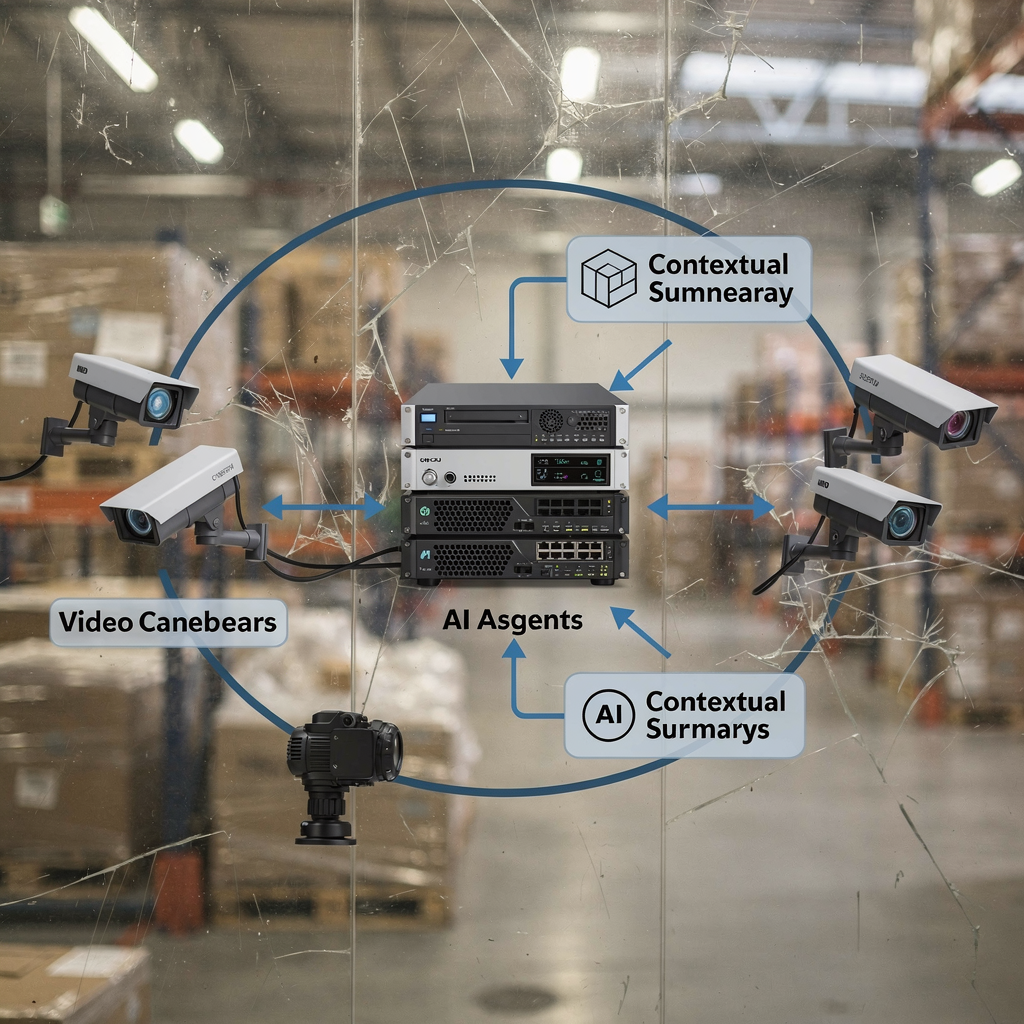
Harnessing ai to accelerate security operations
First, future trends point to more advanced generative AI and large language model integrations in investigations. Teams will use large language models to summarise complex timelines, propose scripted playbooks, and generate incident narratives. In addition, agentic systems will coordinate multiple ai agents to manage multi-step responses. These capabilities will further accelerate investigations and response.
Next, apply best practices for governance, validation, and continuous improvement. Pilot new capabilities in a controlled environment. Then, measure impact on mean time to detect and mean time to respond. Also, track false positives and adjust thresholds. This governance reduces risk and scales effective automation.
Also, create a clear roadmap for gradual adoption: pilot, scale-up, and measure impact. Start with small use cases such as email security triage or log parsing. Then, expand to integrate video analytics and SIEM workflows. visionplatform.ai shows how on-prem VP Agent features can move a control room from raw detection to contextual action. This stepwise approach lets teams adopt ai-driven workflows while protecting data and operations.
Furthermore, combine human skills with AI tools. Train security analysts on questions in natural language and guided analysis. Use tools that surface critical information and give actionable recommendations. This hybrid model produces stronger security capabilities and helps the security program mature.
Finally, monitor the ecosystem of threats and vulnerabilities. Attackers evolve quickly. Therefore, invest in continuous testing and red teaming of AI helpers. Also, maintain transparency and audit trails for all automated actions. These steps help teams accelerate investigations, strengthen security, and keep control as AI technologies mature.
FAQ
What is an AI assistant in a security investigation?
An AI assistant is a tool that helps investigators by analysing data, correlating events, and suggesting next steps. It speeds up tasks like log parsing, evidence search, and alert prioritisation while keeping a human in the loop for critical decisions.
How reliable are AI outputs for security decisions?
AI outputs can be highly useful but are not flawless. A major study showed that up to 45% of AI responses to security queries had issues, so human review and validation remain essential (study).
Can AI reduce investigation time?
Yes. AI shortens investigation time by automating triage, correlating logs, and surfacing relevant evidence. Organisations report improvements in detection rates and reductions in mean time to respond when they adopt AI-assisted workflows (detection improvements).
How does AI handle cloud security and SaaS telemetry?
AI normalises and correlates telemetry from multi-cloud and SaaS sources to create unified timelines. Teams should ensure data residency and privacy compliance and prefer on-prem or hybrid deployments for sensitive video or logs to meet regulations like GDPR.
What are common use cases for AI in security?
Common use cases include incident triage, threat hunting, anomaly detection, digital forensics, and evidence correlation. AI also helps automate repetitive workflows and pre-fill incident reports to accelerate investigations.
How should organisations govern AI for security?
Governance requires policies for model updates, data access, and audit logging. Pilot features first, then scale with clear metrics for mean time to detect and false positives. Keep human approval for high-risk actions.
Are AI systems vulnerable to attacks?
Yes. AI models can face adversarial inputs and poisoning attacks. Experts advise adding integrity checks, input validation, and monitoring for unusual model behaviour to reduce risk (attacking AI).
How do AI assistants integrate with existing tools like SIEM or Splunk?
AI assistants integrate via APIs, webhooks, and connectors to send enriched alerts into SIEMs or Splunk dashboards. They provide annotated events, contextual evidence, and suggested actions for faster response.
Can AI help with video-based investigations?
Yes. AI that leverages on-prem vision language models can convert video into searchable descriptions and verify alarms with contextual data. For instance, forensic search features let operators find incidents using plain queries and timelines (forensic search).
How do I start adopting AI in my security program?
Start small with a pilot focused on a single use case, such as triage or log parsing. Measure impact, refine models, and expand. Use on-prem solutions when data privacy or compliance is a concern, and keep security analysts trained to validate AI outputs.
