


ai and milestone xprotect in video surveillance: Overview of xprotect vms
Manual video review strains teams. Analysts watch hours of recorded video. They miss context and lose time. That is where Milestone XProtect VMS enters. Milestone XProtect is an open platform video management system that scales from a single site to large, distributed estates. It lets organisations centralise camera feeds, manage recording servers, and apply analytics across streams. For many security teams this shift reduces tool sprawl and simplifies workflows.
AI transforms raw footage into searchable metadata. Rather than scrolling through traditional video, operators search for objects, colours, and behaviours. The Milestone XProtect forensic search feature turns video into indexed events so investigators can find evidence fast. In practice, the system extracts attributes such as motion, colour, size, and shape and attaches them as searchable tags. As a result, teams save time and increase situational awareness.
The benefits are clear. Investigation times drop sharply, and response times improve. For example, implementations report a reduction in investigation time of up to 80% for common incidents. That speed matters. It shortens the time from alert to action. It also reduces operator fatigue. Consequently, teams focus on verification and response rather than endless playback.
Milestone XProtect as an open platform also supports third-party plugins and custom models. This flexibility means organisations can add specialised analytics, integrate access control, and keep video evidence within compliant boundaries. visionplatform.ai, for instance, layers reasoning and a Vision Language Model on top of XProtect so operators can search using free text and get richer context for recorded video. For teams that need rapid, precise results, the combination of a strong VMS and AI metadata provides a practical path from detection to decision.
forensic search capability and ai capabilities: Accelerating investigations
The forensic search capability in Milestone XProtect indexes recorded video by motion, colour, shape, and size. It then exposes those indexes to investigators. This approach replaces linear review with targeted retrieval. Forensic search can find a red vehicle that crossed a perimeter. It can find a person who loitered in a zone. It thus turns hours of video into a few relevant clips.
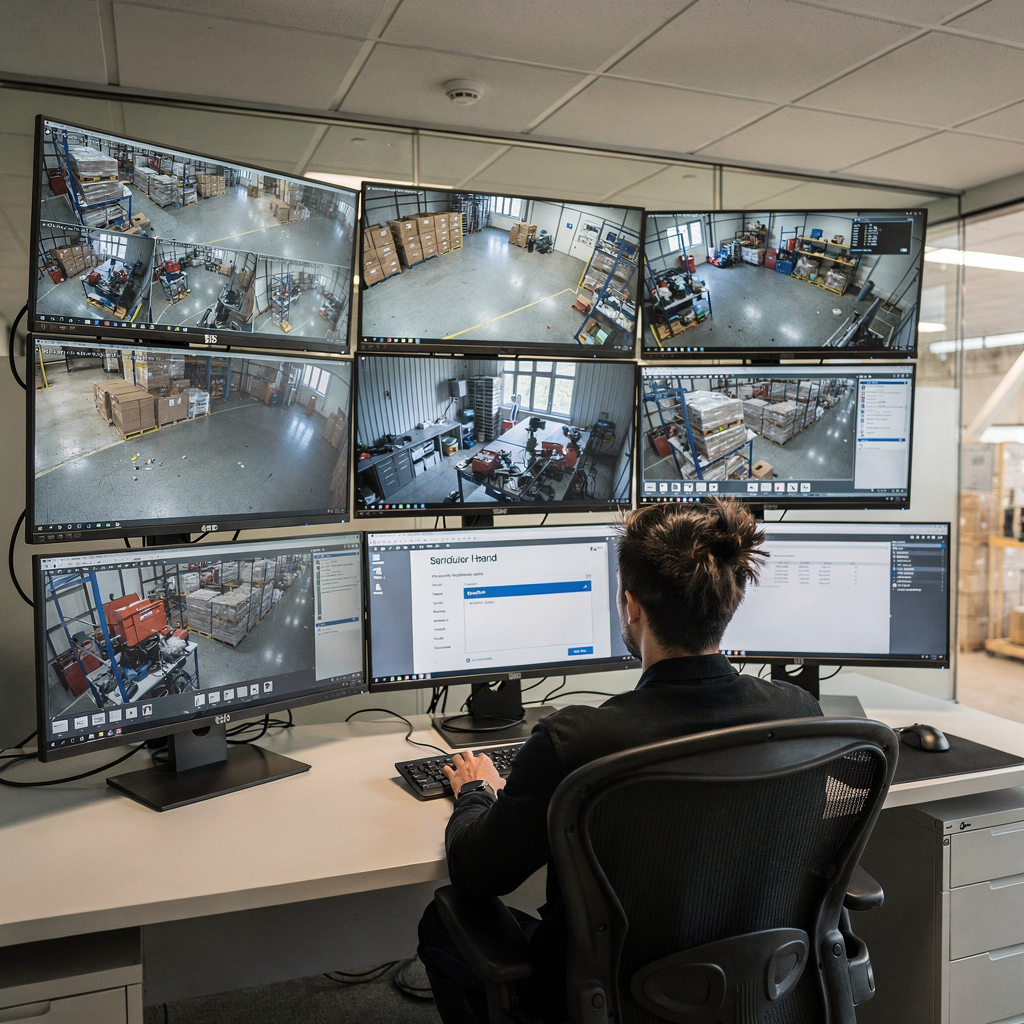
AI capabilities filter irrelevant footage and reduce false positives. The analytics learn patterns and ignore benign motion such as weather effects. They also prioritise events that match operator queries. That filtering saves investigators time. It improves detection rates too. Organisations report up to a 70% reduction in time spent on investigations and a substantial increase in accurate detections.
Search in XProtect becomes faster because searchable metadata indexes video frames and events. Investigators can combine attributes. For example, a query might look for a large dark vehicle near a dock between two timestamps. The system then returns matching clips and bookmarks. This workflow shortens triage from hours to minutes. It also allows teams to move from reactive review to proactive analysis.
Forensic investigations gain both speed and precision. Control room operators reach trusted video evidence more often. As one analyst put it, “Milestone XProtect’s AI-powered forensic search represents a paradigm shift in video surveillance, turning passive footage into actionable intelligence with unprecedented speed and accuracy” [source]. That quote reflects how AI-powered analytics change investigator work. In addition, organisations that deploy these tools see better operator efficiency, fewer missed events, and more usable video evidence during incidents.
AI vision within minutes?
With our no-code platform you can just focus on your data, we’ll do the rest
integration and deployment workflow with milestone systems: Plugins and compatible solutions
Successful deployment begins with planning. First, assess cameras, servers, and network capacity. Then confirm compatible VMS versions and licences. Pre-deployment checks ensure the environment supports the AI plug-in and any third-party plugins. For large archives, consider storage tiering and server GPUs. These elements help the system index hours of video without performance loss.
Next, the deployment workflow typically follows a clear sequence. Install the plugin on a dedicated server or on-prem AI appliance. Configure the plugin to access camera streams and the XProtect recording server. Map camera names to logical zones and tune detection rules. Finally, run pilot tests on representative camera sets. The pilot validates detection accuracy, system load, and how searchable metadata is generated.
Integration with other Milestone Systems modules and third-party tools is straightforward when standards are used. The platform supports ONVIF cameras and common APIs. It also integrates with access control systems and building management systems to create end-to-end workflows. visionplatform.ai integrates via the Milestone VMS AI Agent to expose events and descriptions for AI agents and operators. This approach preserves on-prem data control while enabling richer automation.
Compatibility considerations matter. Use tested camera models and maintain firmware updates. Ensure network segmentation for video streams and reserve bandwidth for real time streams. For integration best practices, document the workflow and configure alarms judiciously. This reduces alarm fatigue and improves the operator experience. Finally, combine plugin tuning with operator training so the control room achieves consistent operational outcomes.
xprotect smart client for real-time alert and ai video analytics
The XProtect Smart Client provides a single-pane view for live and recorded workflows. Operators use it to monitor cameras, handle alarms, and launch forensic search queries. Within the interface, real-time alerts appear in contextual panels. They link to the exact timeline and relevant camera. That connection speeds verification and response.
Configure real-time alert rules using AI video analytics to detect objects and behaviours. For example, create rules that trigger when a person crosses a restricted line or when a vehicle parks in a loading bay. Alerts then show thumbnails, confidence scores, and a brief description. Operators click the thumbnail and open the clip in the player. From there they can mark bookmarks or export video evidence.
Inside XProtect the Smart Client surfaces AI results alongside traditional camera feeds. Alerts appear as alarms and as entries in the event log. This seamless view reduces task switching. It also improves situational awareness for operators who need to act quickly. For live monitoring, combine analytics with edge processing so only significant events traverse the network. This saves central server resources and lowers latency for real time checks.
Use cases include automatic tracking of persons of interest and licence plate detection. The system can forward events to investigators for deeper review or to external teams via API calls. In practice, the smart client helps teams move from simple alarm handling to verified response. visionplatform.ai extends this flow by offering a VP Agent that reasons over analytics, access control, and procedures to support the operator with suggested actions and incident context. That adds another layer of decision support during critical events.
AI vision within minutes?
With our no-code platform you can just focus on your data, we’ll do the rest
use cases for milestone systems: Access control and vms operations
Common use cases demonstrate the value of integrated analytics. In retail, forensic search shortens theft investigations. Teams find suspect movements and handoffs across camera views quickly. For perimeter breaches, analytics highlight unusual motion and provide bookmarked clips for security teams. For staff safety, AI flags falls and aggressive behaviour so operators can respond fast.
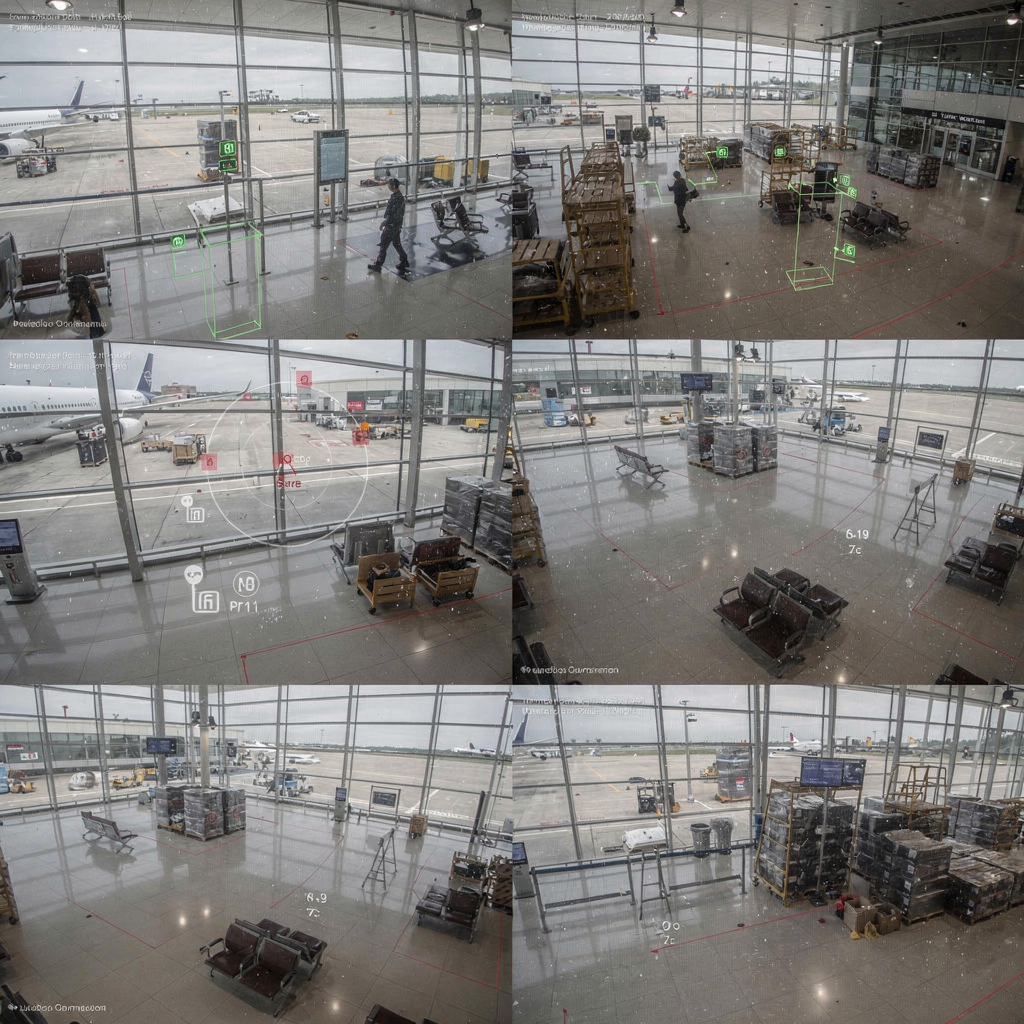
Integration with access control systems enables end-to-end workflows. When a door forced-open alarm occurs, video evidence links to the door event. Investigators then review the related clips and access logs together. This combined view speeds verification. It also supports investigations that require both video and access control records.
Multi-site investigations benefit from shared archives and central search capabilities. Investigators can search across sites for similar vehicles or persons. That ability helps identify patterns and links across locations. For airports, for example, systems that include ANPR/LPR and crowd analytics make it possible to trace a vehicle or follow a person through multiple checkpoints. For more on airport forensic search use cases see our dedicated resource on forensic search in airports.
Finally, customer success stories show measurable improvements. Teams report faster resolution of incidents and fewer false alarms. In some deployments, time spent on investigations fell by up to 70–80%, while detection accuracy rose significantly [source]. These outcomes translate to lower operational costs and better situational awareness for operators and investigators.
milestone xprotect vms and ai analytics: Scalability and plugin compatibility
Milestone XProtect VMS scales from a single server to distributed enterprise deployments. Administrators add recording servers, archive tiers, and edge devices as needed. The ecosystem supports plugins that enhance search capabilities and video analytics. Certified plugins undergo testing to ensure they work reliably with the platform.
When planning at scale, performance tuning and resource planning are critical. Allocate GPU resources for model inference. Maintain separate servers for indexing and playback to avoid contention. Use a combination of on-prem storage and fast cache for frequently accessed video. These measures keep searches responsive even across tens of thousands of hours of recorded video.
The ecosystem of compatible analytics plugins ranges from simple object detection to advanced deep learning classifiers. Vendors certify plugins for compatibility and stability. Choose plugins that provide clear metrics on false positive rates and detection performance. Also consider whether the solution supports search across multi-camera timelines and whether it produces searchable metadata that your investigators can use.
Looking ahead, generative AI and the Milestone VMS AI Agent will expand possibilities. These features promise richer textual descriptions, automated incident summaries, and improved situational awareness. At the same time, on-prem AI architectures matter for compliance and latency. visionplatform.ai offers an on-prem approach that keeps video and models inside your environment while exposing structured events for AI agents. This design supports controlled deployments that maintain data sovereignty and enable advanced automation without sending video to the cloud.
FAQ
What is forensic search in Milestone XProtect?
Forensic search indexes recorded video by attributes such as motion, colour, size, and shape so investigators can find relevant clips quickly. It reduces manual review time and helps teams locate video evidence across hours of footage.
How much time can AI reduce in an investigation?
Implementations typically report large reductions in investigation time, often between 70% and 80% for routine queries. These figures come from field reports and vendor data that measure operator efficiency improvements [source].
Does Milestone XProtect integrate with access control systems?
Yes. XProtect integrates with access control and building management systems to create combined incident workflows. Linking door events with video clips provides a richer context for investigations and response.
Can I deploy AI analytics on-prem?
Yes. Many solutions support on-prem AI deployments to satisfy compliance and latency needs. visionplatform.ai, for example, offers on-prem models and a VP Agent Suite that keeps video and reasoning inside the customer environment.
What is the role of the XProtect Smart Client?
The XProtect Smart Client is the operator interface for live monitoring, alerts, and playback. It shows real-time alerts and links directly to recorded clips to speed verification and response.
How do plugins affect system compatibility?
Plugins must be certified and tested for compatibility with your VMS version and camera models. Planning and pilot tests help ensure stable performance and predictable detection rates.
Can forensic search work across multiple sites?
Yes. Enterprise deployments often enable search across shared archives so investigators can follow persons or vehicles across locations. This capability helps with multi-site incident correlation.
What kinds of detections are common with AI analytics?
Common detections include people, vehicles, licence plate recognition, loitering, and perimeter breaches. These detections support use cases such as retail loss prevention and perimeter security.
How does searchable metadata improve investigations?
Searchable metadata turns visual attributes into text tags that investigators can query. This reduces manual video review and helps operators find evidence faster and with higher confidence.
Where can I read more about airport use cases?
For airport-specific deployments and examples, see resources like our forensic search and ANPR/LPR pages, including forensic search in airports and ANPR/LPR in airports. These pages provide targeted examples of how VMS and analytics work together.
