


milestone xprotect vms: AI capabilities and platform overview
Milestone XProtect is an open-platform video management software that supports a vast range of IP cameras and recording servers. Also, it scales to enterprise needs by design, and it supports unlimited device connections. In practice, xprotect supports deployments with thousands of devices. For instance, Milestone’s software is used in more than 100,000 installations worldwide globally. Additionally, the platform is known for broad camera support and the largest number of compatible device models on the market device compatibility.
Milestone XProtect integrates AI capabilities into its core. Specifically, it supports OBJECT DETECTION, classification, tracking, and third-party analytics plugins. Also, xprotect integrates with industry tools such as BriefCam for rapid review and indexing BriefCam mention. The platform converts raw video footage into actionable video intelligence. For example, AI-powered video analytics turn video from a passive record into a data source that supports operations and business intelligence, as Milestone notes “AI-powered video analytics is turning video from a passive record into a dynamic data source”.
The vms offers extensive audit trails, encrypted recordings, and role-based policy enforcement to help with compliance. Also, metadata and recorded clips can be retained and exported with strict controls for GDPR and other regional rules. The xprotect video management and the xprotect video management software options are designed for flexible on-premises and hybrid installation patterns. Additionally, the platform’s smart client and centralized management client make it easier for operators to view events, to respond to alarms, and to manage camera support across sites. Finally, the platform is well suited for critical infrastructure and retail, and it helps security teams turn video data into measurable outcomes.
Integrate Visionplatform.ai plugin for real-time ai video analytics and surveillance
The Visionplatform.ai plugin is a high-performance analytics plugin that provides real-time object recognition and behaviour analysis. Also, this analytics plugin works as a module that can be added to Milestone solutions to provide low-latency detection and classification. The Visionplatform.ai plugin and Visionplatform.ai ai analytics capabilities enable advanced detection and fast alarm delivery, which helps reduce false positives. Additionally, integration with Milestone XProtect can stream metadata and events directly into the VMS for rule correlation and automated workflows.
Integration steps are straightforward. First, install the Visionplatform.ai plugin on a dedicated analytics server. Then, connect the analytics server to XProtect via the Management Client and register the analytics streams. Next, map camera feeds, set object classes, and configure rules for alerts and actions. Also, you can set thresholds to tune sensitivity, and you can use GPU acceleration to improve processing power. For enterprise deployments, load balancing and multiple recording servers may be required to handle the number of cameras and HD streams.
Benefits include lower latency alerts, fewer false positives, and a flexible rule engine that helps operators prioritise incidents. For example, a retail loss prevention use case shows how Visionplatform.ai ai analytics flags suspicious behaviours, then sends an alert to the operator with supporting metadata and a timestamped clip. In transportation hubs, perimeter breaches can be detected and reported to security teams within seconds. Also, the plugin supports license plate recognition and plate recognition workflows for vehicle management and access control. For further examples of specific analytics like people counting, see our people counting resource people counting in airports.
AI vision within minutes?
With our no-code platform you can just focus on your data, we’ll do the rest
advanced video analytics platform and functionality of the xprotect
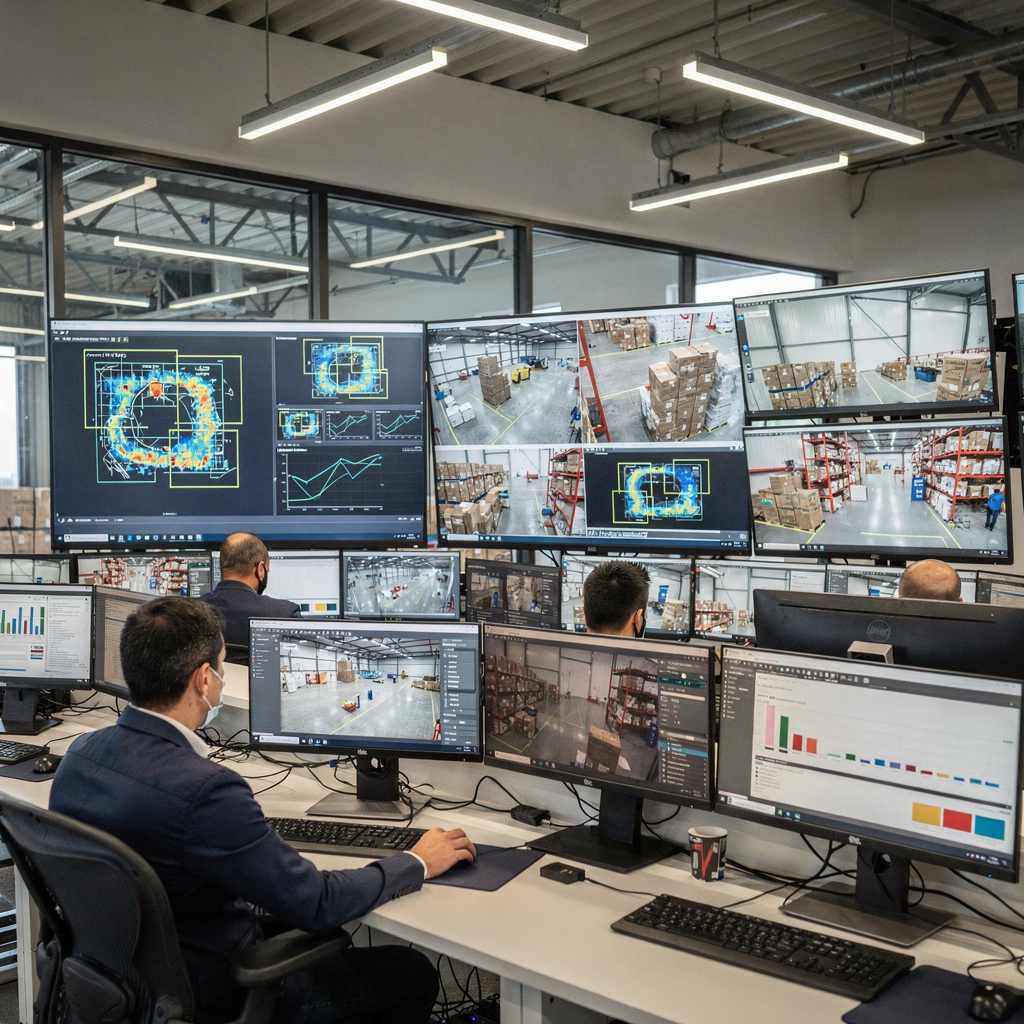
The functionality of the XProtect covers an array of advanced video analytics features. Also, it includes heat maps, line crossing, zone entry and exit, and people counting. The platform provides advanced video analytics and supports metadata tagging for rapid search. Additionally, xprotect offers centralized metadata handling, which helps forensic search and automated correlation. The xprotect smart client and smart wall display tools let operators review events and to call up related metadata quickly. Moreover, the software architecture supports third-party modules such as BriefCam for rapid review and analytics to improve investigation timelines BriefCam reference.
Core platform features include multi-layered maps, centralized rule management, and metadata export. Also, the REST API and SDKs allow systems integrators to build custom plugins and to integrate external event streams. XProtect integrates with access control and with other site systems for richer context. For example, access control analytics artificial intelligence and analytics artificial intelligence facial recognition can be combined to speed incident verification. The architecture works well for city surveillance, campus security, and critical infrastructure projects. The capacity for large numbers of cameras is a key strength; Milestone’s compatibility with thousands of device models supports a wide breadth of camera support camera compatibility.
Developers also benefit from a clean metadata model. Also, recording servers feed structured metadata that makes it simple to search across timelines and to automate exports of raw video footage for evidence. The platform offers built-in analytics for simple detections and allows analytics plugin deployment for specialised tasks. Finally, the analytics platform design supports traffic management, occupancy analytics, and retail store layouts analysis while remaining compatible with existing cameras and on-premises policies.
intelligent video analytics and alert management
Intelligent video analytics means automated incident detection, behaviour profiling, and threat scoring. Also, it uses models to classify activities and to assign a threat level. The system can detect loitering, perimeter breaches, and unattended objects. Additionally, it can incorporate license plate recognition and other specialised detection and object tasks. The result is fewer false alarms and better contextual notifications for operators. For example, visionplatform.ai adds reasoning and natural language search to alarms so operators receive explanations, not just raw detections.
An effective alert workflow matters. First, custom triggers create events based on analytics features. Then, alarm prioritisation ranks incidents by risk and by contextual factors. Also, operators receive desktop and mobile notifications, and the smart client displays the key frames and metadata for quick verification. Evidence management relies on timestamped clip export, metadata archiving, and clear retention rules. Also, policies for GDPR and other compliance regimes can be applied in the Management Client so that recordings remain encrypted and auditable facility management and compliance.
Forensic review and video review workflows become faster with intelligent filters and time-synced metadata. Also, the combination of intelligent video analytics solution and VP Agent-like reasoning helps reduce operator cognitive load and improves incident closure times. The system links to case management and to external logs so security teams can build complete incident narratives. Finally, integrating tools such as BriefCam video review accelerates investigations and helps quantify ROI from smarter monitoring video analytics ROI.
AI vision within minutes?
With our no-code platform you can just focus on your data, we’ll do the rest
deploy Visionplatform.ai ai analytics in milestone xprotect
Before you deploy Visionplatform.ai ai analytics in Milestone XProtect, check prerequisites. First, confirm licensing for Milestone and for the analytics plugin. Also, verify hardware requirements, including servers with GPU support. For HD and multiple streams, plan for sufficient processing power and for bandwidth to and from recording servers. Additionally, network planning must include QoS, VLANs for video, and secure channels for metadata. Use this planning phase for installation and for future scale considerations.
Performance tuning matters. First, enable GPU acceleration where supported, and tune resource allocation per stream. Also, balance analytics loads across multiple servers to avoid single points of failure. Use short retention test runs to measure CPU and gpu usage and to adjust thresholds. Additionally, keep firmware compatible with camera support lists. Schedule updates and maintenance windows to avoid interruptions in live monitoring. For complex sites, work with certified integrators or Milestone Systems partners to optimise large-scale deployment Convergint deployment support.
Best practices include keeping analytics on-premises when compliance requires it, and reducing cloud dependencies whenever possible. Also, use staged rollouts, test false positives, and refine rules for each scene. visionplatform.ai can integrate into this architecture to add an on-prem Vision Language Model and AI agents that help operators verify alarms and to automate workflows. For use cases such as perimeter protection or ANPR, see our ANPR guide ANPR/LPR in airports. Finally, always maintain vendor support channels, and record installation steps for repeatable procedures across sites.
video analytics software integration in vms: enhancing video surveillance
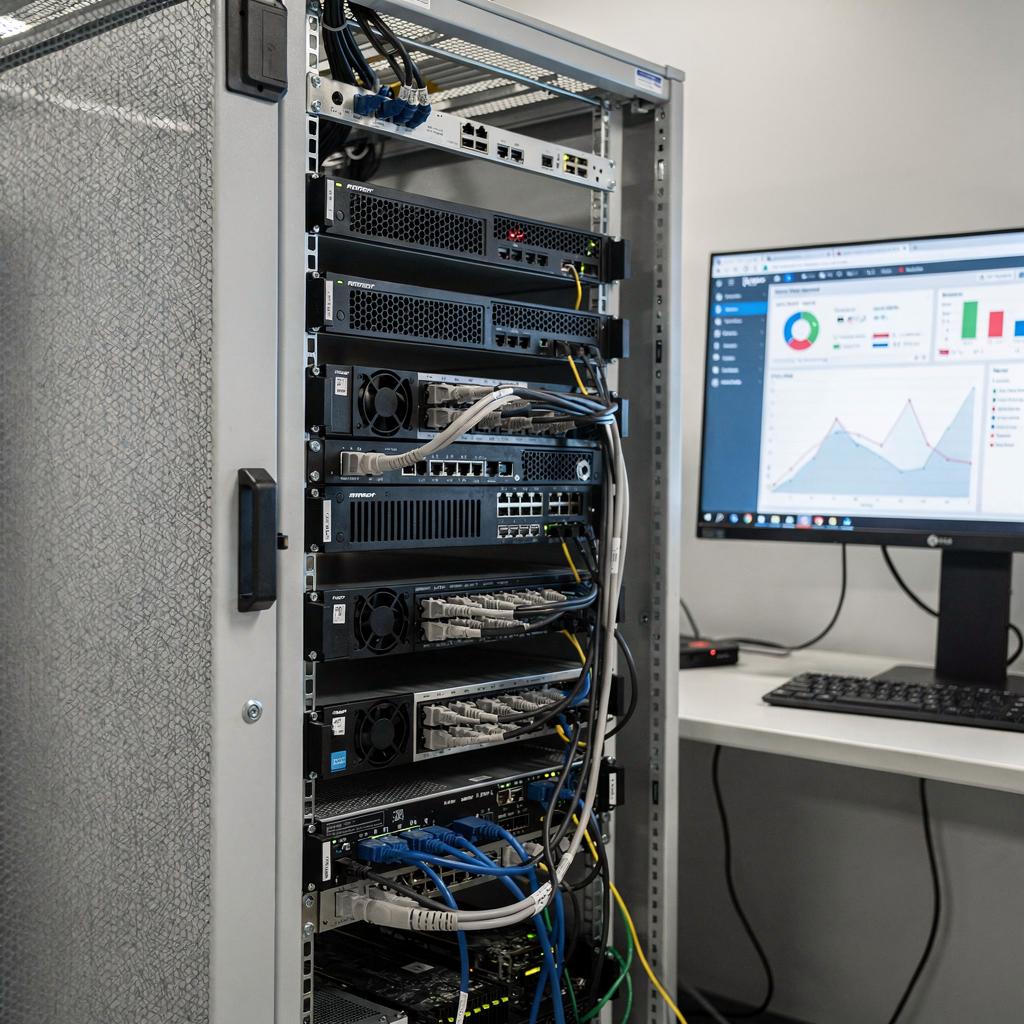
Integrating video analytics software with a VMS enhances surveillance and operational value. Also, compare built-in analytics against third-party modules on functionality, scalability, and cost. Built-in analytics are useful for motion detection and simple rules. Conversely, third-party ai-powered modules deliver advanced classification, license plate recognition, and behaviour profiling. For example, Milestone XProtect offers an open platform that integrates BriefCam and many analytics partners, which lets organisations choose the best fit for their requirements open integration.
Analysis of ROI shows faster incident response, reduced manual monitoring, and improved operational efficiency. Also, video analytics solutions that reduce false alarms and that improve detection accuracy deliver quantifiable savings in guard time and incident handling. The global video surveillance market is growing strongly, with projections showing a CAGR above 10% through 2026 market growth. This growth is driven by demand for intelligent video intelligence and for systems that convert raw video footage into searchable video data.
Future trends include edge analytics, cloud-assisted orchestration, and AI-driven predictive insights. Also, expect more on-premises intelligence when regulation or data sovereignty requires it. Solutions that combine analytics, metadata, and reasoning agents will help operators act faster. visionplatform.ai focuses on moving detections to AI-assisted operations so control rooms gain context and decision support. Finally, the combined use of xprotect and third-party analytics such as Visionplatform.ai plugin creates scalable, flexible systems that help security teams meet evolving threats and operational demands. For related perimeter detection patterns, see our perimeter resource perimeter breach detection.
FAQ
What is Milestone XProtect and how does it support AI?
Milestone XProtect is a VMS that connects many cameras and recording servers for centralised monitoring. It supports AI through integrations, built-in analytics, and by exposing events and metadata for third-party AI modules.
How does the Visionplatform.ai plugin integrate with XProtect?
The Visionplatform.ai plugin installs on an analytics server and registers its streams with the Management Client. After configuration, it sends metadata and alarms into XProtect for rule-based handling and operator review.
Can I deploy analytics on existing cameras?
Yes, many analytics work with existing cameras via on-camera, on-edge, or server-side processing. However, you should verify camera support and bandwidth before installation to ensure reliable performance.
Does AI reduce false alarms in practice?
AI reduces false alarms when properly tuned and combined with contextual verification. Also, methods like multi-sensor correlation and AI agents that reason over metadata improve validation rates.
What hardware is recommended for high-density deployments?
GPU-accelerated servers are recommended for HD analytics at scale. Additionally, load balancing across recording servers and separate analytics nodes helps maintain steady performance.
How does XProtect help with regulatory compliance?
XProtect provides encrypted recordings, audit trails, and role-based access controls to support compliance. Also, Management Client settings enable retention policies and controlled export workflows to reduce legal risk.
What are common use cases for AI video analytics?
Typical use cases include intrusion detection, license plate recognition, people counting, and loss prevention. For detailed examples of people counting in transit settings, see our people counting resource people counting in airports.
How do operators receive and act on alerts?
Operators get alerts in the smart client, via mobile push, or through desktop notifications. Alerts include video snapshots and metadata so the operator can quickly verify the situation and follow the workflow.
What role do metadata and APIs play in integrations?
Metadata enables fast search, correlation, and automated actions across systems. Also, REST APIs and SDKs allow integrators to build custom workflows and to stream events into BI or incident management tools.
How can visionplatform.ai improve my XProtect deployment?
visionplatform.ai adds an on-prem reasoning layer that turns detections into contextual explanations and recommended actions. Also, its VP Agent Suite enables natural-language forensic search and automated workflows, reducing operator workload and improving decision speed.
