


Solution Overview: Genetec AI Agents in Control Rooms
Genetec AI Agents now sit inside the control room as a tier of intelligent support designed to unify disparate feeds and make operations more predictable. First, the agents integrate with the genetec security center and the Security Center Web interface so operators can see video, access lists, and alarms on a single screen. Next, the single-pane view links video surveillance, access control, and incident feeds so an operator does not have to jump between systems. Then, automated alert analysis filters noise and highlights what matters now. Because the agents run reasoning workflows, teams get context, not raw detections, so decision-making speeds up.
Genetec’s approach positions the control room as a true unified security hub, and it supports distributed deployments while keeping staff coordinated. For example, organizations have reported up to a 40% faster incident response after enabling the agents, which helps reduce risk and improves outcomes (source). Also, an estimated 30% fewer false alarms lets operators focus on confirmed issues rather than chasing noise (source).
The design centers on an ai-powered layer that reads video metadata, correlates with access records, and suggests next steps. In practice, this means alerts arrive with an explanation of why they matter and which cameras to check. In parallel, Genetec provides mobile capabilities through genetec mobile, so field teams receive the same context. Visionplatform.ai can complement that workflow by adding on-prem reasoning, natural-language forensic search, and agents that suggest actions. As a result, the solution reduces time to verify and helps safeguard sensitive sites. Finally, the control room operator benefits from fewer interruptions and clearer priorities, while the broader security ecosystem gains consistent procedures and auditable outcomes.
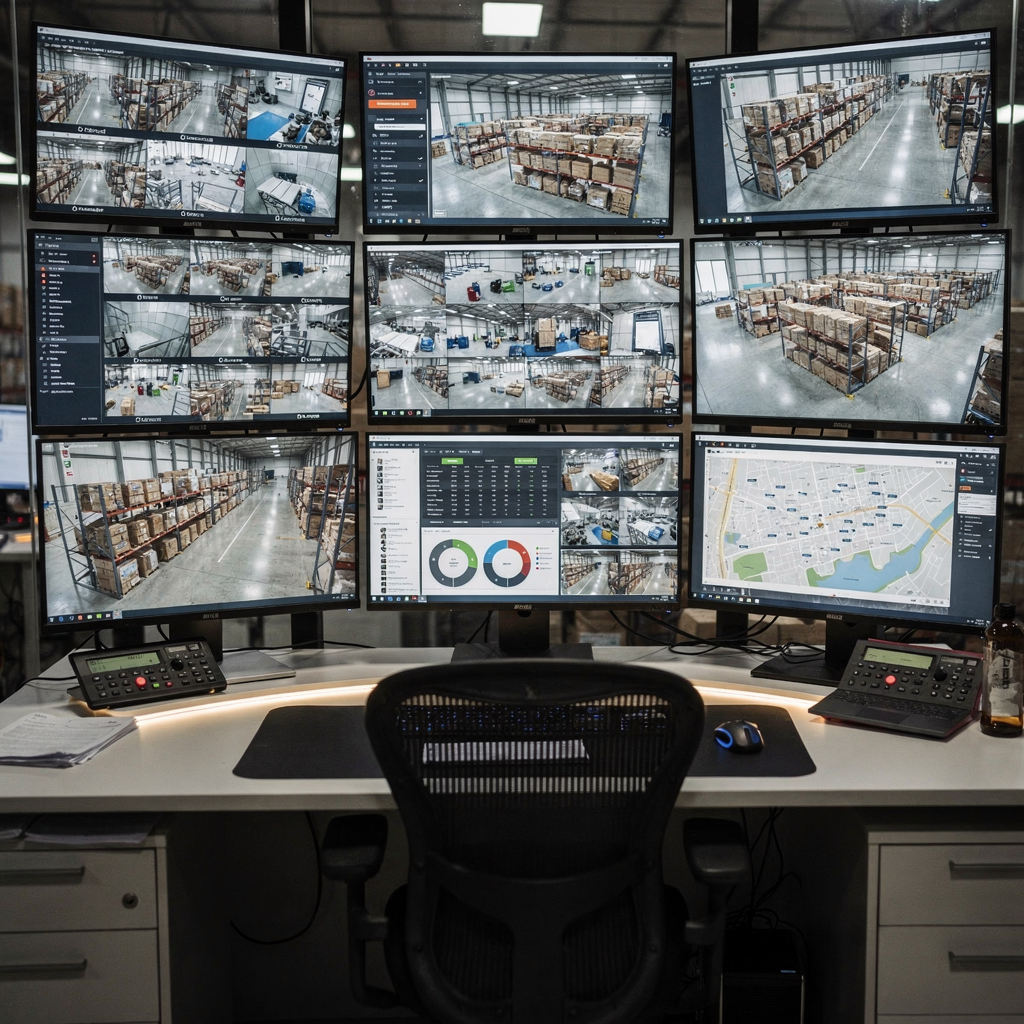
Genetec Security Ecosystem: Unified Surveillance and Access Control
The platform follows an open, integrator-friendly model so third-party sensors plug in easily. It uses standard protocols and can integrate with building management systems, IoT endpoints, and intrusion panels to create a comprehensive view. For example, intrusion panel integration brings door and zone alarms into the same timeline as camera footage, which reduces context switching. Because the ecosystem centralises data, teams avoid siloed workflows and can customize event routing and priorities.
Within this architecture cameras stream into VMS endpoints and then into analytic modules. The video management server orchestrates recordings, metadata, and alerts while the management system enforces policies and role-based access. When a camera sees a suspicious person, the system correlates that feed with access control events. Then, a rule can trigger an alarm and a guided workflow. This tight coupling between sensors and response shortens the time between detection and action.
The design also considers infrastructure resilience. Redundant servers and edge processing reduce the load on central servers. Cloud storage support exists for long-term archive, but many organizations prefer on-prem retention to meet compliance and cybersecurity requirements. For teams that need forensic search, operators can run queries across timelines and locations to recreate incident paths; see our guide to forensic search in airports for an example of how natural-language lookups change investigations.
Access control integration and video management work together to log who entered and when, while the integrated security approach helps security operations manage rules and incident templates. For transport hubs, Airports often pair ANPR systems for traffic with gate access, and the combined view supports operational decisions at scale. Moreover, the flexibility makes the ecosystem attractive to integrators and to teams tasked with safeguarding critical infrastructure.
AI vision within minutes?
With our no-code platform you can just focus on your data, we’ll do the rest
AI and Analytics: Automated Threat Detection and Insights
Genetec’s machine learning models learn patterns and then flag anomalies so teams can focus on what matters. The models include behavior-based anomaly detection that recognizes loitering, crowding, and unusual motion. In addition, they classify objects and support license plate recognition as part of broader workflows. These capabilities sit beside dashboards that display KPIs, trend lines, and real-time summaries.
Real-time dashboards let security teams track incident metrics and operational load. Operators can customize displays to surface metrics that matter to their site, and they can customize dashboards to show active incidents, camera health, and queue lengths. As a result, supervisors spot trends that reveal procedural weak points and can reallocate resources proactively.
The quantitative impact is notable. Organizations report up to a 40% reduction in incident response time and a 30% drop in false alarms after deploying the agents, which frees staff to address real threats rather than noise (source). Also, the platform can process thousands of video streams with low latency in large installations, which is essential for airports and city surveillance (example).
To be clear, the models support both pattern detection and human-in-the-loop verification. This mix preserves operator authority while delivering recommended actions. For agencies that need cross-agency collaboration, the system pulls data from multiple sources and combines video with gunshot detection and traffic feeds to provide a fuller situation picture (source). In short, the stack gives security teams the right view at the right time so they can act with confidence.
Video Analytics Features and Benefits: Reducing False Alarms and Improving Responses
Core capabilities address common control-room burdens. The feature set includes loitering detection, crowd analysis, perimeter breach alerts, and object classification. It also supports facial recognition and license plate recognition, which help verify identities at critical checkpoints. For airport deployments, features such as crowd density and people counting help manage throughput and safety; for more on perimeter detection, review our work on perimeter breach detection in airports.
Video analytics produce structured events so operators do not have to watch every stream. When a suspicious object appears, the system tags it, records the clip, and pre-fills an alarm with contextual notes. The process reduces the time to validate an alarm, and it enables the workflow to escalate only meaningful issues. In practice, control rooms see fewer false alarms and faster confirmed responses, which drives measurable cost savings and better compliance with reporting rules.
Facial recognition in the ecosystem matches watchlists and, when appropriate, alerts staff to persons of interest. Object classification separates vehicles from persons and flags unusual cargo. Meanwhile, license plate recognition automates vehicle logs for faster perimeter checks; see our analysis of ANPR/LPR in airports for specific deployment notes. Together, these tools increase staff efficiency and support proactive threat management.
Operational benefits extend beyond pure security. Analytics feed operational dashboards, which improve scheduling, passenger flow, and emergency planning. As a result, the control room becomes part of operations, not just a monitoring center. Finally, vendors like Irisity and others can plug into the ecosystem, but some sites choose on-prem reasoning to meet compliance needs and to avoid cloud-based data transfer.
AI vision within minutes?
With our no-code platform you can just focus on your data, we’ll do the rest
Incident Management and Use Cases: From Detection to Resolution
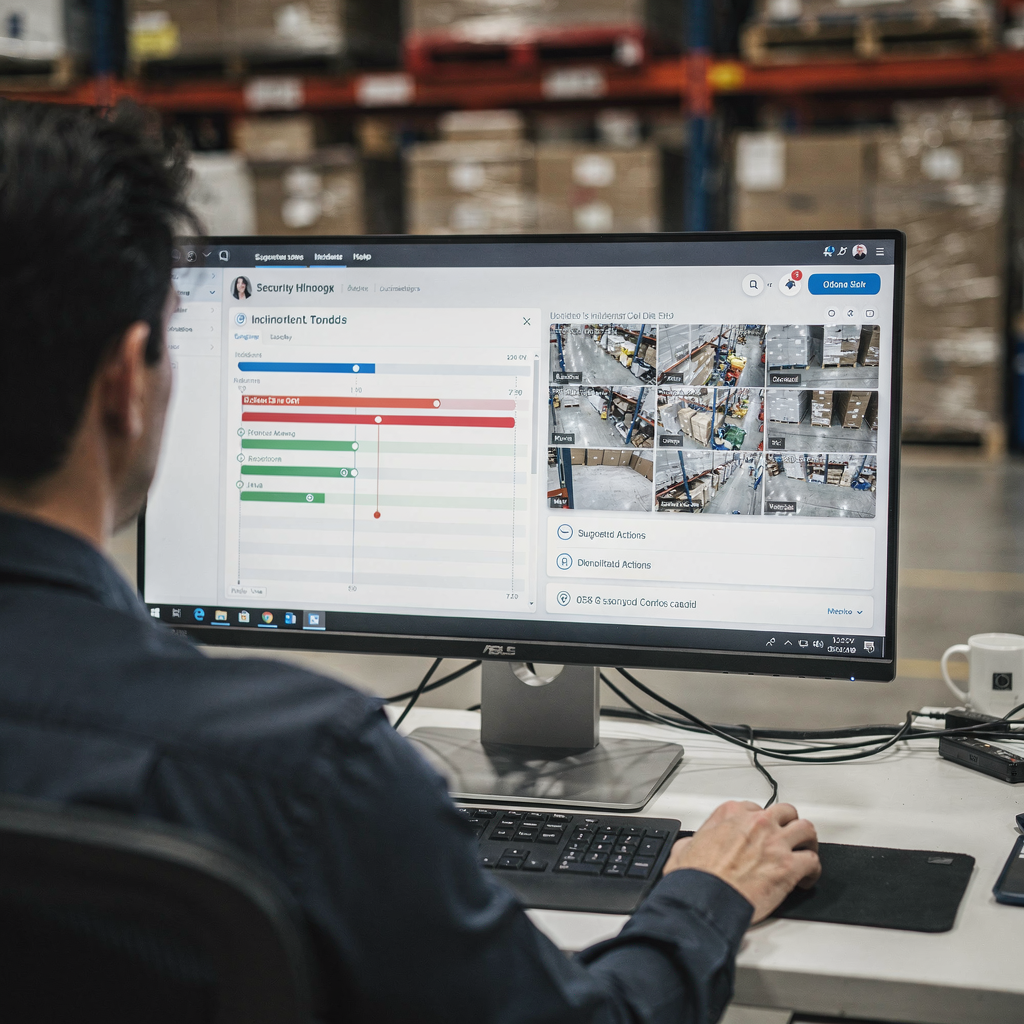
Incident management follows a clear lifecycle: detection, verification, escalation, and reporting. First, analytics detect an event and generate an alarm. Next, agents analyze video and correlated data to verify the event, then recommend escalation if required. The process shortens investigation windows and improves the quality of incident reports. For teams that require detailed review, forensic search tools let investigators pull relevant clips fast. Our VP Agent Search approach shows how natural-language queries speed that step for airport teams; learn more at our forensic search in airports page.
Use cases span airports, city surveillance, and retail. At airports, integrated ANPR and crowd detection keep checkpoints flowing while protecting critical infrastructure. In city deployments, agents correlate camera feeds and acoustic detections for rapid situational awareness. In retail, analytics reduce shrink and speed loss-prevention investigations. Across scenarios, operators gain context that moves incidents from suspicion to verified facts.
Airports report shorter investigation times and clearer audit trails after adopting these workflows. For example, a major airport security manager said the control room now alerts staff to potential threats earlier, enabling preemptive measures that reduce escalations (source). Also, by combining data from multiple sources, teams get a composite view that supports evidence-based decisions and simplifies reporting to stakeholders and regulators.
Incident templates and threat level management tools let supervisors set escalation paths based on severity, which promotes consistent handling. In addition, the system records all actions and provides exportable reports for compliance and post-incident analysis. Finally, visionplatform.ai’s focus on reasoning and on-prem models complements these flows, because it keeps video inside the security infrastructure while adding natural-language search and decision support to reduce cognitive load during critical situations.
Key Market Application and Solution Impact
Top verticals include public safety, transportation hubs, and critical infrastructure. Each sector benefits differently. For public safety agencies, real-time situational awareness improves response coordination. For transport hubs, integrated security supports passenger flow and threat mitigation. For critical infrastructure, the emphasis is on resilience and reducing vulnerability through layered detection and response.
Customers report operational gains and improved metrics after deployment. In some cases, security teams reduce false positives and reallocate staff to proactive patrols. Experts note that AI-driven data insights increase accountability and transparency in communities, which helps law enforcement make data-informed choices (source). Andrew Elvish of Genetec commented that the agents turn data into actionable intelligence, enabling faster, smarter decisions (source).
Looking ahead, expect tighter integrations with gunshot detection, traffic analytics, and building management systems to extend situational awareness. Also, AI agents will support more autonomous workflows for routine events, while keeping human oversight where risk is high. Vendors and integrators will need to balance cloud-based convenience with compliance, and many sites will favor on-prem models to protect data and meet regulation.
To explore specific implementations, read about people counting and crowd detection use cases such as our analysis of people detection in airports and crowd density monitoring. In sum, the solution brings actionable context to security operations, safeguards assets, and helps teams scale without adding staff. As the market matures, expect continued focus on explainability, cybersecurity, and measurable operational impact.
FAQ
What are Genetec AI Agents and how do they work?
Genetec AI Agents are software components that analyze sensor data, video, and access logs to generate prioritized alerts and recommendations. They correlate events, explain why an alert matters, and suggest next steps so operators can respond quickly and consistently.
Can AI Agents reduce false alarms?
Yes. Deployments have shown reductions in false alarms because the agents verify alerts against multiple sources before escalation. This saves operator time and improves the signal-to-noise ratio in the control room.
Do the agents support facial recognition and license plate reading?
They do. The ecosystem integrates facial recognition and license plate recognition to help verify identities and vehicle access. Sites can enable these features according to policy and compliance requirements.
How do these agents help in airports?
In airports, agents support passenger flow, gate security, and perimeter monitoring. They combine crowd analytics, ANPR, and people detection to inform staffing and to speed incident investigations.
Is cloud storage required?
No. Many organizations choose on-prem retention for compliance and cybersecurity reasons. Cloud storage remains an option for long-term archives or hybrid models depending on policy.
How do agents integrate with existing VMS?
Agents connect through standard APIs and protocols so they work with major VMS platforms and camera types. This lets teams add reasoning and automation without replacing their core video management systems.
What is forensic search and how does it help?
Forensic search lets operators query past video and events using human-friendly terms. It accelerates investigations by finding relevant clips across cameras and timelines, which reduces manual review time.
Can the system run entirely on-prem?
Yes. On-prem deployments keep video and models within the security infrastructure, which helps meet regulatory requirements and reduces data exposure. On-prem setups can also lower operational costs for high-volume sites.
How do these tools affect operator workload?
They reduce cognitive load by pre-verifying alarms, providing context, and suggesting actions. Operators spend less time on routine verification and more time on complex decision-making.
Who should I contact to learn more about integrating these agents?
Reach out to system integrators or your VMS provider to discuss compatibility and deployment options. For tailored on-prem reasoning and search, visit visionplatform.ai to explore agent-assisted control-room workflows.
