


ai Assistant: Real-Time Analytics for Security Teams
The ai assistant embedded in Avigilon Control Center turns video feeds into actionable information. Also, it runs on trained models that scan video in real time. Additionally, the assistant supports facial recognition, object classification, and unusual motion detection. These core machine-learning functions let operators focus on real incidents, not noise. For example, appearance search helps find people or vehicles across hours of footage. Furthermore, appearance search reduces time spent hunting for evidence.
The assistant reduces human error by automating routine monitoring tasks. Also, it flags potential threats and sends real-time alerts so teams can act quickly. The software uses what Avigilon describes as advanced video analytics to prioritise events and limit false positives. As a result, teams see fewer wasted investigations and faster confirmation of true incidents. The ai assistant provides context for each alert. Then, operators get short, clear clips and metadata so they can verify situations fast.
Operational costs fall when the assistant handles long-duration screening. Also, it scales monitoring without adding many staff. The assistant runs continuously. Next, it filters alerts by severity and suggested actions. For example, it can tag license plates, identify people and vehicles, and mark occupancy trends. In practice, the ACC workflow moves from detection to verification and then to response. Our company, visionplatform.ai, layers reasoning over those detections to explain what happened and why. In addition, our VP Agent Search works with ACC recordings for fast forensic queries, which complements built-in search tools.
Finally, the ai assistant supports access control integration to cross-check events against credentials. Also, this reduces false alarms caused by harmless access events. The result is improved situational awareness and a more consistent response. Moreover, organisations that deploy the assistant report faster incident handling and sharper operational focus. For further reading on analytic types and benefits, see the Video Analytics Technology Guide from Avigilon for background and examples here.
avigilon Integration: Embedding the AI Assistant in ACC
Avigilon Control Center (ACC) integrates the assistant into the core video management software stack. First, cameras stream video to the ACC server and to an Avigilon AI appliance when advanced processing is required. Then, the appliance runs high-performance inference and sends metadata back to the ACC server. Also, the architecture separates recording from analytics. This keeps the recorder focused on storage while the appliance handles compute-heavy tasks.
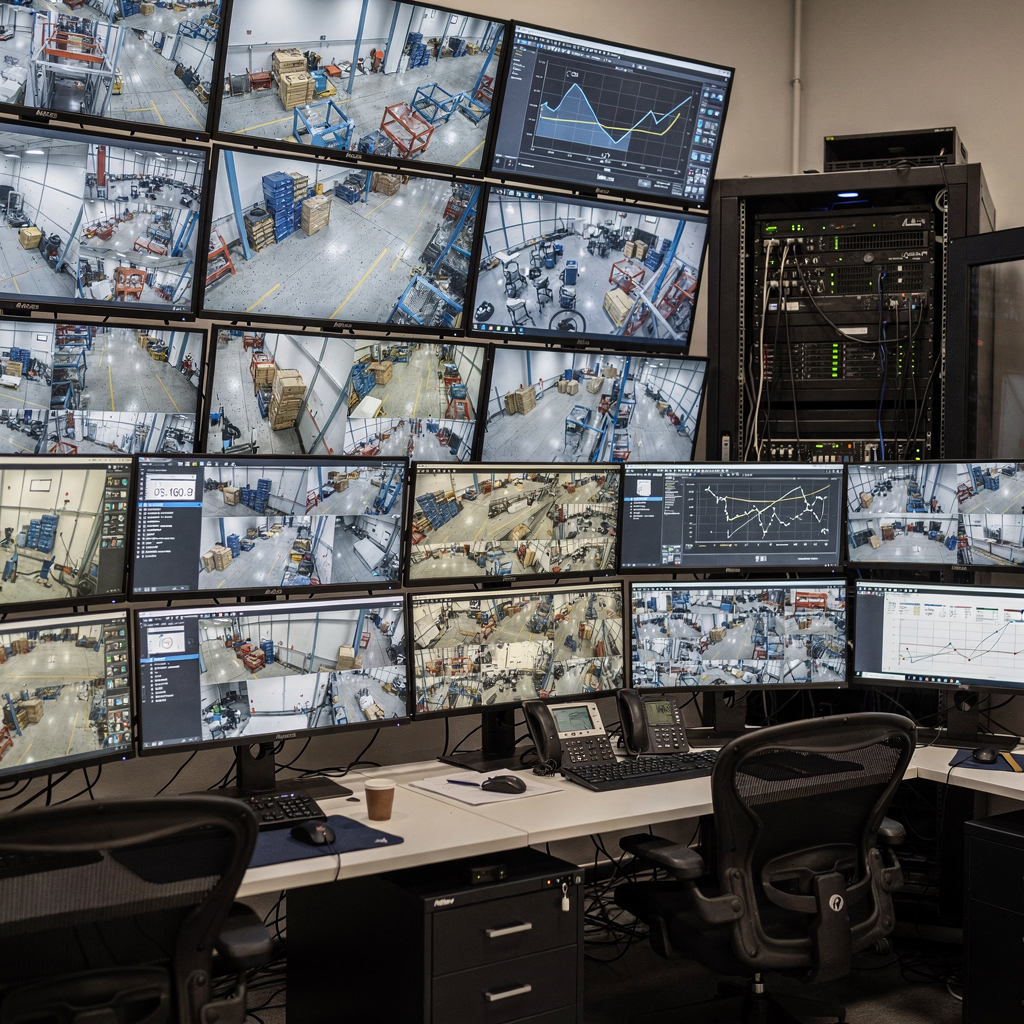
Data flow is straightforward. IP camera streams go to the recorder and to the appliance for analytics. Next, metadata such as object types, bounding boxes, and timestamps are stored in the ACC database. The ACC UI then overlays that metadata on live view and playback. Also, third-party cameras are supported via ONVIF and RTSP. In some deployments, the appliance supports edge compute near camera clusters to lower latency and bandwidth.
Cloud connectivity expands options for remote monitoring and centralised management. For multi-site enterprises, cloud links let operators manage sites from a common dashboard. For remote analytics and monitoring services, cloud-connected ACC nodes provide flexible scaling and central insight (Farsight). Also, cloud links can be limited to metadata only, keeping video on-premise for compliance. This hybrid approach supports both operational agility and regulatory controls.
ACC connects to access control systems to correlate video with badge events. Also, it can trigger analytics rules when a door opens or when an alarm fires. The integration points are documented in Avigilon materials and supported by many integrators. For deployment guidance and technical notes, consult the Avigilon documentation and consult a certified installer (Business Watch Group). Finally, our team at visionplatform.ai often integrates VP Agent Reasoning with ACC metadata to add explanation and decision support for operators.
AI vision within minutes?
With our no-code platform you can just focus on your data, we’ll do the rest
video analytics: Core Features and Threat Detection
Video analytics in ACC deliver high detection accuracy and strong operational value. For instance, some Avigilon analytics report detection accuracy rates exceeding 95% (Insight). Also, that high precision reduces false alarms and keeps operator attention on real threats. The platform supports people and vehicle detection, license plates, and behaviour-based triggers like loitering or intrusion.
Real-time threat detection modes include perimeter breach, suspicious motion, and unauthorised access. Also, the system prioritises alerts by severity. As a result, organisations report up to a 40% reduction in response times after deploying ACC with analytics (Business Watch Group). The analytics pipeline tags events with confidence scores and suggested actions. Then, operators can use filters to see only high-confidence incidents.
Continuous learning improves performance over time. Also, models can be refined with site-specific data to reduce nuisance alarms. In specialised cases, self-learning video analytics and avigilon workflows let teams adapt to seasonal or operational changes. Additionally, features like Avigilon Appearance Search let teams trace person movement across cameras. The appearance search capability saves hours in investigations by locating the same person quickly across multiple views (Avigilon).
Advanced video analytics combine object classification with contextual rules. Also, analytics software to detect anomalies runs alongside per-camera detectors. This layered approach identifies both specific items and broader patterns. For organisations that need rapid forensic search, our VP Agent Search adds natural-language search to recorded ACC events, making it faster to find people or vehicles across timelines. In practice, combining Avigilon analytics with agent reasoning yields actionable intelligence and stronger situational awareness.
appliance: Hardware Architecture of the Avigilon AI Appliance
The Avigilon AI appliance is an on-premise compute platform optimised for video inference. Also, it is tuned for matrixed workloads that include facial recognition and object classification. The appliance supports IP camera streams directly and can scale to handle dense camera deployments. Additionally, Avigilon markets purpose-built appliances that balance CPU, GPU, and storage for low latency and high throughput.
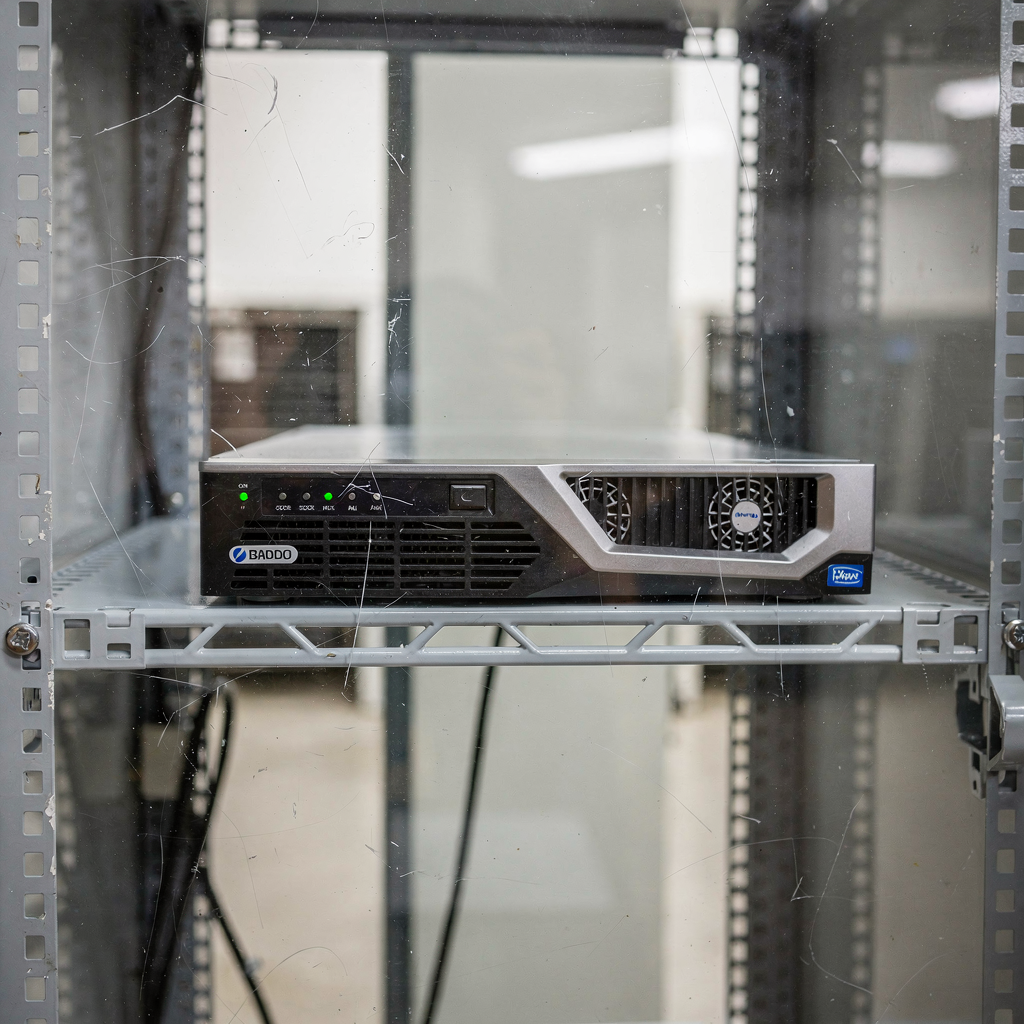
Scalability is a key design point. The appliance is capable of simultaneous monitoring of thousands of cameras without a drop in performance when configured correctly. Also, the appliance supports clustering and load balancing for larger sites. This lets organisations scale analytics while keeping the recorder and storage tier separate. The appliance supports common IP camera protocols and works with third-party cameras in many deployments.
Installation best practices focus on cooling, network design, and redundancy. Also, place appliances near camera aggregates to reduce bandwidth. Use VLANs and QoS to separate analytic streams from general traffic. Additionally, monitor system health with built-in diagnostics and SNMP. For mission-critical sites, configure failover recorders and redundant appliances. The appliance supports secure management access and regular firmware updates to maintain performance and compliance.
Finally, the appliance supports integrations with access control and external alarm systems. Also, the appliance supports event triggers that forward high-confidence alerts to command centres and first responders. In many cases, integrators will combine appliance analytics with a VMS and additional AI layers. For example, visionplatform.ai can add an on-prem Vision Language Model to the pipeline to turn detections into human-readable descriptions and to support automated workflows. This layered deployment keeps video onsite and supports compliant architectures.
AI vision within minutes?
With our no-code platform you can just focus on your data, we’ll do the rest
acc™ software: User Experience and Automation Tools
The ACC™ software focuses on the operator experience. Also, the interface presents live view, an alert dashboard, playback, and search modules. The alert dashboard groups events by type and confidence. Then, operators can open a clip, review the metadata, and take action. The software uses thumbnails and short clips to speed verification. Additionally, ACC™ integrates with access control so operators see badge events beside the video.
AI-powered incident search reduces evidence retrieval time. Also, the built-in appearance search indexes people and vehicles for rapid lookup. For deeper forensic work, the platform supports refined filters such as license plates, clothing colour, or object type. In combination, these tools make investigations faster and more accurate. Our VP Agent Search adds natural-language queries so operators can search with phrases like “red truck entering dock area yesterday evening,” which speeds case closure.
Automation features let the system trigger workflows when defined conditions occur. Also, ACC supports scripts and integrations that create incident records, notify teams, or call external systems. The platform can escalate an alarm to a supervisor automatically. In that way, ACC reduces manual steps and helps standardise responses. Furthermore, combining ACC with third-party systems yields richer automation. For instance, linking to access control allows cross-verification of badge data and video.
Performance is important for continuous monitoring. Also, ACC™ software is optimised to display high-performance streams while keeping metadata responsive. The recorder and analytics pipelines remain distinct so playback is reliable. Finally, operators get role-based views and audit logs for compliance. For teams seeking to improve operator effectiveness, adding a reasoning layer such as visionplatform.ai’s VP Agent Reasoning provides decision support and guided next steps, which reduces time per alarm and improves consistency.
video security: Operational Benefits and Case Studies
Real-world deployments show clear benefits from ACC and analytics. For example, real-time crime centres use Avigilon analytics to support proactive patrols and faster incident verification (academic review). Also, enterprises use the platform to centralise multi-site monitoring and reduce manpower needs. As a result, organisations report faster response times and lower operating costs.
Quantitatively, many deployments see response times drop by about 40% after analytics are in use (Business Watch Group). Also, detection accuracy above 95% helps teams prioritise true incidents and avoid wasted checks (Insight). These gains translate to fewer false alarms, reduced overtime, and a clearer audit trail for investigations.
Case studies highlight benefits across sectors. For airports, ANPR and people detection improve perimeter and access monitoring; see our ANPR examples for airports for similar use cases. Also, forensic search accelerates baggage and passenger investigations; learn more on our forensic search in airports page. Finally, PPE, intrusion detection, and occupancy analytics contribute to safer, more efficient operations across terminals and facilities.
Looking ahead, evolving AI capabilities will enhance automation and reasoning. Also, technologies that couple analytics with natural-language models will let operators ask questions of the video archive. Our platform bridges that gap by turning detections into explained events and recommended actions. In practice, video analytics plus agent reasoning improves situational awareness, speeds compliance reporting, and supports first responders with timely, verified information. For organisations seeking end-to-end improvements, combining ACC with reasoning and search gives a complete security solution.
FAQ
What is the AI assistant in Avigilon Control Center?
The AI assistant is a set of analytics and machine-learning tools embedded in ACC that analyse video in real time. It flags events, classifies objects, and provides searchable metadata to speed verification and response.
How accurate are Avigilon’s analytics?
Avigilon analytics report detection accuracy rates above 95% in many test cases, which reduces false alarms and improves operator focus (Insight). Accuracy depends on camera placement, lighting, and model tuning.
Can ACC work with third-party cameras?
Yes. ACC supports ONVIF and RTSP cameras and can ingest streams from many third-party cameras. You should verify compatibility for advanced features like facial recognition and low-light detection.
Does the Avigilon AI appliance require cloud connectivity?
No. The avigilon ai appliance runs on-premise and can process video locally to reduce bandwidth and help compliance. Also, cloud links are optional for centralised management or remote monitoring services.
How does appearance search speed investigations?
Appearance search indexes visual features and lets operators find the same person or vehicle across hours of footage. This reduces search time from hours to minutes and helps close investigations faster.
Can ACC integrate with access control systems?
Yes. ACC connects to access control to correlate badge events with video. That integration improves verification and helps detect unauthorised access quickly.
What scalability can I expect from the appliance?
The appliance is designed to scale to large camera estates and can monitor thousands of streams when sized correctly. For very large sites, cluster appliances and load balancing are recommended.
How do analytics affect operator workload?
Analytics reduce manual monitoring by filtering low-value alerts and highlighting high-confidence events. Also, adding reasoning layers can cut decision time by providing context and suggested actions.
Are analytics compliant with privacy regulations?
Compliance depends on configuration, data retention, and local laws. Many deployments keep video on-premise and limit metadata sharing to meet regulatory needs. Consult technical and legal advisers when implementing sensitive features.
How can I learn more about specialised detections like ANPR or people counting?
Visit our specialised pages for examples and deployment guidance, such as our ANPR and people detection resources for airports. These pages show how analytics apply in real operational contexts and help you plan deployments.
