


AI assistant for Milestone XProtect video analytics
ai and milestone xprotect: smarter surveillance
First, Milestone XProtect is a scalable VMS that many teams choose for video management at scale. Second, it runs on an open-platform architecture that allows third-party modules to integrate. Also, AI adds real time anomaly detection, which moves surveillance from passive recording to alert-driven monitoring. For example, AI analytics can cut manual video review time by up to 70% when integrated with a VMS (source). This efficiency gain frees operators to focus on verified incidents and decisions. Next, the combination of automated detection and human review reduces operator fatigue. Furthermore, trained models detect unusual behaviors, like loitering or slips, and create contextual metadata for faster searches.
In practice, a Milestone XProtect installation will stream camera feeds to analytics engines that run alongside the VMS. Then, events are tagged and pushed back into the video management server as structured metadata. The workflow enables the smart client to show short, verified clips to an operator, which reduces time to verification. As a partner to systems integrators, our team helps sites select compatible hardware and optimize system settings so that alerts are precise and actionable.
Also, the move to proactive monitoring improves overall security posture. Control rooms can now get verified alert notifications in real-time, and they can act faster on real incidents. A control room that uses VP Agent style reasoning gains context and decision support, not just raw detections. Finally, when you integrate video analytics with access logs and other sensors, you enable richer situational awareness and a safer work environment.
AI vision within minutes?
With our no-code platform you can just focus on your data, we’ll do the rest
milestone systems: ai capabilities for system improvement
Milestone Systems provides the architecture that supports third-party analytic modules and connectors. First, the XProtect platform exposes APIs and event channels that permit intelligent modules to integrate directly with the VMS. Next, these modules use machine learning, computer vision, and advanced data fusion to interpret events. For instance, intelligent video analytics can identify people, vehicles, and behaviors and attach readable metadata to footage. This metadata supports forensic search, which helps investigators find footage faster than manual review.

Also, Milestone provides an integration path such as the Milestone AI Bridge to connect analytics engines to the XProtect platform. In combination, plug-in modules can run on on-prem servers or edge hardware. As a result, detection accuracy often improves dramatically. Industry reports show AI algorithms can improve detection accuracy by over 90%, which lowers false alarms caused by weather, lighting, or environmental changes (source). This accuracy means fewer unnecessary dispatches and lower operator workload.
Furthermore, third-party analytics can automatically enrich event context with zone information and object attributes. The result is smarter alert triage inside the smart client, and the operator sees what matters, not everything. Also, vendors and partners who support Milestone Systems offer connectors and plug-ins, enabling flexible deployment patterns. Finally, the open-platform architecture allows custom models and site-specific training, which makes the system fit real-world environments better than one-size-fits-all boxes.
deploy ai assistants in milestone xprotect
First, pick the right AI engine that fits your objectives. Second, install a connector or the Milestone AI Bridge to link analytics outputs into the XProtect platform. Third, configure workflows so that events from analytics map to alarms and metadata in the VMS. Also, test each workflow under real-world lighting and traffic conditions. This step reduces false positives and ensures a predictable operational load.
Next, consider scalability and hardware. You can deploy on GPU servers, edge devices, or a mixed model to balance latency and cost. A single deployment can process thousands of camera streams concurrently when scaled correctly. This capability allows enterprises and critical infrastructure sites to run detection across large estates with minimal downtime. Additionally, organizations that adopt AI-enhanced monitoring report up to a 40% reduction in operational costs for monitoring and response (source). This saving comes from fewer manual reviews, faster verification, and reduced false dispatches.
Also, make sure the installation includes robust support and maintenance agreements. Good support covers model updates, firmware, and performance tuning. Our VP Agent Suite complements XProtect by adding reasoning and natural-language forensic search to the deployment. It keeps video and models on-prem, which preserves privacy and helps meet regulatory needs. Finally, document the deployment and run acceptance tests that mimic normal, busy, and edge-case environments to ensure reliability.
AI vision within minutes?
With our no-code platform you can just focus on your data, we’ll do the rest
control room integration: alert workflows for smarter response
First, a centralised alert dashboard reduces context switches for operators. Then, verified alarms are triaged with cross-referenced inputs from access control and other sensors. For example, AI can compare a door open event against footage to validate an intrusion. This cross-reference reduces false positives and speeds incident handling. IPVM highlights that AI assistants represent a shift to proactive security management “The integration of AI assistants with platforms like Milestone XProtect represents a paradigm shift”.
Also, the modern control room benefits from smartphone notifications that include short clips, which let supervisors make decisions offsite. The operator interface supports incident creation, evidence export, and follow-up actions inside the VMS. Additionally, the operator can use forensic search to retrieve historical footage by describing events in natural language. Our forensic search feature helps in this area by turning footage into searchable descriptions, which cuts investigation time significantly.
Next, well-designed workflows provide clear roles for operator and automation. The system can automatically escalate high-priority incidents to an on-call team, while routine alerts go through a verification routine. This approach reduces the load on staff and improves consistency. Finally, integrations with external dispatch and reporting tools automate incident closure and reporting, which speeds compliance and auditing.
surveillance automation: system design for efficiency improvement
First, define the events you want the system to detect, like unauthorized access, slips and falls, or loitering. Then, build rules that combine detections with contextual data. For example, combine people detection with zone schedules to suppress expected movement during business hours. This reduces nuisance alarms. Also, fusing video feeds with sensor data and access logs helps the AI interpret what it sees. The resulting metadata makes footage searchable and meaningful.
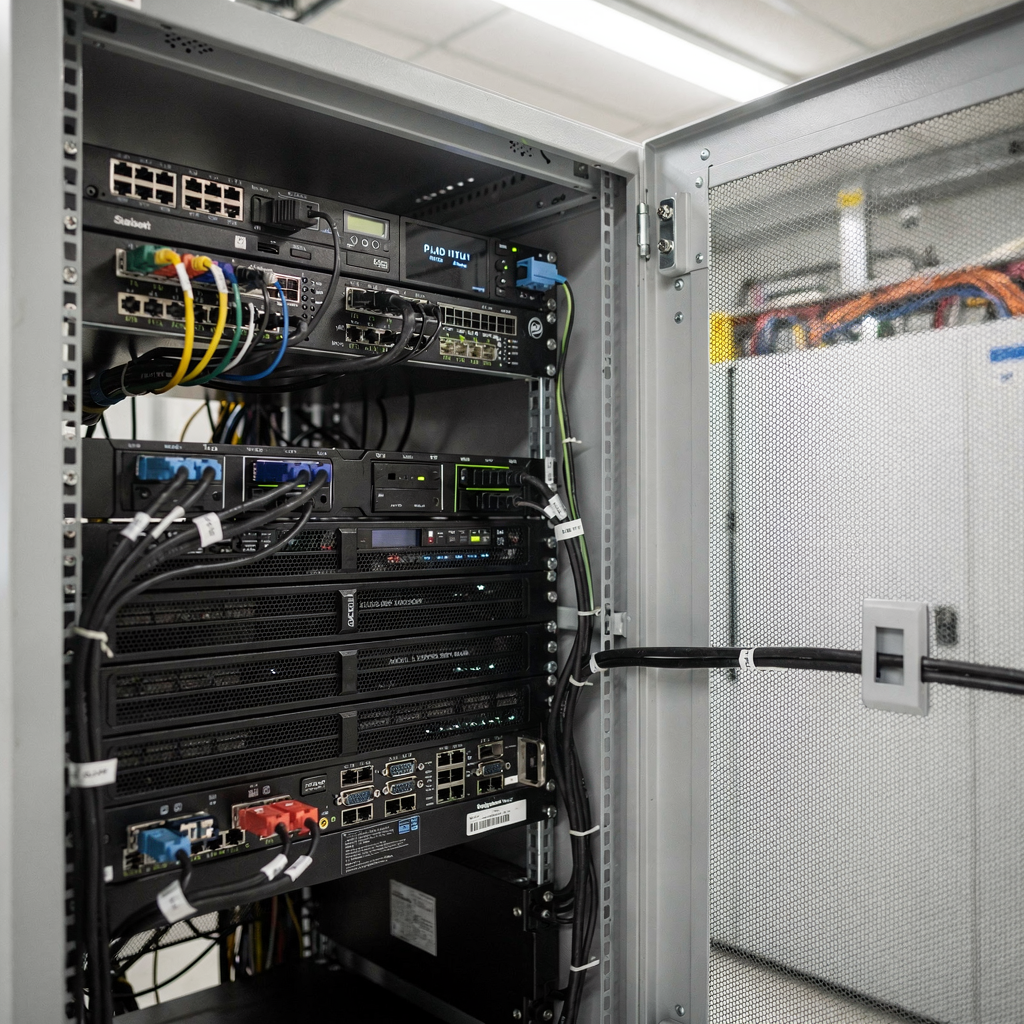
Next, design the event pipeline so that detections generate rich records. Each record should contain time, camera ID, confidence score, and a short natural-language summary. This structure allows automated workflows to act. For instance, if detection confidence is high and access logs show a door forced, the system can automatically notify the operator and create an incident report. Such automation speeds response and lowers operational costs.
Also, an IVA and reasoning layer can evaluate alarms before they reach an operator. This layer helps to verify the alarm and recommend actions. Reports show that intelligent systems reduce false positives and improve overall detection performance, which translates into fewer wasted responses and faster true-incident handling (source). Finally, the design must ensure the system supports continuous model improvement through retraining with local data, which keeps detections aligned with the environment.
scale and deploy: continuous ai capabilities enhancement
First, plan for mixed on-prem and cloud deployments, and choose a model that matches compliance and latency needs. For sensitive sites, keep processing on-site to avoid cloud video transfer. visionplatform.ai recommends on-prem Vision Language Models for this reason. Second, follow best practices: rigorous testing, performance monitoring, and regular software updates. These steps keep the deployment reliable and resilient.
Next, implement model governance and a retraining loop. Collect labeled edge cases and use them to refine models. Also, schedule periodic performance reviews that include false positive analysis and drift detection. This practice ensures long-term accuracy. Additionally, maintain an operational dashboard that shows model health, server load, and event trends so teams can proactively scale hardware or adjust thresholds.
Finally, expand AI capabilities by adding new analytic modules and integrating more data sources. For example, add ANPR and PPE detection where relevant, or enable forensic search for complex investigations. The open-platform architecture makes this expansion straightforward and seamless. Continuous enhancement converts a VMS into an operational system that supports safer, smarter decision-making at scale.
FAQ
What is an AI assistant for Milestone XProtect?
An AI assistant augments the Milestone XProtect platform with reasoning, detection, and decision support. It verifies alarms, adds context to events, and helps operators act faster and with more confidence.
How does AI improve video analytics accuracy?
AI models learn patterns and can filter environmental noise like shadows or weather. Reports indicate accuracy improvements of over 90% when models are tuned to local conditions (source).
Can AI assistants reduce monitoring costs?
Yes. Organizations report up to 40% savings in monitoring and response costs after deploying AI-enhanced workflows (source). Savings come from fewer manual reviews and fewer false dispatches.
Are AI models hosted on-site or in the cloud?
Both are possible. For privacy or regulatory reasons, many sites choose on-prem deployment. visionplatform.ai emphasizes on-prem processing to keep video inside the environment and comply with regulations.
How does an AI assistant integrate with XProtect?
Integration uses connectors or the Milestone AI Bridge and standard APIs to stream events into the VMS. The result is enriched metadata and verified alerts inside the smart client.
Can AI assistants search recorded footage?
Yes. Forensic search converts footage into searchable descriptions so operators can find incidents by natural language. This reduces investigation time and increases accuracy.
What industries benefit most from AI plus XProtect?
Healthcare, airports, critical infrastructure, and enterprise campuses all gain from faster detection and fewer false alarms. For airport-specific analytics, see related pages on people detection and fall detection for detailed use cases people detection and fall detection.
How do I scale AI across many cameras?
Use a mix of edge and server GPUs, monitor performance, and distribute workloads across servers. Also, plan for continuous testing and model updates to maintain performance across sites.
What role do operators keep in an AI-assisted control room?
Operators remain central. AI verifies, explains, and recommends actions, but human oversight controls escalation and final decisions. This reduces fatigue and improves consistency.
How do I learn more about advanced analytics like intrusion and forensic search?
Explore targeted resources for specific analytics. For example, see the intrusion detection and forensic search pages for deeper guidance and examples intrusion detection and forensic search.
