


Understanding ai assistant and ai-powered tools in video production workflows
AI assistants transform how teams handle video production and review. They combine computer vision, natural language, and decision logic to reduce manual tasks and speed up results. In many cases AI handles detection, tagging, and search, and then hands off complex or ambiguous items to human reviewers. This shift turns traditional video processes into efficient, auditable workflows that scale. For example, studies show AI can reduce review time by up to 60% when paired with smart interfaces and clear task routing (NN/G study). That statistic matters for teams burning hours on footage, and it matters for budgets.
Key capabilities include object detection, scene recognition, facial and license plate reading, sentiment estimation, automated captioning, and summary generation. An advanced AI can convert recordings to a searchable transcript and then let operators find the exact moment a subject appears. This approach supports forensic search and incident review, and it supports regulatory compliance. For security teams, better context reduces false alarms and improves follow-up actions. In control rooms, platforms like visionplatform.ai add reasoning on top of detections. They turn raw detections into explanations, recommended actions, and human-readable context so operators can verify alarms faster and act with confidence.
The technology is most useful when it fits existing systems. Integrations with VMS, edge devices, and APIs let organizations keep video on-prem and reduce cloud risk. This is critical for sites that need EU AI Act–compatible deployments. Also, custom ai models let teams tune detection to site-specific requirements. That way systems do not overwhelm operators with irrelevant events. Instead they show what matters, when it matters, and why. For teams that want to move from alerts to understanding, these AI-powered platforms are a practical route forward.
Finally, workflows with ai become measurable. You can track time saved, the drop in false positives, and improved compliance rates. For media and control-room teams the result is clearer priorities, fewer manual tasks, and faster incident resolution. For those curious about forensic search capabilities, see a practical example of natural-language search in airports with the VP Agent Search forensic search in airports.
Streamlining review with an ai tool to generate videos and tag content
An AI tool can analyze raw footage and generate videos that include metadata, captions, and highlights. It can also extract a short summary or timeline for rapid review. This matters because review teams often open long recordings to find small incidents. With automatic tagging they can jump straight to relevant frames and save time. For instance, a single flagged event can produce a short video clip, a caption, and a linked transcript so reviewers can assess context quickly and accurately.
Auto-tagging and summarisation let teams triage content. The system can tag people, vehicles, and activities and then rank events for priority review. That improves compliance monitoring and audit trails. A recent industry survey found 72% of media companies have adopted or plan to adopt such systems to improve content accuracy and compliance (Reuters Digital News Report). In security contexts, AI-powered review systems increased threat detection accuracy by 45% versus manual review in evaluations (Crescendo report). These numbers show why teams invest in ai-powered video pipelines.
Beyond security, content teams use AI to compile highlights, add captions, and create social edits. For example, a review system can generate a short marketing cut from long footage and prepare a caption and keywords for distribution. This streamlines content for social channels and speeds the path from raw footage to publishable asset. The approach supports content creation teams and video creators who must produce high volumes of material.
Automatic transcription and time-coded captions also enable faster compliance checks. When you can search a transcript, you find policy-relevant language or scene context rapidly. This boosts accuracy and operator confidence. For organisations seeking more specialised detection such as loitering or crowd density, the platform supports specific modules like loitering detection and people-counting loitering detection in airports and people-counting in airports. The result is faster review cycles and clearer audit logs, and teams can generate videos with embedded metadata that speed downstream tasks.
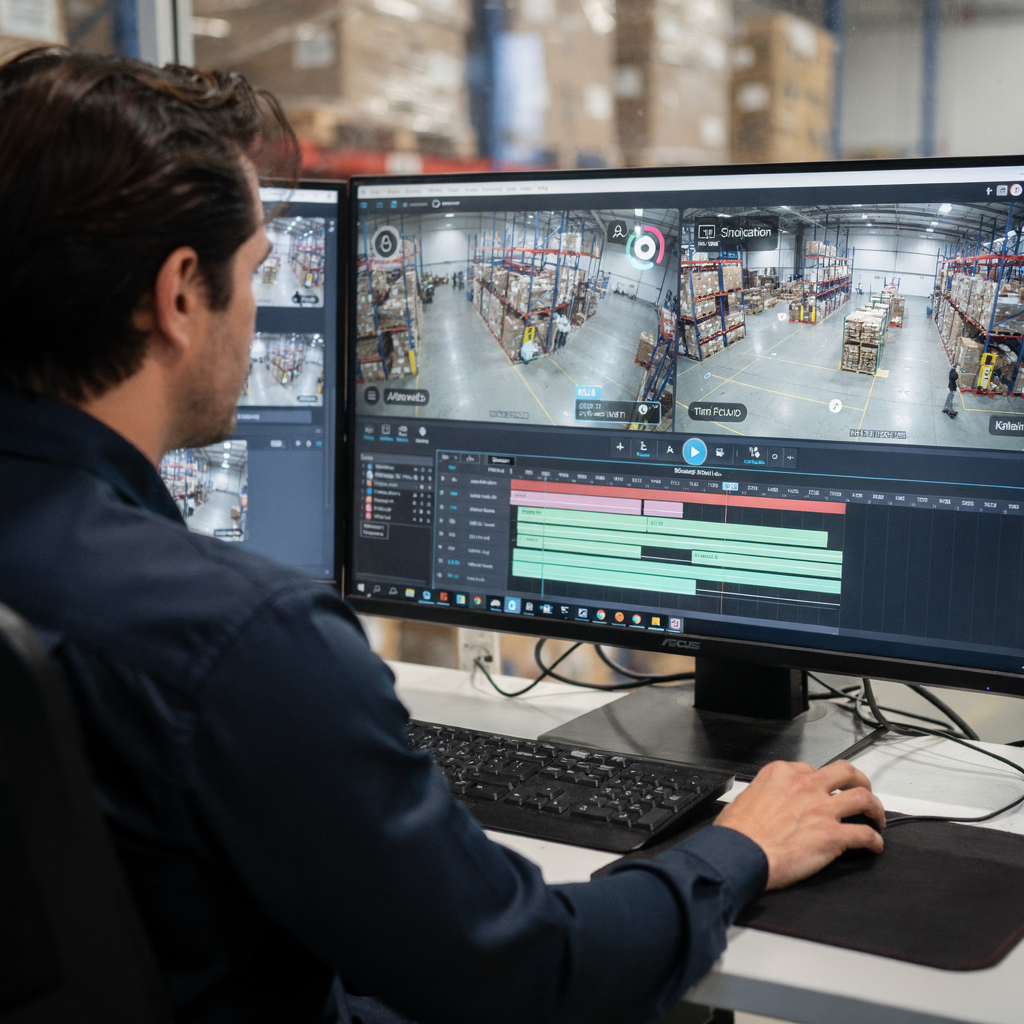
AI vision within minutes?
With our no-code platform you can just focus on your data, we’ll do the rest
Choosing the best ai video generator for professional video editing
Picking the best AI video generator depends on needs. Are you prioritising speed, quality, or compliance? Do you need on-prem processing or cloud convenience? Start by listing must-have features, and then compare candidates on those points. Performance metrics to watch include render time, detection accuracy, and export quality. For professional teams, video quality and tight VMS integrations matter, and they must match production standards for broadcast and operational use.
Top ai video generator products use generative techniques and classic computer vision together. They support templates and custom assets, and they can also integrate with timeline-based editors. If you ask “what’s the best ai video” for a particular studio, the answer will vary by project type and compliance needs. Some vendors prioritise cloud-based convenience, while others offer a full on-prem architecture for sensitive sites. For control rooms, on-prem systems that include an on-site Vision Language Model give better security and audit trails.
Compare features like customisable templates, AI-driven scene transitions, and automated captioning. Look for systems that support text to video and generative ai video features alongside precise frame-level controls. Also check compatibility with existing NLEs, including the ability to export into Adobe Premiere timelines. Professionals often ask about integration with Adobe Premiere Pro or adobe premiere, and the ability to hand off edits to an NLE matters for final polish. For teams that prefer automated edits with manual fine-tuning, a hybrid approach is best.
Consider use cases across media, security, and education. In media, generative effects and speed matter for newsrooms. In security, accuracy and explainability are central. In education, captioning and summarisation matter for accessibility. If you need to generate videos for high-volume social campaigns, also compare video quality and support for different aspect ratios. Look for a product that balances speed and fidelity and that supports advanced ai options for custom classes. When you need to choose a best ai video generator, weigh model transparency, export formats, and enterprise features.
Personalising output with ai avatar and custom ai in content creation
AI avatar technology gives teams a consistent on-screen presence. An AI avatar can deliver scripted narration, host tutorials, or provide captions and guidance. For brands, an avatar video offers consistent messaging and reduced talent costs. You can tune the voice, pacing, and gestures to fit brand tone. Custom ai models can also match the brand voice and glossary. This is useful for training videos, onboarding, and public-facing content where consistency matters.
Custom AI lets teams create assets that reflect brand identity. By training ai models on company tone and product terminology, the system can produce scripts and voiceovers that sound natural and on-brand. AI voiceovers can generate multiple language versions, and they can match pacing to on-screen visuals. This supports scalable video creation while preserving corporate voice and accuracy.
There are other benefits. First, avatars reduce scheduling friction when filming human presenters is expensive or slow. Second, custom ai allows for split-testing of messaging without expensive reshoots. Third, an on-prem option gives teams control over data and models, which helps with compliance. For organisations that need precise control, solutions that support custom ai and on-prem deployment are attractive because they allow improvement of models with private datasets.
AI avatars work well for microlearning, product demos, and accessible narration. They pair with automated captioning and transcript extraction to make content searchable and reusable. For teams that need to scale, an all-in-one AI system can generate scripts, record an avatar, and export a final file ready for publishing. When used correctly, this approach saves time and keeps quality steady across many videos. Creators who want to maintain creative control can fine-tune the model or collaborate with live actors to hybridise the output and keep the content authentic.
AI vision within minutes?
With our no-code platform you can just focus on your data, we’ll do the rest
Enhancing collaboration for video editors with ai video tools and video editing software
AI video tools are changing how video editors collaborate. They automate repetitive tasks so editors focus on creative decisions. For example, AI can pre-select best takes, auto-sync clips, and propose rough cuts. That saves time and reduces friction between production and post. This helps teams meet tighter deadlines and improves throughput without lowering quality.
Integration with established video editing software matters. Editors expect smooth handoffs into their NLE, and many platforms provide export options for Adobe Premiere workflows. Integration with premiere pro helps with multi-editor timelines and complex sequences. Also, tools that create interoperable project files reduce manual reassembly. For teams using premiere pro the right AI assistance can speed assembly of sequences and pre-fill markers for editorial review.
Real-time feedback and version control let teams iterate faster. AI can produce a suggested rough cut and then track changes as editors refine the sequence. This version history supports auditability and creative oversight. Teams can accept or reject AI suggestions, and AI logs help explain choices. Assistant editor roles shift toward supervision and creative direction while AI handles repetitive alignment and cleanup.
Text-based video editing and other assistive features reduce entry barriers. Editors can give short text prompts to create edits, and then adjust finer points in the timeline. This supports collaborative reviews and faster turnaround for social formats. Also, transcription and captioning features make approvals faster and help accessibility. For teams looking to maintain quality and speed, AI-powered video and ai-driven video modules are complementary to the creative process. They let video editors reclaim time and focus.
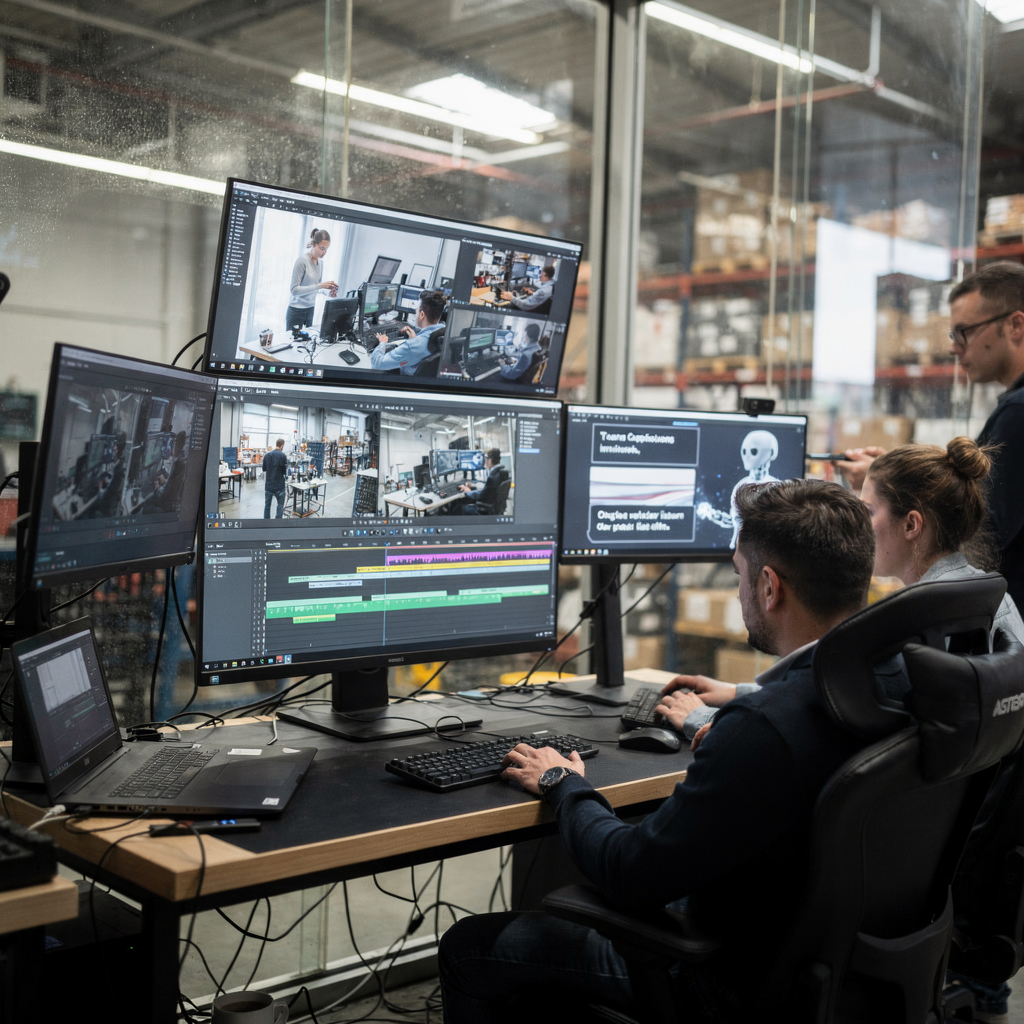
Getting started: prompt best practices, free trial insights and where to look for the best ai video maker
Start small and iterate. Write clear text prompts and then refine them. Good text prompts explain intent, length, and tone, and they list constraints. For example, a prompt could say: “Create a 60-second highlight with captions, upbeat music, and three product close-ups.” That gives the system structure, and it helps the model produce usable drafts. Team up with an editor to adjust the AI output, and record preferred rules so the model learns brand choices.
Try free trial offers before buying. A free trial can reveal speed, export quality, and model behaviour. Compare a free plan and the paid tiers to understand limits on minutes, resolution, and export formats. For commercial deployment, also check on-prem and compliance options if you need data residency. Some vendors provide a free ai video demo or a limited free plan to test features and integrations. For control-room or enterprise use, prefer vendors that include on-site models and audit logs, because that reduces regulatory risk.
When you evaluate options, look for features that matter most to your team. Check for support for text to video, ai voiceovers, caption export, and easy handoff to NLEs. Also inspect support for custom ai so you can tune models with your data. If you need a tight VMS integration, consider systems that include reasoning layers and agent support for actions. For teams that want to create videos at scale, look for a vendor that includes an assistant agent and clear export workflows. If you want to create videos with simple prompts, search for an ai video maker that supports text prompts and offers generator tools and templates.
Finally, test typical workflows. Try to create a video from a script and then to edit it in Adobe Premiere Pro. Check how caption files and transcripts export. Measure time saved per video, and then scale trials to higher volumes. For example, compare 120 minutes of video processed locally against cloud-based throughput to see which fits your operations. Also look for references and demos that show professional video outcomes. If you are unsure where to look for the best, start with vendors that publish integration guides and offer robust security and version control.
FAQ
What is an AI assistant for video review?
An AI assistant is software that analyses video streams and helps humans review content faster. It automates tasks like tagging, captioning, and highlighting, and it presents findings in a searchable, human-readable form.
How much time can AI save in review workflows?
Time savings vary, and in some case studies AI reduced review time by up to 60% (NN/G). Savings depend on content type, model accuracy, and integration with existing tools.
Are AI video tools accurate for security use?
Accuracy has improved, and some deployments report a 45% increase in threat detection accuracy versus manual review (Crescendo). Human oversight remains essential for nuanced decisions.
Can I keep video on-prem for compliance?
Yes. Some platforms support on-prem deployment and Vision Language Models to keep video and models inside your environment. This supports EU AI Act compliance and reduces cloud risk.
How do I craft effective prompts?
Make prompts clear and specific and include length, tone, and constraints. Use short test prompts, then refine them after reviewing outputs. Also save preferred prompts to build consistency.
Do AI avatars sound natural?
Modern AI avatars can produce natural-sounding narration and lip-synced on-screen presentations. Quality improves with custom ai training and with careful tuning of voice and pacing.
What should I test during a free trial?
Try core workflows like caption export, transcript accuracy, and handoff to Adobe Premiere Pro. Also test throughput limits, and check audit and security features during the free trial.
Can AI integrate with existing video editing software?
Yes. Many solutions export project files or timelines compatible with video editing software, and some provide plugins for direct handoff. This reduces rework for editors.
How do I avoid AI misclassifications?
Use custom training data, and keep human review for edge cases. Monitor model outputs and update training sets to reduce recurring errors. Also use explainable models when possible.
Where can I learn more about forensic search and specific detections?
Explore platform resources such as forensic search in airports for examples of natural-language search across video history forensic search in airports. For other modules, see people detection or loitering detection pages for details people detection in airports and loitering detection in airports.
