


axis camera station pro: free text search, AI-powered forensic search
Axis Camera Station Pro updates traditional video management with AI features that address modern case loads. Also, it brings an accessible way to search recorded video without manual scrubbing. The platform integrates with Axis Communications cameras to collect video stream, timestamps and basic metadata. In practice, free text search sits on top of that data. It allows operators to search using their own words, and it works alongside pre-classified objects and free text. For example, operators can type a phrase like “person loitering near gate after hours,” and the system returns relevant clips quickly. This AI-powered free text search is designed to accelerate forensic investigations and reduce the time spent finding video and extracting digital evidence.
Additionally, Axis Camera Station Pro supports common forensic workflows by allowing users to search across timelines and cameras with a natural language approach. Visionplatform.ai complements this setup by converting detections into human-readable descriptions so operators can perform search investigations without switching systems. Our VP Agent Search feature shows how an on-prem Vision Language Model enables free text search gives users contextual results while keeping video data local.
Experts have noted the broader benefits of AI in forensic workflows. As one review states, “Artificial intelligence techniques demonstrated promising results in the forensic investigation of cerebral pathology, providing a valuable tool for enhancing investigative accuracy” (source). Also, academic evaluations of AI-powered crime scene tools highlight clear accuracy gains in object detection and scene parsing (source). Therefore, integrating axis camera station Pro with AI features is a practical way to speed up casework while improving consistency in video forensics.
search in axis camera station: forensic search capabilities and search filters
Search in Axis Camera Station surfaces events fast. First, users can apply a time range, camera selection, and a filter by object type. Second, the interface exposes advanced forensic search capabilities such as motion object tracking and object search across recorded streams. These controls let investigators narrow amounts of footage to short clips that matter. For example, investigators can set a search criteria to find all moving objects near an entrance between two timestamps, then review only the flagged clips. This approach reduces review time and increases focus on relevant video evidence.
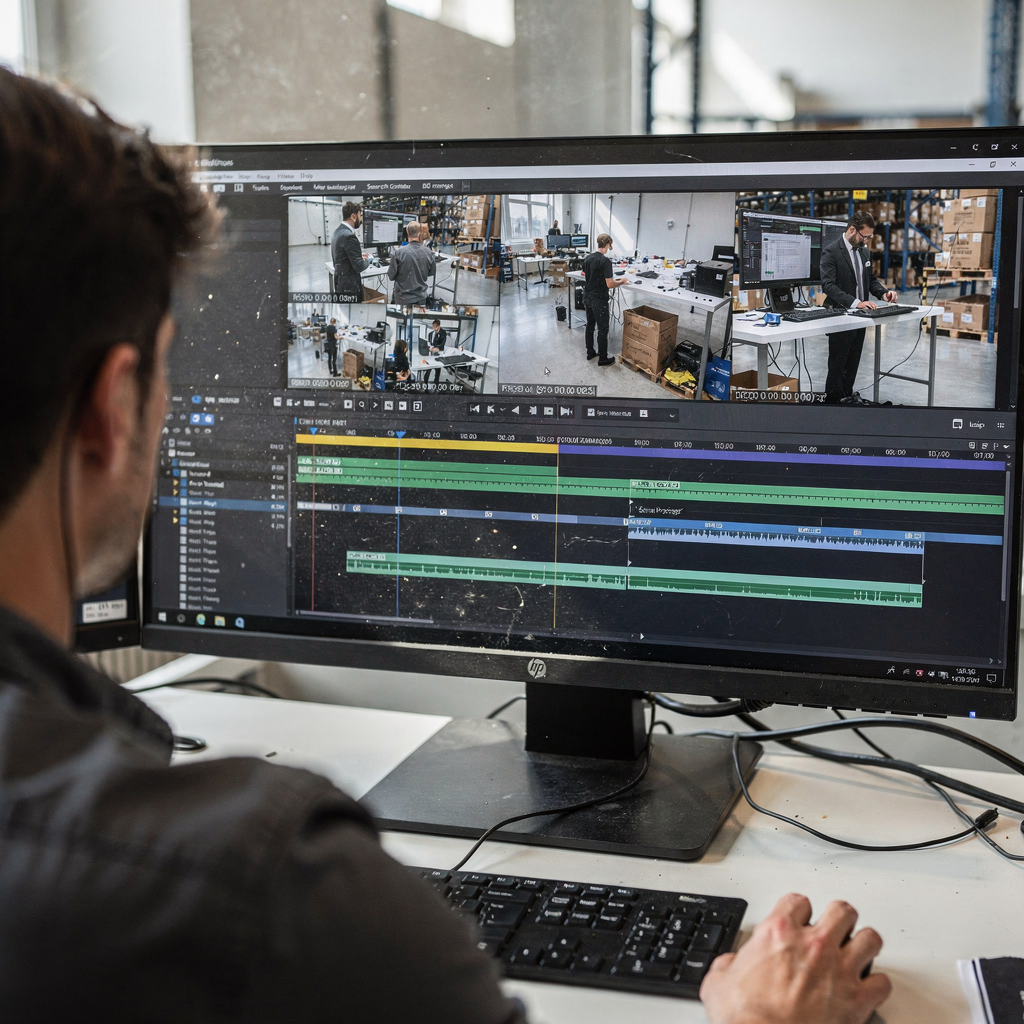
Also, search filters work alongside object analytics and meta tags to refine results. The search tool allows users to select an object type, such as vehicle or person, or to draw a search area to limit results to one doorway or lane. It is possible to search for people, and it is possible to search for vehicles using the same panel. The web client shows thumbnails and metadata for each clip so that operators can evaluate evidence at a glance. The ability to analyze search result data removes much of the manual work from early-stage forensics.
Furthermore, systems fine-tuned by Axis for surveillance perform well when paired with analytics servers and local indexing. The same object analytics that powers Axis camera object detection can feed the search index and thus enable quick retrieval. For readers who need examples of edge analytics in transport hubs, see our page on people detection in airports which illustrates how targeted filters improve throughput. Also, for unattended-object workflows, the object-left-behind detection page explains how drawing a search area and using object filters help investigators find relevant footage without manual review (object-left-behind detection).
AI vision within minutes?
With our no-code platform you can just focus on your data, we’ll do the rest
advanced forensic search: using video surveillance systems with metadata and analytics
Advanced forensic search relies on structured metadata and analytics to deliver precise results. Metadata is based on Axis camera outputs such as timestamps, camera IDs and motion tags. In addition, metadata can include analytic labels produced by object detection and classification. This metadata makes it straightforward to enable search for object classes, and to track the presence of people in a scene across multiple cameras. Because metadata indexes attributes from recorded video, it speeds up finding video clips that match a hypothesis.
Also, object analytics and enables search when analytics servers stream events and labels into the VMS index. Based on axis object analytics, the system tags clips with descriptors like “person,” “vehicle,” or “left object,” and that tagging enables search across time and location. Search data from these tags can then be combined with text-based descriptions produced by Vision Language Models to allow natural language queries. For teams using video management software with on-prem servers, this reduces the need to export large video files just to review a short incident.
Furthermore, analytics that classify scenes and flag anomalies can detect motion patterns and alert investigators when motion was detected in unusual zones. For example, AI models trained on forensic use cases can flag lingering behaviours and repeated passes through a zone, which helps form an initial timeline. Academic tests of object-detection models report strong precision; YOLO NAS variants have reported a mAP near 77.8% for object detection in crime-scene contexts (source). Also, deepfake detection benchmarks show the importance of combining analytics with human review, with leading models scoring around 65% in complex datasets (source).
smart search and smart search 2 in axis camera: filter people or vehicles and search for objects
Smart Search and Smart Search 2 bring fast, visual query techniques to video forensic workflows. Smart search in Axis Camera lets operators mark an area or draw a search polygon and then run an object search in that zone. Smart Search 2 expands that capability by offering better object classification, improved motion object tracking, and faster indexes. Both tools allow a filter for people or vehicles and can return short clips where moving objects match the selected class. This reduces the review burden when amounts of footage are very large.
Also, it’s possible to search for people across multiple cameras without manually opening each feed. The smart search panel exposes common object classes and allows targeted search for objects such as backpacks or delivery trucks. If a team needs to perform a focused investigation, they can use the drawing a search area option to limit results to a stairwell, gate, or loading dock. That precise filtering both preserves operator time and improves the quality of video evidence presented to investigators.
Next, the difference between Smart Search and Smart Search 2 is practical. Smart Search gives fast object-based thumbnails and a simple timeline. Smart Search 2 adds richer classification, faster indexing and better handling of occlusion. Where required, these features integrate with external analytics servers or run on a local server to keep processing on-prem. For airport or transport deployments, teams may combine these search functions with people-counting and ANPR modules to cross-reference detections; see our example on vehicle detection and classification in airports for how cross-referencing speeds investigations.
AI vision within minutes?
With our no-code platform you can just focus on your data, we’ll do the rest
forensic search integration: Genetec and surveillance systems interoperability
Forensic search integration with Genetec improves cross-vendor workflows and preserves chain of custody. Many sites run a mix of Axis and third‑party cameras. Integrating an Axis forensic search for Genetec allows search across cameras managed by the Genetec Security Center. This search integration not only makes search simpler, it streamlines export and sharing of video clips, enabling teams to share video evidence with prosecutors while preserving logs. Also, the integration supports common export formats and audit trails so that forensic teams can show who accessed what and when, which helps maintain evidence integrity.
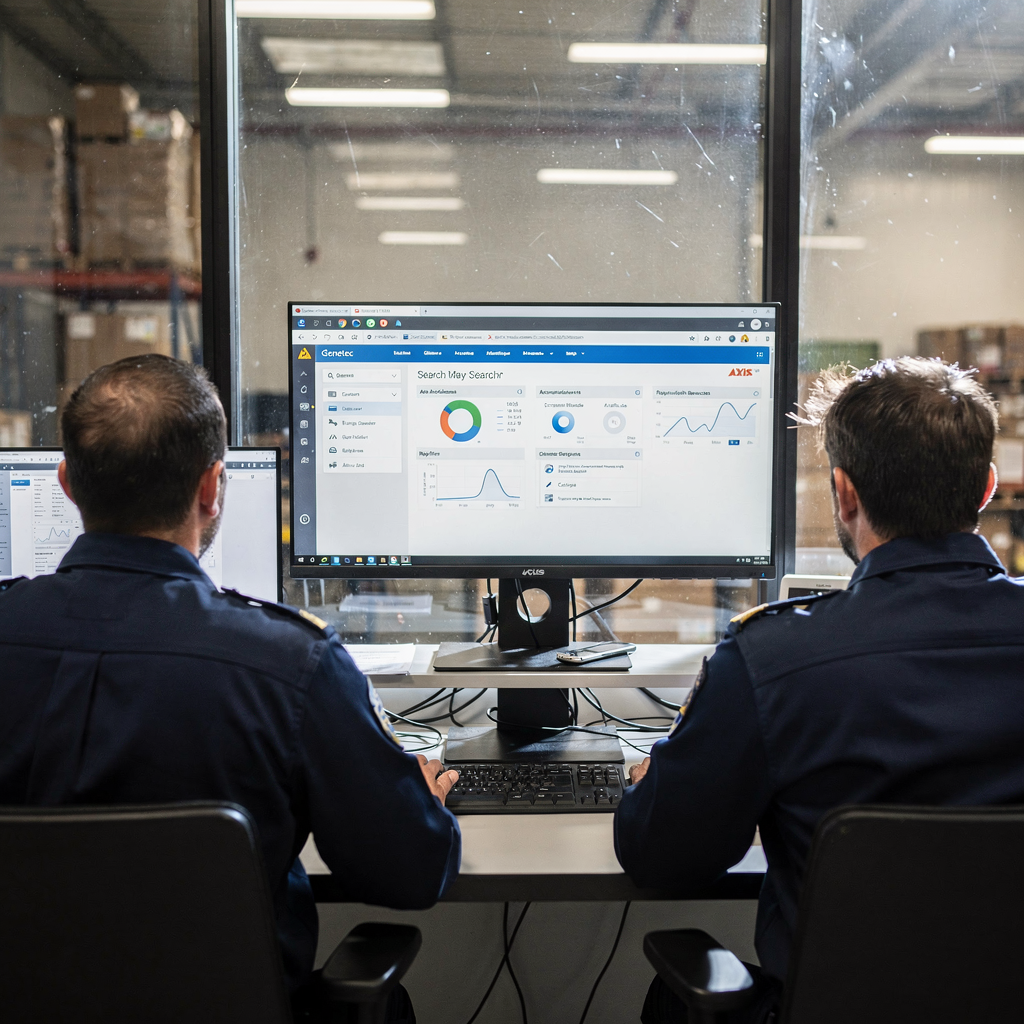
Furthermore, implementing Axis forensic search for Genetec follows best practices: keep analytics on-prem, centralize indexes on a secure server, and use standardized tagging. It’s important to minimize video movement and to log all search activity to a search log. Visionplatform.ai supports these principles by exposing events and descriptions as structured data for agents and auditors, while keeping video and models inside the site for EU AI Act compliance. Also, by linking analytics servers to the VMS you can analyze search result data in context and reduce false positives through multi-source verification.
Also, Genetec integrations often require mapping camera IDs and synchronizing time codes. Good practice includes daily health checks on analytics servers and routine export tests of short clips. Finally, for teams that start investigations in a control room, the integrated search across Genetec and Axis delivers a single pane of truth for rapid case building and forensics that require clear chain-of-custody evidence.
optimising search results and area of interest in forensic video footage for forensic investigations
Optimising search results begins with clear search criteria and an agreed area of interest. Define the area of interest early to avoid reviewing irrelevant clips. For instance, draw a small polygon at a loading bay and then perform search to capture only motion inside that space. Drawing a search area reduces noise and focuses the review on likely scenes. Also, saving common search templates for gates, docks and lobbies accelerates repeat investigations and ensures consistent results across teams.
Next, refine results by combining metadata filters and text queries. Use camera IDs, timestamps and object labels to narrow the timeline. Because metadata can include axis-specific tags, it is best to ensure metadata is consistent across devices. Metadata is based on axis outputs when Axis cameras produce tags, which helps unified indexing. Also, blending pre-classified objects and free text search gives teams flexibility: operators can use pre-classified objects for speed, and natural language to handle ambiguous scenarios. This mix supports both rapid triage and detailed video forensics.
Also, protecting the audit trail and supporting chain of custody matters. Keep export logs, include search logs with each clip, and store digital evidence alongside the VMS. The workflow should allow analysts to share video evidence with secure links and time-limited access. Finally, good optimisation reduces time per case and lets analysts focus on interpretation rather than on finding clips. For use cases in airports and high-traffic sites, an optimised workflow that combines search filters, object analytics, and clear area definitions is ideal for investigations that begin in the control room and must deliver reliable, court-ready results (forensic search in airports).
FAQ
What is Axis Camera Station Pro’s free text search?
Axis Camera Station Pro’s free text search is a search tool that allows users to enter natural language queries to find relevant clips. It leverages AI descriptions and indexed metadata so investigators can find incidents without knowing exact camera IDs or timestamps.
How does forensic search work in Axis Camera Station?
Forensic search combines metadata, object analytics and timeline indexes to return concise clips that match search criteria. Users apply filters, draw an area of interest, or type a natural language phrase to narrow results quickly and accurately.
Can Smart Search filter people or vehicles?
Yes. Smart Search and Smart Search 2 let operators filter results by people or vehicles and run targeted object search within a drawn area. Smart Search 2 provides improved classification and faster indexing for crowded scenes.
Does Axis integrate with Genetec for forensic search?
Yes. Axis forensic search for Genetec supports interoperability so teams can search across mixed camera fleets. Integration preserves chain of custody and enables exports that include search logs and audit trails.
What role does metadata play in advanced forensic search?
Metadata provides structured tags such as timestamps, camera IDs and analytic labels that speed up finding video. Metadata is based on Axis camera outputs and feeds into the search index for fast retrieval.
How can I reduce review time when amounts of footage are large?
Define an area of interest, use object filters and save search templates for common scenarios. Combining metadata filters with free text queries helps zero in on short clips and reduces manual review.
Is it possible to share video evidence securely?
Yes. Best practice is to export clips with embedded logs and to use time-limited secure links for sharing. Maintaining server-side logs and audit trails ensures the integrity of digital evidence.
What are analytics servers and why do I need them?
Analytics servers run models that classify objects, detect anomalies and create tags used by search tools. While some features work without analytics, analytics servers improve precision and enable advanced motion object tracking.
Can natural language searches find complex behaviours?
Yes. When combined with Vision Language Models and detailed analytics, it’s possible to search using descriptive phrases such as “person loitering near gate after hours.” The system maps that description to indexed events and returns matching clips.
How do I keep my forensic workflow compliant and auditable?
Keep processing on-prem when required, log every search and export, and maintain consistent metadata across cameras. Using integrated VMS workflows and secured servers helps ensure that video forensic evidence meets legal and procedural standards.
