


Feature overview: video calls and chat with surveillance video
The feature combines live feeds with instant text messaging to let teams communicate around events as they unfold. It brings real-time video into the same interface as messaging, so operators can start a video call, annotate a frame, or send a quick message without switching systems. For sites that require uninterrupted evidence handling, recording is handled by smart systems and can be set to automatically upload clips to secure storage after an incident. This reduces manual steps, saves time, and preserves chain of custody.
Compatibility matters. The feature is designed for the web, desktop and native mobile app, and it works in most modern browser builds. On the server side, integrations accept RTSP streams and ONVIF cameras. For organisations that prefer on-prem processing, visionplatform.ai keeps video and models inside the customer environment while still enabling messaging and collaboration. This architecture reduces cloud transfer and helps meet EU AI Act expectations.
Security is built in from the start. End-to-end encryption protects both the call media and the chat transcript. For audit purposes, each recording and chat exchange logs the duration, the account that accessed the clip, and any export or download actions. These logs enable compliance and forensic review. As noted in the literature, more than 60% of users reported privacy concerns when chatbots were combined with surveillance, so safeguards must be visible and robust (privacy study).
Operators need speed and clarity. The interface displays a multi-camera grid and a threaded conversation panel. An instant option lets a supervisor enable a live two-way call, or start a virtual meeting with outside agencies. The system also supports short-lived links for temporary access. This design reduces time-to-action and keeps the focus on safety and verification rather than tool juggling.

Real-time video monitor and conversation tools
A unified monitor shows live video while a side panel hosts chat threads and quick controls. Security teams can view an incident and instantly communicate observations, attach a snapshot, and escalate with one click. Alerts may create a pre-filled group chat so duty staff receive instant context. When an alarm triggers, the workflow can alert a first responder, start a group call, or escalate to a supervisor. Each step is captured in the log for later review.
Retail loss prevention teams benefit from these workflows. A floor guard can flag suspicious behaviour in one camera and start a discreet chat with loss prevention. The chat supports templates like “observe person; follow at distance” so staff respond consistently. In public safety operations, officers on shift can share annotated frames with dispatch and request units by location. This coordinated flow reduces miscommunication and shortens response time.
visionplatform.ai enhances these operations by converting detections into searchable text. The VP Agent Suite provides context to alerts, explains why an alarm fired, and suggests next steps based on site procedures. This capability reduces false positives and helps teams act with confidence. For organisations that must search past events, the platform’s forensic search makes it easier to find previously recorded incidents without manual timeline scrubbing (forensic search).
Metrics back the approach. Research on chatbot and video combinations found that engagement rose by roughly 40% when video and chat were used together in related apps, which implies improved operator attention in monitoring scenarios (engagement study). Teams that pair a clear monitor layout with concise chat templates see measurable drops in mean time to resolve. The result is fewer screens, clearer actions, and better outcomes.
AI vision within minutes?
With our no-code platform you can just focus on your data, we’ll do the rest
Browser, mobile app and enterprise dashboard integration
Access via browser gives flexible, immediate reach. The browser client supports multi-camera display, role-based permissions, and instant chat threads. For quick field access, a single native mobile app connects guards and supervisors. The mobile option is tuned for low bandwidth and allows one-tap call initiation, push notifications, and secure clip upload. Users can tap to join a live video stream or open the chat thread linked to an alarm.
The enterprise dashboard brings everything together. Administrators get a consolidated view of camera health, account permissions, and incident metrics. Role-based permission ensures only authorised staff can export or share recording assets. The dashboard also exposes enterprise controls for retention and storage limits, and it can route alerts to on-prem servers or cloud endpoints depending on policy. This flexibility supports sites that require local data custody while still enabling collaboration.
One advantage of a unified platform is simplified account management. Operators see only the cameras and panels they need. Supervisors see the full enterprise picture. For example, an airport security manager can open a dashboard showing people flows and trigger a targeted verification chat for a suspicious cluster detected by crowd analytics (crowd detection). Integration with ANPR/LPR systems also lets teams share vehicle frames and related chat notes for follow-ups (ANPR/LPR).
Performance differs across platforms. The desktop client offers maximum display options and hardware acceleration for complex multi-camera grids. The mobile app focuses on instant alerts and concise messaging. Both clients maintain a secure connection, and both enable instant evidence export when permitted. Administrators can customize push rules, so critical alerts always break through regardless of platform.
Smart camera and microphone setup with AI processing
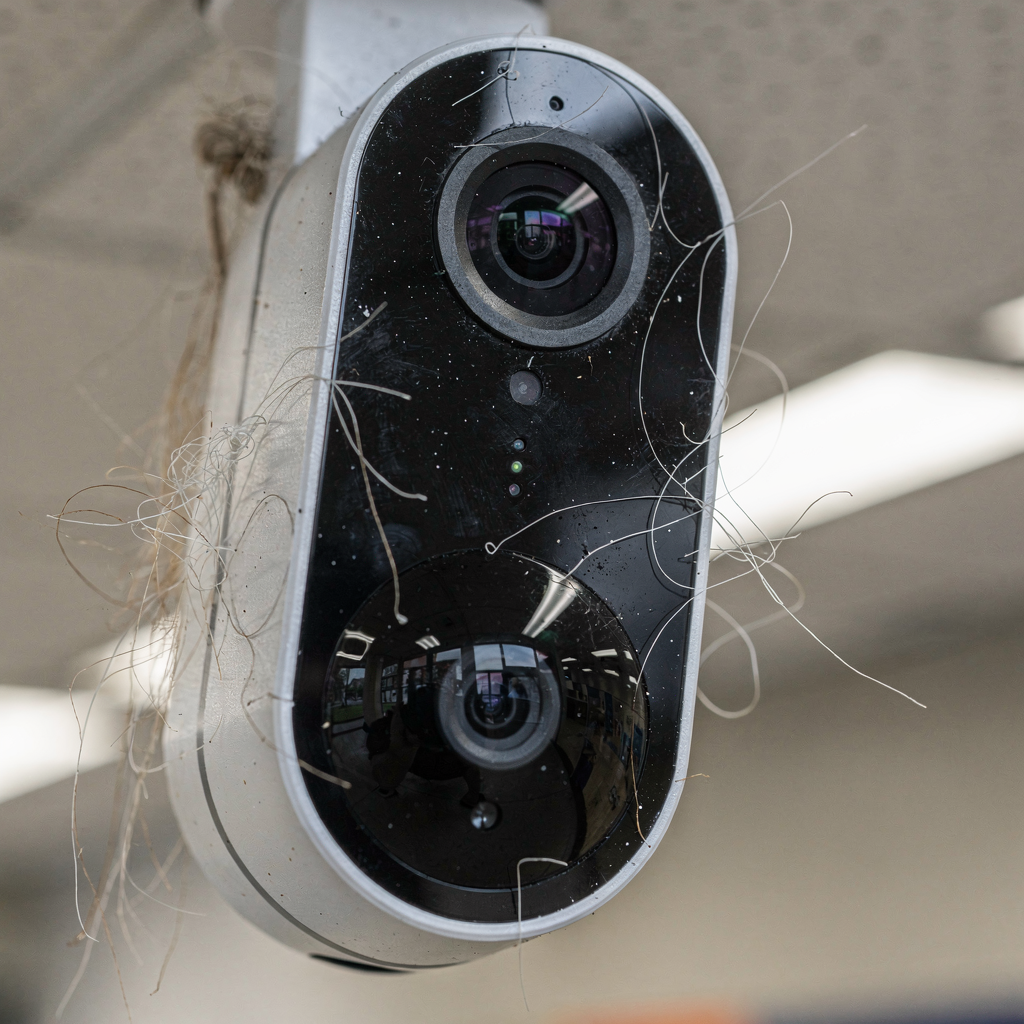
Placement is critical. A smart camera installed to cover primary access points reduces blind spots. For audio capture, the camera and microphone should aim at common speaking zones while avoiding unnecessary public exposure. Proper placement improves detection and also reduces background noise. For sites with ambient noise, AI-powered noise filtering clarifies speech so operators rely less on guesswork.
AI adds value in several ways. Image enhancement boosts low-light frames so events are easier to interpret. Object detection classifies people, luggage, vehicles, and left items. The detection output is converted into human-friendly descriptions by visionplatform.ai’s on-prem Vision Language Model. This lets teams analyze footage with natural language and find incidents without knowing camera IDs. In practice, that makes investigations faster and more accurate.
There are two main processing choices. Edge processing runs models directly on the device. This reduces latency and keeps sensitive footage local. Cloud-based AI analysis delivers more compute power and complex models but it moves data offsite. Many operators choose a hybrid approach: initial detection and filtering at the edge, followed by deeper analysis inside an on-prem server. That balances speed, capability, and compliance.
Microphone quality matters as much as optics. A directional microphone avoids capturing unrelated audio while preserving clarity for two-way exchanges. AI-driven audio enhancement removes hiss and consistent mechanical noise. When combined with clear camera coverage, teams gain a reliable capability to verify intent, assess risk, and communicate the next action. This leads to fewer false alarms and clearer escalation decisions.
AI vision within minutes?
With our no-code platform you can just focus on your data, we’ll do the rest
ChatGPT and AI-driven chat for situational awareness
AI-driven chat transforms raw alerts into actionable summaries. For instance, a system can summarize a sequence of events and suggest next steps. ChatGPT-style assistants can generate short summaries of what was seen, list probable causes, and propose escalation paths. These automated suggestions speed decision-making and reduce cognitive load on operators. As the MIT Press paper noted, conversational agents can be “powerful assistants in monitoring environments” when deployed with oversight (MIT Press).
In practice, AI will create automated alerts and quick replies. Teams can choose predefined conversation templates for common scenarios, such as suspicious behaviour or unattended baggage. The system can also auto-populate incident fields when a technician confirms a detection. Still, human oversight is essential. Operators must review AI summaries and maintain final authority, particularly for critical or sensitive decisions. Every AI suggestion is logged to create an auditable transcript for compliance and training.
visionplatform.ai integrates AI agents that reason over video, events, and procedures. The VP Agent Reasoning verifies alarms by correlating multiple inputs and then explains the result. That explanation helps teams trust the AI and act faster. As one researcher cautioned, the combination of chat and surveillance amplifies privacy risk and requires transparent policies and security measures (privacy researcher).
Templates and quick replies can be configured per site. For example, a retail site might have an instant reply template that requests a floor guard to monitor an aisle and report back in 15 minutes. The system can also enable a live call or meeting when the situation requires direct coordination. Every suggested action includes a permission check so AI cannot execute high-risk operations without human approval.
Privacy, security and transcript management in surveillance
Privacy and protection must be baked in. End-to-end encryption secures video calls and chat logs. Access control ensures only authorised accounts can export a transcript or recording. Organisations can set retention rules, for example to keep data for 24 hours for low-risk events and longer for flagged incidents. These settings help balance operational needs with data minimisation principles found in the EU AI Act and the UK Data Protection Act.
Audit trails are non-negotiable. Every chat message, every clip upload, and every permission change is logged. Those logs support compliance reviews and training. For investigations, an exported transcript helps investigators reconstruct the timeline and document who made decisions. Companies should also proactively secure storage with encryption at rest and role-based key management to reduce breach risk. VeraSafe highlights that “AI security and data storage risks must be addressed proactively to prevent unauthorized access and manipulation of surveillance data” (VeraSafe).
Operational controls include minimal sharing, redaction tools, and expiration for guest connections. For high-sensitivity sites, on-prem processing keeps video within the local server and avoids cloud storage altogether. visionplatform.ai offers an on-prem VP Agent Suite so models and video remain inside the environment. This approach reduces cross-border transfer and supports organisations that cannot send video offsite.
Finally, governance requires clear policy and training. Log retention, permission workflows, and audit reports must be part of standard operating procedures. Regular reviews and role audits ensure that the right people retain access. With the right controls, teams can communicate instantly while maintaining respect for privacy and adhering to legal obligations.
FAQ
How does the video call feature integrate with existing camera systems?
The feature works with RTSP and ONVIF cameras and connects to common VMS platforms. Integration typically maps camera IDs to channels in the enterprise dashboard and enables instant call and chat actions from the same interface.
Can recorded clips be uploaded automatically to storage?
Yes. Clips can be recorded and set to automatically upload to configured storage, with retention policies applied based on event severity. This preserves evidence while controlling how long footage is kept.
Is a web browser sufficient to use the chat and call capabilities?
Yes. A modern browser supports the core experience, including live video, chat threads, and file exports. For full features like optimized multi-camera display and hardware acceleration, a desktop client is recommended.
How does AI improve situational awareness in the chat?
AI converts detections into human-readable descriptions, suggests next steps, and summarizes events for operators. These summaries speed decision-making and reduce the need to scrub timelines manually.
What privacy safeguards are recommended for chat with surveillance?
Use end-to-end encryption, strict role-based permission, and audited export controls. Keep models and sensitive video on-prem where required to comply with local data protection rules.
Can the system transcribe and export chat logs for audits?
Yes. The system can generate a transcript and export it for compliance and training, with exports logged to the audit trail. This helps demonstrate adherence to policies during reviews.
How are false positives handled when AI detects an event?
AI reasoning correlates multiple data sources to verify alarms and reduce false positives. When uncertainty remains, the system suggests human-in-the-loop verification before any automated action.
Will the mobile app send instant notifications for critical events?
Yes. The mobile app can route instant push notifications for high-priority alerts and lets field staff join a live stream or chat with one tap. This keeps response times short and coordinated.
What compliance frameworks does the solution support?
The solution supports EU and UK data protection practices and can be configured to meet organisational retention and access policies. On-prem deployment options help organisations align with sector or national rules.
Where can I learn more about advanced detection features?
visionplatform.ai documents many specialized detection capabilities, such as people detection and intrusion detection, which integrate with chat and incident workflows. For more detail see the people detection resource and intrusion detection pages at the platform site people detection and intrusion detection.
