


milestone xprotect vms: integrate visionplatform.ai ai agent in milestone systems
Milestone XProtect serves as a core VIDEO MANAGEMENT SYSTEM for many enterprise sites. First, it collects camera feeds and stores recorded footage. Next, it provides a single-pane view for operators. For organisations that need better context, visionplatform.ai offers an AI layer that integrates with Milestone XProtect. Specifically, the visionplatform.ai agent suite for milestone brings an on-prem VISION LANGUAGE MODEL and agent logic into the same operational space as Milestone XProtect. As a result, Milestone becomes not just a recorder, but a source of reasoning and action.
visionplatform.ai control room ai agent plugs into XProtect through standard APIs and event hooks. Then, the agent reads events, converts detections into human-readable descriptions, and surfaces recommended actions. This collaboration shows how ai agents can move XProtect from raw detections to decision-support in security control rooms and beyond. For sites that require strict data control, the agent supports on-premise deployments so video never leaves the network.
Core AI CAPABILITIES include image analysis, automated event detection and structured notifications. For example, the platform enriches video with metadata and VLM descriptions so operators can query incidents using natural language. In addition, the Milestone VMS AI Agent exposes device information through the milestone and information through the milestone api so agents can reason over camera health, motion events, and recorded clips. Finally, the architecture supports integration with third-party analytics, and it adds reasoning on top of existing video analytics and event handling to reduce operator time per incident.
Industry data supports fast adoption. In fact, users describe Milestone deployment as largely painless and efficient, with many praising rapid implementation and broad camera compatibility (Gartner). Also, Milestone XProtect is deployed globally, which helps cross-site standardisation for enterprises that need consistent operational protocols (Canon Annual Report).
deployment and workflow of ai capabilities in control room management systems
Deployment begins with a small on-prem server or appliance. First, teams install the visionplatform.ai vlm agent alongside XProtect. Then, the agent subscribes to event feeds and ingests video streams. This APPROACH supports on-prem ai capabilities and keeps data local. It also makes it simple to deploy policies that meet EU compliance or internal security standards. For regulated environments, this model avoids sending video to the cloud while still enabling advanced analytics and decision-support platforms for control.
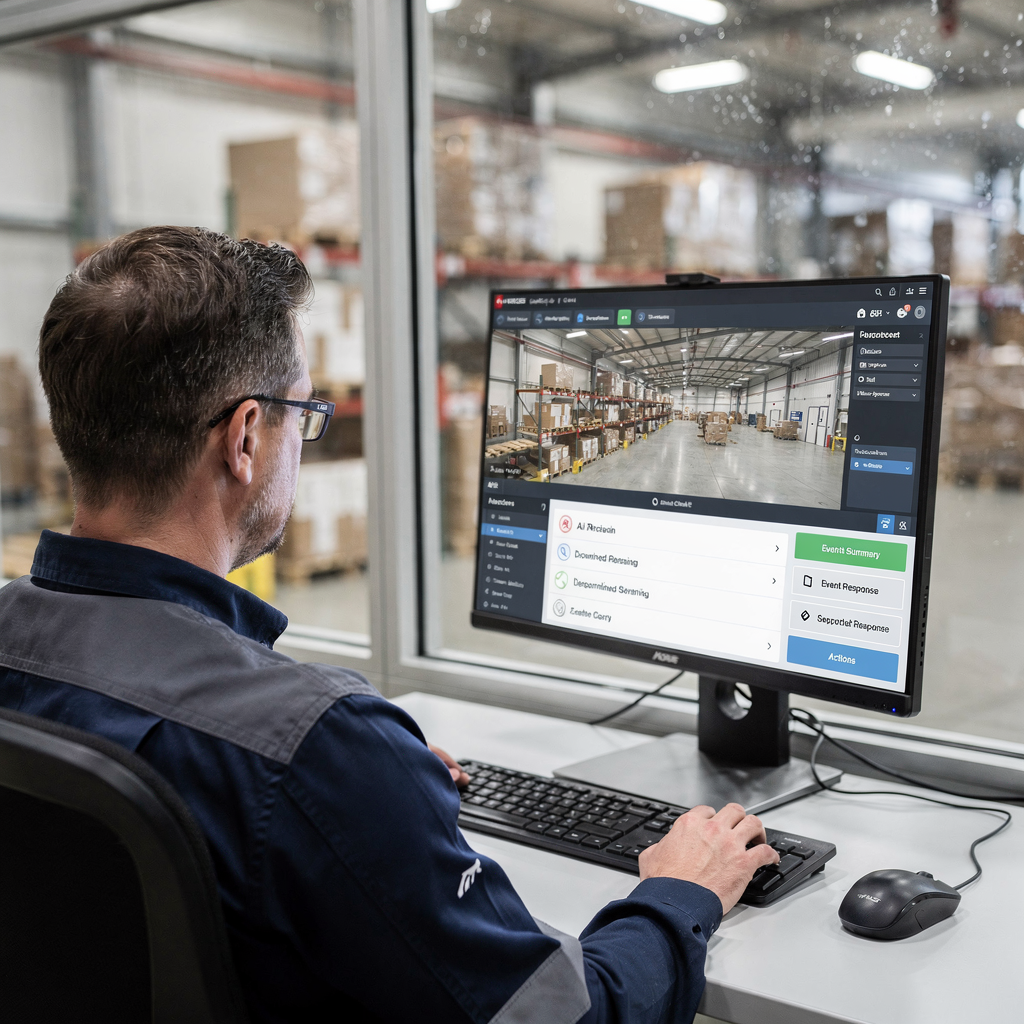
The typical workflow in a security control room runs like this. Cameras generate detections. Next, Milestone XProtect logs those detections and records clips. Then, the AI agent performs image analysis, correlates access control events, and produces a verified outcome. Finally, operators see a verified incident with suggested actions in the smart client. This workflow reduces manual steps and improves response times. Importantly, the VP Agent Reasoning component correlates video, access control systems, and procedures to explain why an alarm matters.
Best practices for configuration are straightforward. First, ensure each camera has correct time sync and stream profiles. Next, enable the agent’s event subscription and define which alarms the agent should verify. Also, tune detection thresholds so the agent focuses on high-value incidents, not noise. For better operator ergonomics, configure the smart client to present summarized context above the camera view so operators do not switch screens during incident handling. Additionally, connect the agent to incident management tools and building management systems so verified events can trigger workflows automatically.

AI vision within minutes?
With our no-code platform you can just focus on your data, we’ll do the rest
real-time ai video analytics and alert in video management with milestone ai
Real-time AI video analytics turn live feeds into actionable signals. First, facial recognition and license-plate recognition operate on incoming frames. Second, behavioural analysis spots loitering, running, or crowd surges. Third, the system correlates detections with access control events to raise context-aware flags. The architecture supports both real-time and real-time verification so operators receive fast, useful information.
When an incident meets verification criteria, the agent issues an alert with attached imagery. That single alert contains the clip, a VLM-generated textual summary, and linked device metadata. This structured output provides quick situational awareness. For example, the email notification with an image attachment has proven useful for remote supervisors and responders. Data shows AI-driven analytics can reduce false alarms by up to 40% in deployed sites, improving operator focus and lowering dispatch costs (Milestone case study).
Latency is critical. Typical system designs aim for single-digit second detection-to-notification times on local networks. With GPU acceleration and optimised network paths, teams report sub-3-second verification in many settings. Moreover, streamlined deployment leads to faster commissioning; more than 85% of users report a painless implementation experience (Gartner). These gains translate to quicker decisions on the ground and measurable response times improvements for incident handling.
To search historic footage, operators can use VP Agent Search to perform forensic queries in natural language. This capability helps teams find events without camera IDs or timestamps, which shortens investigations. Finally, the agent provides structured access to events and keeps video and metadata under local control so organisations maintain data control and compliance with local rules.
use cases for access control and smart client monitoring via ai agent
Common use cases highlight how AI transforms access and monitoring. First, secure door access: the agent verifies a badge swipe with a facial match and sends a pass/fail verdict to the smart client. Second, perimeter patrols: AI flags anomalies like tails or breaches and notifies patrol teams. Third, VIP recognition: authorised personnel can be proactively tracked across entrances for escorted access. Each use case reduces manual confirmation steps and limits operator fatigue.
The smart client becomes the operator’s primary tool. It surfaces recommended actions, shows verified clips, and links to incident management. Operators can accept, escalate, or dismiss events with one click. This assisted decision-making on top of existing detections streamlines workflows. For airports and other busy sites, features such as people detection and ANPR/LPR link directly to operational pages like people detection and ANPR/LPR guides (people detection, ANPR/LPR).
Case studies show real gains. Operators report fewer false positives and reduced workload. For instance, sites that paired an agent suite with rules saw a 30–50% drop in manual verifications. Also, when the agent can pre-fill incident reports, operator time per alarm declines. The VP Agent Actions module can either recommend steps or execute approved workflows in the background. In short, operators interact with video in fewer steps and with clearer context, which improves throughput and reduces time spent per incident.
AI vision within minutes?
With our no-code platform you can just focus on your data, we’ll do the rest
milestone integration and deploy strategies for xprotect vms in video analytics using ai
Choose the right deployment model. On-premise appliance installs suit sites that must keep video local. Virtual machines help consolidate servers in a private cloud. Edge devices place analytics at the camera source to reduce bandwidth. Each model has trade-offs for latency, scaling, and maintenance. For GPU-heavy workloads, pick servers with discrete accelerators. Visionplatform.ai supports GPU servers and edge devices like NVIDIA Jetson so teams can scale from a few streams to thousands.
Integration with existing camera fleets is straightforward. Use standard ONVIF or RTSP to ingest video streams. Then, connect the agent to XProtect via the milestone ai bridge so events flow bi-directionally. For sites with specialised needs, the platform supports third-party analytics plugins and webhook outputs for dashboards. This means you can run top of existing video analytics while adding a reasoning layer that provides explanations and suggested actions. Also, the agent provides structured access to events and device information through the milestone for thorough diagnostics.
Performance tuning matters. First, enable GPU acceleration for deep models. Second, optimise network VLANs to separate video traffic from office data. Third, plan storage for retention and fast replay. Fourth, use summarisation and LPR indexing to reduce search load on archives. In addition, monitor system health through the management interface and keep an eye on bandwidth when moving video to the cloud; many enterprises prefer to avoid cloud transfer for compliance reasons, but when needed, a hybrid approach can help. Finally, document your integration plan so the technology partner program and integrators can follow consistent steps.
xprotect vms cybersecurity and integration best practices for ai deploy
Security is non-negotiable. Known vulnerabilities have stressed the need for patching and strong permissions. For example, public advisories warn about missing authorisation flaws in some VMS builds; teams should follow security bulletins and apply updates promptly (CISA advisory). Next, implement least-privilege access for services and agents. Also, restrict API credentials to limited scopes and rotate keys regularly.
Practical controls include segmented networks for cameras, encrypted transport, and audit logging for agent actions. Run periodic penetration tests and keep a patch management policy. In addition, define roles so the agent’s automated actions are visible and reversible. For compliance and data residency, the on-prem ai architecture keeps video and metadata in-house, maintaining full control and reducing cloud risk. This model maps well to enterprise and critical infrastructure environments.
Checklist for ongoing maintenance: schedule regular updates, maintain incident management playbooks, review audit logs, and validate backups. Also, configure monitoring for anomaly detection so the system can signal when an agent behaves unexpectedly. Finally, train operators on how the agent provides recommendations so they understand why an alarm was verified or dismissed. When teams pair AI with disciplined operations, they get seamless integration, stronger risk mitigation, and measurable improvements in response times.
FAQ
What is the visionplatform.ai integration with Milestone XProtect?
The integration connects visionplatform.ai agents to Milestone XProtect to add reasoning, search, and automated actions. It exposes XProtect events and device information through the milestone api so agents can verify alarms and suggest responses.
How does the Milestone VMS AI Agent improve operator workflows?
The agent provides summarized context, verified incidents, and suggested actions directly in the smart client. Consequently, operators spend less time switching systems and more time resolving incidents.
Can visionplatform.ai run fully on-premise?
Yes. The platform supports on-premise deployments and on-prem ai capabilities so video and models remain inside your network. This design supports compliance and maintaining full control.
Does the system support license plate recognition?
Yes. The platform includes ANPR/LPR capabilities and integrates results into case workflows. You can see examples of ANPR deployments in airport contexts on our ANPR/LPR in airports page (ANPR/LPR guide).
How fast are alerts from detection to notification?
Typical designs aim for single-digit second detection-to-notification times on local networks. With GPU acceleration, many deployments achieve sub-3-second verification.
What security measures should I follow when I deploy agents?
Follow a patch management plan and use least-privilege permission controls. Also, encrypt transport, segregate video networks, and audit agent actions regularly.
Can operators search past footage using natural language?
Yes. The VP Agent Search converts video to textual descriptions and supports natural language queries so operators can search across cameras without timestamps. For forensic workflows, see our forensic search resource (forensic search).
Does the solution integrate with access control systems?
Yes. The agent can correlate access control events with video to improve verification and response. It can also connect with building management systems to automate coordinated actions.
What deployment models are supported?
Deploy on GPU servers, virtual machines, or edge devices depending on latency and scale needs. The platform supports hybrid models for sites that need cloud analytics combined with local processing.
How does the agent reduce false alarms?
The agent reasons over multiple data sources to confirm events before notifying operators, which can cut false alarms significantly. Case data shows up to a 40% reduction in false positives in real deployments (Milestone case study).
