


people counting system: Foundation for Accurate Headcounts in Warehouses
A people counting system collects and reports the number of people in a warehouse at any given moment. It combines sensors, software, and dashboards to deliver real-time counts and operational insight. Warehouse managers use these counts to manage staff, enforce occupancy, and improve throughput. In practice, a people counting system records ingress and egress at doors and tracks movement through key zones. This lets teams see how many workers occupy an area, and then act immediately to rebalance workloads or clear congested aisles.
For an operator, the value of real-time counts is clear and actionable. For example, when a system shows a surge at a packing line, a manager can redeploy staff within minutes. Likewise, when occupancy approaches a safety limit, automated alerts prevent risks and regulatory breaches. Studies show measurable outcomes: companies report up to a 15% reduction in labour costs by using people counters to inform shift patterns and assignments reported by GenSecurity. Also, warehouses see about a 20% improvement in occupancy compliance when they pair sensors with alerts and training according to FootfallCam. These numbers demonstrate clear ROI from a modest technology investment.
When you choose a people counting system, consider accuracy, latency, integration, and privacy. Accuracy above 95% matters in high-volume operations because a small error compounds across shifts. Real-time counts feed scheduling systems and dashboards so teams can optimize staff and avoid overtime. In addition, data from these systems supports audits and incident investigations.
Visionplatform.ai helps teams convert existing CCTV into operational sensors, and then stream events into security and operational stacks. This approach turns cameras into active components of a people counting system while keeping video and models on-premise for GDPR and EU AI Act readiness. For more context on how camera-based counts work in adjacent sites, see our page on people counting in related domains people counting in airports. Overall, a good people counting system reduces uncertainty, improves safety, and supports continuous improvement across warehouse operations.
people counting sensor, video camera sensors and counter sensors: Choosing the Right Hardware
Selecting the right hardware starts with the environment and traffic patterns. Infrared beams, video camera sensors, thermal detectors, and counter sensors each serve a defined role. For a narrow door, an infrared beam or a door counter offers a low-cost entry point. For wide entrances or multi-lane flows, video camera sensors provide richer data, and they can handle bi-directional movement more reliably. Thermal sensors work well where lighting varies or where privacy laws restrict image retention.
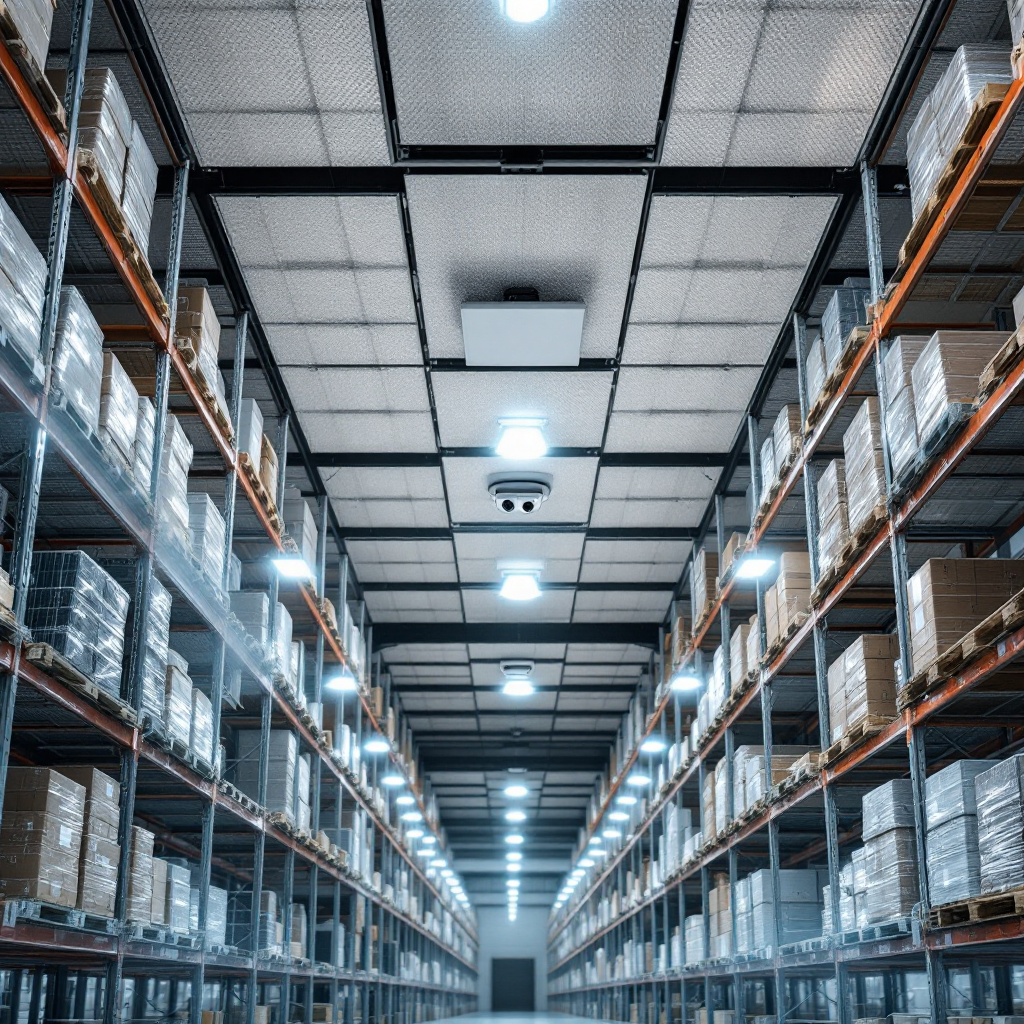
Install sensors at every entrance and at key internal zones where congestion appears. Place units above doorways or mounted in ceilings to capture an unobstructed view. For internal zone monitoring, mount sensors so they map walking routes and hand-off points. Proper placement increases accuracy and reduces false counts. A well-placed video camera sensor can distinguish two people walking side-by-side. In contrast, a basic beam can miss side-by-side crossings and therefore undercount.
Accuracy benchmarks matter. Modern systems often exceed 95% accuracy under ideal conditions, and advanced deployments reach even higher levels with calibration and edge processing as reported by Retail Insider. Regular maintenance keeps accuracy stable. For example, clean camera lenses monthly, check sensor alignment weekly, and test counts after any layout change. Also, retrain or recalibrate video models when lighting or shelving changes obstruct views.
When choosing hardware, consider integration. Some sites prefer plug-and-play counter sensors, while others convert existing CCTV into counting devices. Visionplatform.ai converts CCTV feeds into operational events, which lets teams reuse cameras and avoid new wiring. This choice reduces costs and shortens deployment time. For technical guidance on sensor selection and ROI, consult a complete guide to sensors and mounting strategies from Smart Urban Sensing. Finally, match the sensor to the workload: choose counter sensors for simple counts and video camera sensors for complex flows and analytics.
AI vision within minutes?
With our no-code platform you can just focus on your data, we’ll do the rest
foot traffic data and analytics: Optimise Staff and Ensure Occupancy Compliance
Foot traffic data turns raw counts into operational action. First, it shows when zones fill up, and then it guides staff scheduling to match real demand. Managers use analytics to spot recurring peaks and valleys. For example, a dashboard can reveal that the afternoon packing shift spikes at 2:30 pm every day. Armed with that insight, the operations lead can adjust shift start times, add temporary staff, or reroute tasks to avoid a backlog. This approach helps optimize staff and reduce idle time by roughly 10% in many deployments according to Traf-Sys.
Dashboards display current occupancy, historical trends, and alerts for threshold breaches. Use them to detect bottlenecks, long queues, and underutilised areas. Analytics and integration capabilities let you combine count data with WMS metrics, cycle time, and throughput. That combination gives familiar KPIs a practical context. For instance, if orders processed per hour drop while footfall increases in staging, analytics point to rebalancing tasks or clearing a packing queue.
Real-time visitor data and historical footfall data also support safety and compliance. Automated alerts trigger when occupancy nears permitted limits. That reduces risk and ensures teams meet regulatory requirements. In addition, patterns in traffic data guide layout changes. Aisles that show repeated congestion become candidates for route redesign or additional picking stations.
Implementing a people counting analytics solution pays off in both safety and costs. Companies report labour savings and better compliance when they rely on accurate foot traffic data. For warehouse teams exploring occupancy heat maps and zone analytics, our heatmap and occupancy analytics page offers practical examples of visualisation and action heatmap occupancy analytics. Ultimately, data-driven staffing decisions reduce waste and help teams focus on value-adding work instead of firefighting ongoing bottlenecks.
types of people counting sensors: Entrance, Door Counter and In-Store Models
Different types of people counting sensors fit different use cases. Entrance sensors and door counter units handle threshold counts. They sit over or beside doors and count the number of people who enter and exit. These devices work well at controlled access points. For aisles and open floor spaces, in-store models that combine stereo video or overhead thermal sensing create heat-maps and map movement across zones. Those in-store models support workflow flow-mapping and reveal how staff move between picking, packing, and staging areas.
Entrance sensors focus on counting the number of people who enter through a doorway. They work hard in high-traffic and secure doors. Conversely, a door counter often uses a compact infrared or beam solution when budgets constrain hardware choices. In areas with heavy side-by-side traffic, stereo video and AI deliver better accuracy and can differentiate workers from trolleys.
In-store tracking supports detailed analysis. It shows dwell time in packing zones, identifies repeat crossings, and highlights where queues form. These counts the number of people and then feed behaviour analytics so managers can adjust layout, staff scheduling, and task allocation. For example, if a zone shows extended dwell time during outbound packing, operations can increase temporary staff or open additional lanes to reduce queues. Use people counting for retail insights in a warehouse too: the same principles that help a retailer improve conversion rate apply when you want to improve throughput and reduce wasted motion.
When choosing sensor types, review the different types of people counting sensors and expected outcomes. Video camera sensors give you richer event logs and the option to add detection classes later. For teams that need detection beyond counts, such as PPE or custom object detection, Visionplatform.ai supports custom models and on-prem processing so you can expand capability without sending data to external clouds. For more on detection approaches that reuse CCTV, see our people detection overview people detection in airports. Selecting the right mix of entrance, door counter, and in-store models ensures you capture accurate footfall traffic and make better operational choices.
AI vision within minutes?
With our no-code platform you can just focus on your data, we’ll do the rest
dashboard and data analytics: Integrating Live Counts into Warehouse Management
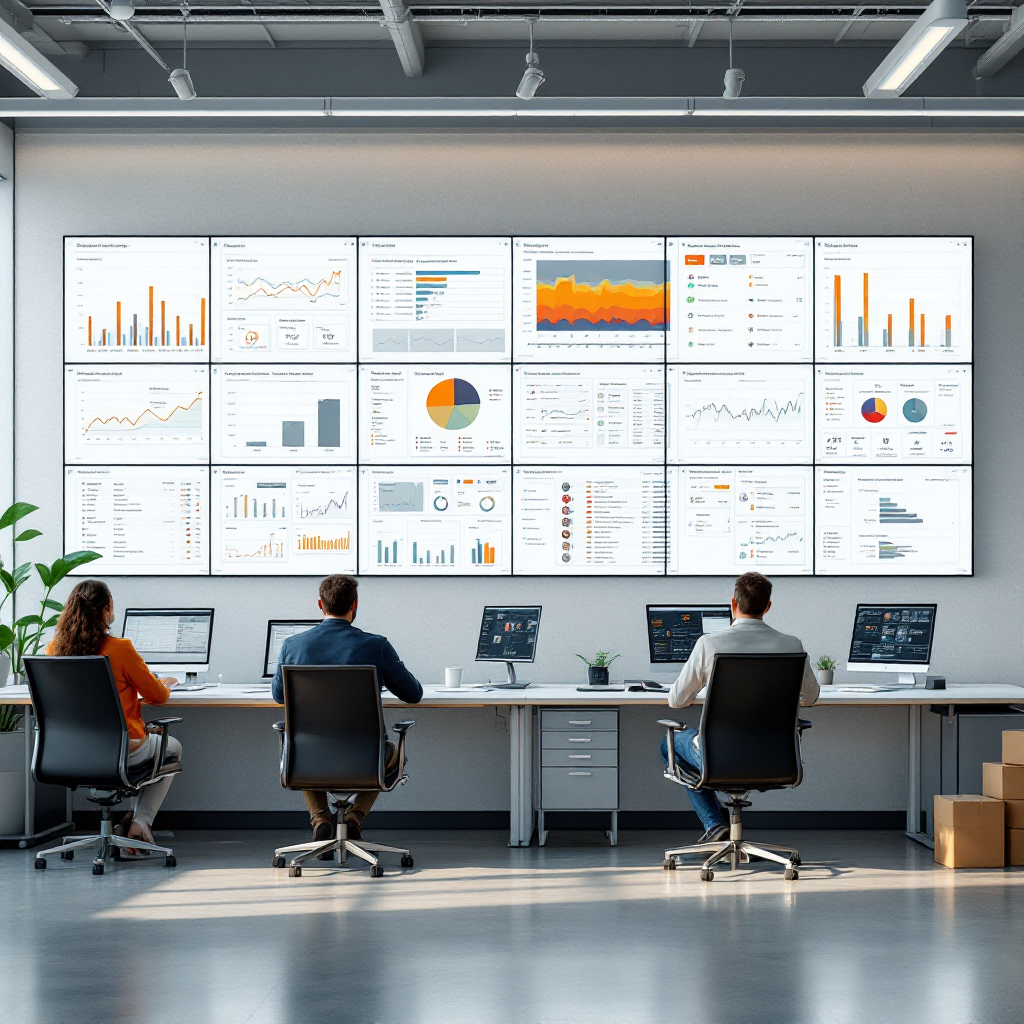
Dashboards present live counts, historical trends, and real-time alerts. They make data actionable. A good dashboard shows current occupancy, queue lengths, and zone utilisation. It also displays metrics such as average dwell time and peak foot traffic hours. Operations leaders use this view to call immediate action, and supervisors use it to direct staff. For example, a red alert for a congested staging area prompts a supervisor to reassign a picker. Similarly, a persistent low-utilisation metric drives redeployment to the busiest lanes.
Integrating people counting into WMS and ERP systems closes the loop between counts and workflows. When counts feed business systems, you can automate staff scheduling, reorder tasks, and trigger alarms for safety breaches. This integration supports unified operations and reduces manual reporting. Visionplatform.ai streams structured events over MQTT and connects to leading VMS, so teams publish detections directly into SCADA, BMS, or BI tools. That approach turns cameras into sensors that support both security and operational KPIs.
Dashboards also generate reports and scheduled alerts. Typical examples include daily occupancy summaries, shift-level footfall trends, and exception reports for unusual surges. Managers use those reports to measure the impact of layout changes and staffing adjustments. In addition, embedded analytics reveal correlations: for instance, a sudden drop in throughput tied to increased queue length indicates a downstream bottleneck.
For teams focused on continuous improvement, combine people counting data with cycle time and throughput metrics to create a single source of truth. This reduces finger-pointing and accelerates decisions. If you need a starting point for building dashboards and linking to existing camera systems, Visionplatform.ai shows how to operationalise CCTV and stream real-time events without sending sensitive video to the cloud. This method helps teams meet privacy rules while getting accurate data for operations.
accurate foot traffic and ai-powered people counting: Track Foot Traffic to Optimise Operations
AI improves detection in challenging conditions, and AI-powered people counting systems adapt to occlusion, varied lighting, and complex scenes. AI models can separate workers from equipment, and then produce more accurate foot traffic counts. In practice, advanced solutions reach very high accuracy with careful site-specific tuning. Some deployments report accuracy levels near 98% in mixed-movement environments when AI models receive tailored training and on-site calibration as Sensource highlights.
AI-powered people counting lets teams refine models over time. Start with baseline models, then retrain or tweak them using local footage to reduce false positives. Visionplatform.ai emphasizes model flexibility: pick a pre-trained model, improve it with your data, or build a new one on-prem. This workflow keeps data local and supports compliance with EU rules while improving detection performance.
Use people counting analytics to track footfall patterns, queues, and dwell times. These insights help you optimize staff scheduling and layout decisions in real-time. For example, track foot traffic across multiple shifts and then schedule staff where demand peaks. In one scenario, managers reduced idle time and improved throughput simply by shifting break times to avoid simultaneous absences at peak hours.
Finally, combine AI counts with other data sources to strengthen decisions. Merge count data with WMS picks, conveyor throughput, and Wi-Fi location pings. Then, use analytics and behaviour analytics to spot correlations and drive continuous improvement. For teams that want to learn more about using people counting and analytics to support broader business decisions, expert resources explain how systems deliver accurate, reliable foot traffic data for effective operations as described by TechnoWave. By tracking foot traffic with AI-powered people counting and then acting on the insights, warehouses improve safety, cut labour costs, and increase throughput.
FAQ
What is a people counting system and how does it work?
A people counting system uses sensors and software to detect and record the number of people in a space. It counts entries and exits, and then aggregates data for dashboards and alerts so operators can manage occupancy and staffing.
Which sensor types work best in a warehouse?
Infrared beams, video camera sensors, and thermal devices each have strengths. Use beams for narrow doors, video for wide flows, and thermal where lighting varies. Choose based on traffic patterns and privacy needs.
How accurate are modern people counting solutions?
Under good conditions, modern systems often exceed 95% accuracy, and AI-tuned deployments can approach 98% in mixed-movement environments source and source. Regular calibration and proper installation help maintain that level.
Can people counting integrate with my WMS?
Yes. Many people counting platforms stream events and counts into WMS, ERP, or BI tools. Integration enables automated staff scheduling and real-time operational alerts for occupancy and queues.
How do I choose between a door counter and an in-store sensor?
Use a door counter at single-door entry points with predictable streams. Choose in-store sensors for open areas and internal zone tracking where heat-maps and flow-mapping matter.
Does converting CCTV to sensors require new cameras?
Not always. Platforms like Visionplatform.ai can convert existing CCTV into operational sensors, letting you reuse cameras and stream events without cloud processing. That reduces cost and supports data control.
Will people counting help reduce labour costs?
Yes. Firms report labour cost reductions by using counts to align staff with demand, with improvements cited around 15% when scheduling and redeployment use accurate counts source.
Can the system alert me when occupancy limits are close?
Absolutely. Dashboards can generate real-time alerts and automated rules that notify supervisors when occupancy approaches thresholds, helping enforce safety and compliance.
What privacy considerations should I address?
Process video on-prem where required, anonymise outputs, and avoid storing identifying imagery unless needed. Visionplatform.ai supports on-prem processing to help meet GDPR and EU AI Act requirements.
How do I start tracking foot traffic and queues?
Begin with a pilot at key entrances and a few internal zones. Then, monitor dashboards and tweak sensor placement. Use the insights to optimise staff scheduling and reduce queues over time.
