


Forensic investigation: principles of post-incident forensic video
Forensic investigation in a post-incident setting focuses on extracting facts from recorded media after an event. Forensic video plays a central role when physical evidence or testimony is limited. Video evidence can corroborate a witness account, provide timelines, and show actions that other sources miss. Lawful collection matters. Chain of custody rules require clear steps when you seize storage, copy files, and store originals. You must document every handover, label media, and log timestamps and checksums for verification. The INTERPOL guidance states, “Preservation of original video data without modification is critical to maintain evidentiary value” (INTERPOL).
Metadata is a key verification tool. Timestamps, device IDs, and codec details help authenticate content. Analysts read timestamps and file headers to detect edits or gaps. When metadata contradicts observations, the investigator must flag the file and preserve the original. Law enforcement increasingly relies on authenticated videos to support charging decisions. A recent study shows a strong rise in use of moving-image records across agencies (ScienceDirect).
Follow a structured forensics process. First, identify sources and record locations. Next, image drives or make write-protected copies. Then, run integrity checks and document results. Finally, prepare a report that is clear for attorneys and the court. Keep language simple for juries. Also, let expert reviewers present technical findings. The role of the investigator is to connect technical facts to a timeline that courts can follow. This workflow supports reliable outcomes and improves the chance to solve cases efficiently.
Camera capture and surveillance footage: best practices for video evidence
Camera selection and placement determine whether you can capture usable footage. Fixed cameras work well for wide-area monitoring. PTZ units can track movement and provide detail when operators guide them. Choose lenses and positions to reduce glare and occlusion. Place cameras to create multiple camera angles on critical approaches. Multiple camera angles increase the chances of identification and reconstruction. Lighting matters. Low light reduces resolution and increases blur. Higher frame rates help when you need to analyze motion precisely. For many security teams, 25–30 fps is a compromise between clarity and storage. Resolution and codec choices affect the ability to enhance faces or license plates later.
Surveillance systems vary. Legacy DVRs use H.264 or MJPEG streams. Modern NVRs and ONVIF cameras use H.265 and support metadata streams. Some systems embed timestamps into the image. Others attach timestamps only in sidecar files. Know the format before you copy media. CCTV remains a primary source: research shows CCTV footage accounts for about 60% of urban video used in crime inquiries (NIJ). Also, closed-circuit deployments often store video on-site, which simplifies chain of custody when you retrieve drives.
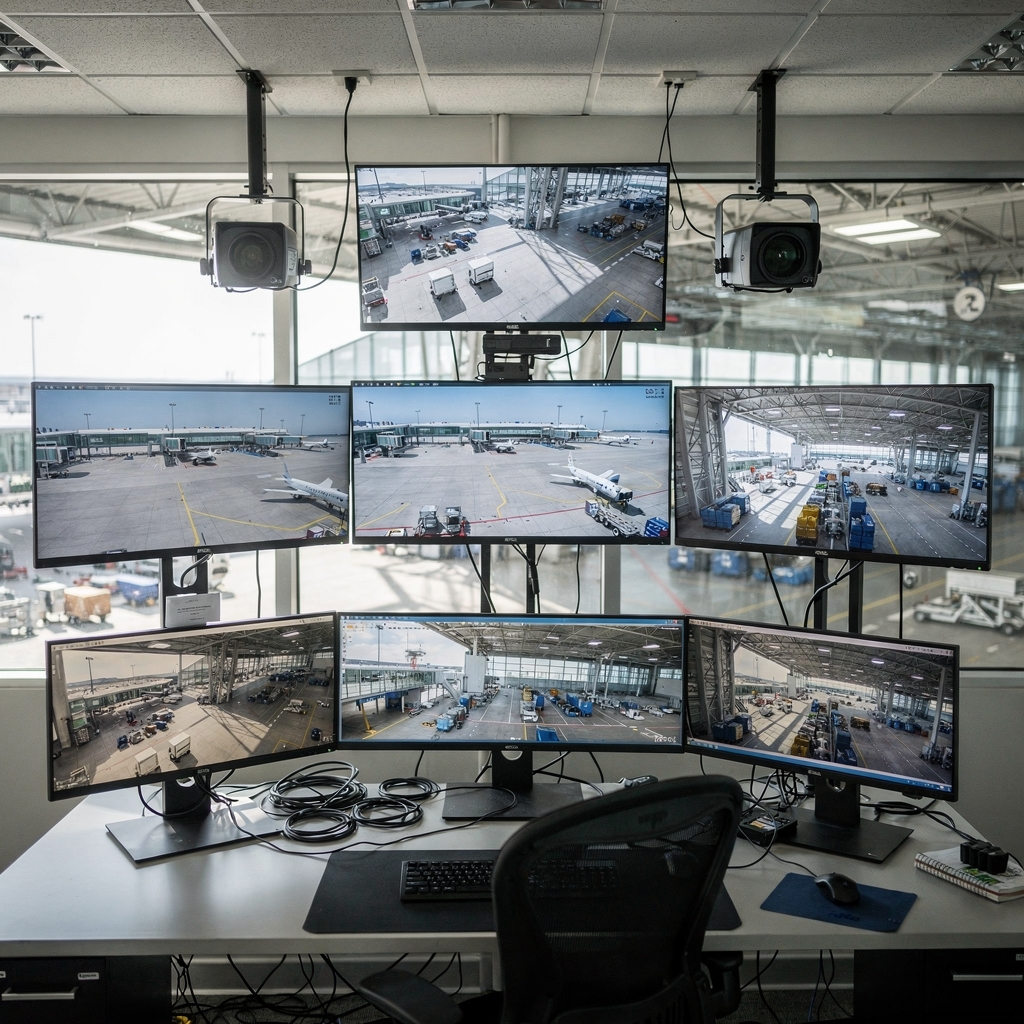
When you design capture for an environment, think about redundancy. Use overlapping fields of view. Add backup recording on a separate storage device. Test compression settings to avoid artifacts that hamper enhancement. Finally, train operators on how to tag important clips and export media in forensically sound containers so you can preserve clarity through later analysis.
AI vision within minutes?
With our no-code platform you can just focus on your data, we’ll do the rest
Forensics tools and proprietary software: enhancing and compression techniques
Forensic teams use a mix of open-source and proprietary tools to process footage. Common options include frame-by-frame players, enhancement suites, and metadata parsers. Proprietary software often adds workflow automation and vendor support. Still, every tool must preserve original files. A digital forensic approach begins with a read-only acquisition. Then, you run enhancement only on copies. Enhancement techniques include denoising, contrast stretching, and super-resolution. These steps can transform a blurry image into a usable frame. Research indicates enhancement techniques can improve clarity by up to 40%, aiding identification (Proaxis).
Compression methods affect integrity. Lossy codecs such as H.264 discard information to save space. This creates artifacts that complicate later enhancement. Lossless exports preserve all pixels but require more storage. Be careful when you re-encode. Every recompression risks an alter to original signal and may raise admissibility questions. Use original container formats when you can. Tag every re-encode in your document log to keep a clear history for the court. Also, understand proprietary metadata. Some vendors embed device serials and calibration data in hidden fields. Extract these fields with dedicated parsers.
Workflows should be repeatable. First, ingest raw files. Second, verify checksums and save a working copy. Third, run deinterlacing and stabilization if needed. Fourth, apply visibility tools to reduce noise and recover edges. Fifth, export annotated sequences with timecode overlays for testimony. Keep a record of each tool, version, and parameter. This level of documentation supports admissibility and enables peer review later. Visionplatform.ai’s approach to on-prem analytics shows how integrating a Vision Language Model can make search and enhancement more accessible without moving video to the cloud. When teams use integrated tools, they can optimize both preserve and enhance steps while remaining compliant.
Expert review and forensic capabilities: maintaining security and integrity
An expert review validates technical steps and explains findings in court. The analyst must be able to tie enhancements back to original data. That means the expert documents every parameter used in processing. Forensic capabilities such as motion analysis, audio-video sync, and metadata extraction are essential for full interpretation. Motion analysis helps reconstruct who moved where and when. Audio-video synchronization aligns sound with frames, which supports timelines. Metadata extraction reveals device IDs and timestamps. These items help an investigator prove authenticity.
Experts also manage access controls. Keep originals in secure, write-protected storage. Control who can view or export working copies. Use audit logs to show who accessed files and when. visionplatform.ai’s VP Agent Search provides natural language forensic search, enabling experts to find relevant clips faster and to reason across multiple data sources in real-time. That speeds review and reduces time to triage. For tool validation, record software versions and calibration data. Then, include those records in a formal report.
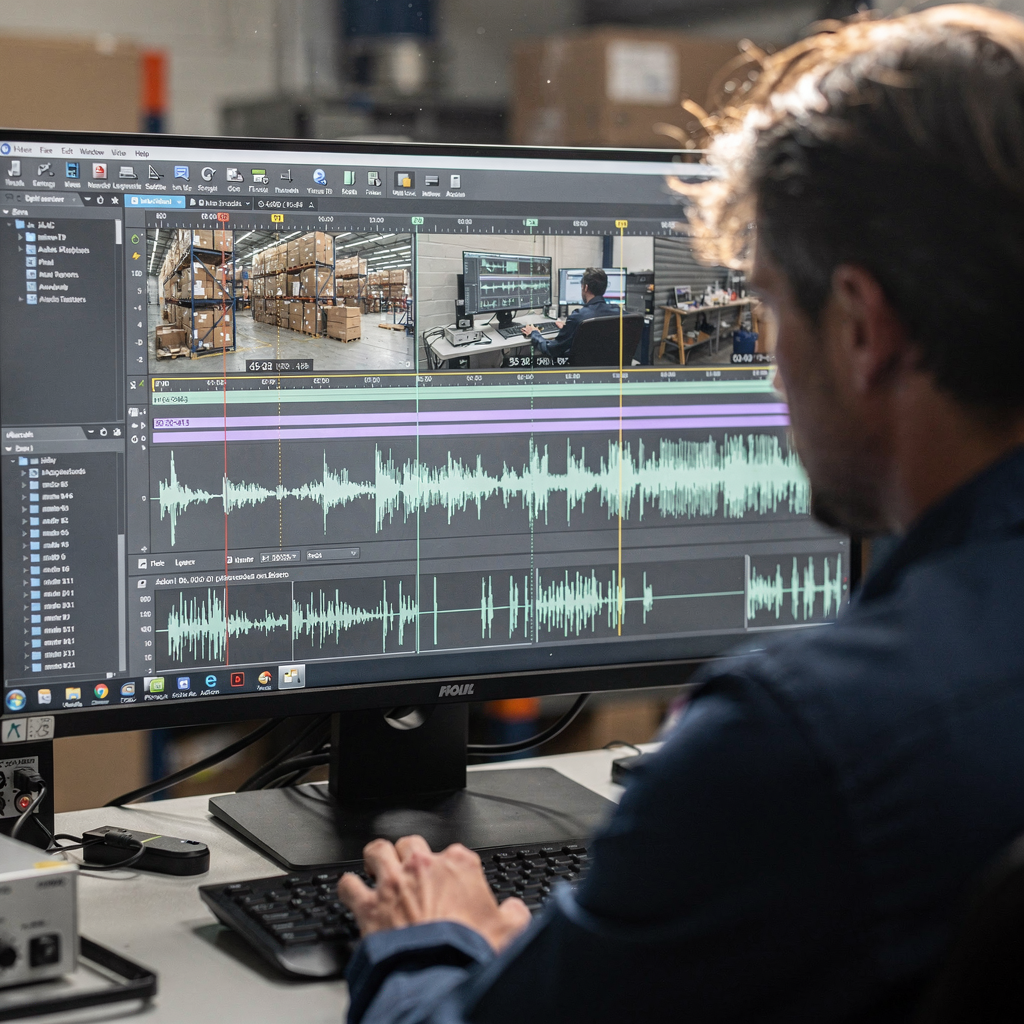
Security of evidence matters. Limit exports to trusted formats. Require dual authorization for destructive tasks. Use encryption and role-based permissions. These measures ensure evidence remains admissible and that courts can trust the chain of custody. Finally, let experts explain limitations. If an enhancement adds artifacts, the expert must state that risk and how it affects interpretation. That transparency supports accuracy and preserves trust in the analysis.
AI vision within minutes?
With our no-code platform you can just focus on your data, we’ll do the rest
Breach response and retrieve: recovering critical video evidence
When a breach occurs, responders must act fast. Incident response must include an evidence capture plan. First responders should secure scene devices and prevent remote overwrites. If storage devices are damaged, use image-based recovery tools. For encrypted sources, work with device vendors and follow legal process to obtain keys when necessary. Cloud-hosted streams pose additional steps. You should triage cloud data sources and preserve logs and API exports. Cloud forensics research highlights the need to gather distributed records quickly to avoid loss (Proven Data).
Common breach scenarios include tampering, overwriting, and targeted deletion. To retrieve footage from damaged media, use clean-room forensics and hardware-assisted imaging. If the file system is corrupted, specialists can reconstruct file segments and recover playable sequences. Always validate recovered files with checksum comparisons and metadata analysis. Confirm timestamps and cross-reference them with other data sources such as access control logs, network logs, or VMS event lists. Validation makes recovered content actionable.
Backups save time. Keep redundant copies and staggered retention windows. Design retention to meet both operational needs and legal holds. When you restore from backup, document the restore point and ensure the recovered copy is preserved as an evidentiary item. Work with counsel or an attorney to ensure your process fits legal standards for admissibility and privacy. Finally, train responders on retrieval steps so they can retrieve footage efficiently and keep evidence intact.
Security and surveillance forensics: policies for managing video evidence
Policy governs how you store, retain, and share surveillance video. Set clear rules about retention periods, deletion protocols, and who may access material. Use access tiers and audit trails to demonstrate compliance. Review cycles should include periodic audits and spot checks. A good policy also states how to integrate video with other data sources for reconstruction and for triangulating events. For example, correlate timestamps with access logs to build a robust timeline.
Legal standards require you to protect personal data and to allow only justified disclosures. Public safety and privacy balance demand that you redact bystanders when footage is shared externally. Keep counsel involved for sensitive cases, especially those involving sexual assault. Courts expect precise documentation and preserved originals for every proceeding. Research highlights that digital evidence increasingly drives case outcomes, and agencies report faster analysis times due to improved tools (NIJ) and wider adoption of video records (ScienceDirect).
Operationally, deploy policy with training and automation. Use AI-powered monitoring sparingly and with oversight. Visionplatform.ai’s on-prem VLM and VP Agent Actions show how integrating analytics and audit logs can reduce false alarms, produce actionable intelligence, and keep video controlled inside the environment. Make policies that cover data sources, retention, and access for multiple sources. Finally, test your system regularly and update policies after each major incident to ensure you can retrieve, validate, and present evidence when the court asks for it.
FAQ
What is post-incident forensic video investigation?
Post-incident forensic video investigation is the process of collecting, preserving, and analyzing recorded video after an event to support fact-finding and legal proceedings. It combines technical steps such as imaging and enhancement with documentary steps like chain-of-custody logs.
How do I preserve original video files?
Preserve originals by making write-protected forensic images and storing them in secure, access-controlled repositories. Always record checksums and document every access and copy operation so you maintain a reliable chain of custody.
Which metadata should I check first?
Start with timestamps, device identifiers, and codec details. These fields help validate authenticity and reveal any inconsistencies that require further investigation.
Can compressed footage be enhanced reliably?
Yes, but with limits. Enhancement can recover detail up to a point, and research shows clarity gains are possible when originals exist (Proaxis). However, heavy lossy compression removes information and may limit enhancement outcomes.
What is the role of an expert in court?
An expert explains technical methods, documents processing steps, and states limitations. The expert ties analytic outcomes to the timeline and helps the court interpret processed footage.
How do I retrieve footage from cloud systems?
For cloud systems, collect API logs, export streams, and preserve service-side logs quickly. Work with your provider and follow legal processes to avoid data loss, and follow cloud forensics guidance (Proven Data).
What policies should organizations adopt for video retention?
Adopt clear retention schedules, access controls, and audit logging. Policies should also define redaction and sharing rules and require legal review for sensitive cases, balancing public safety and privacy.
How can I speed up forensic review?
Use indexed search, AI-assisted descriptions, and structured metadata to triage relevant clips quickly. Tools that convert video to searchable text-based descriptions reduce time to find actionable clips; see visionplatform.ai’s forensic search capabilities for examples.
Are enhanced videos admissible in court?
Enhanced videos can be admissible if you document every processing step and preserve originals. Be transparent about limitations and let an expert testify about methods and impact on interpretation.
What should I do if footage appears altered?
If you suspect alteration, preserve all copies immediately and document inconsistencies in metadata. Seek a specialist who can perform integrity checks and extract provenance information, and consult counsel as you prepare for further action.
